


WordPress has long been the giant of the website-building world — powering over 43% of all websites on the internet. It’s flexible, powerful, and supported by thousands of themes and plugins.

But in 2026, many users and businesses are exploring WordPress alternatives. Why? Because while WordPress offers great freedom, it can also bring challenges like:
- Too many plugins to manage
- Frequent maintenance and security updates
- Complex scalability for growing businesses
- Performance and hosting issues
If you’ve ever wished for a simpler, faster, or more modern way to build your website — this guide is for you.
In this blog, we’ll explore the 10 best WordPress alternatives in 2026, covering their features, pricing, pros, cons, and ideal use cases — so you can choose the platform that fits your goals perfectly.
What to Consider When Choosing a WordPress Alternative
Before switching platforms, take time to think about your specific needs. The right platform depends on your goals, budget, and technical comfort level.
Here’s what to look at:
- Your budget – Do you prefer a free solution or can you invest in a paid builder?
- Technical expertise – Are you a beginner or an experienced developer?
- Website type – Is it a blog, portfolio, e-commerce store, or enterprise site?
- Customization needs – Do you want complete design freedom or pre-made templates?
- Scalability – Can the platform grow with your business?
- Security and maintenance – Does it handle updates and security automatically?
- SEO capabilities – Does it include tools to optimize your site for search engines?
Thinking through these points helps you choose the best platform from the start and avoid switching later.
Top 10 WordPress Alternatives in 2026
1. Webflow
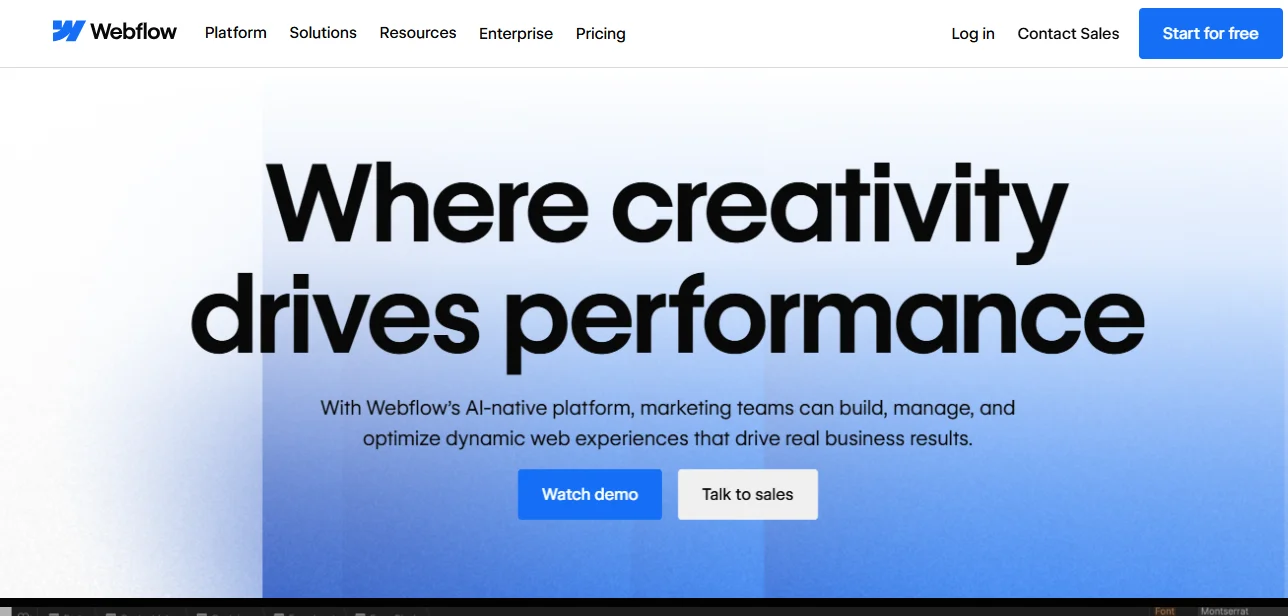
Webflow is a powerful no-code website builder and CMS that combines the flexibility of coding with the simplicity of visual design. It allows designers and businesses to create custom websites visually — without relying on WordPress plugins or developers. Webflow provides built-in hosting, SEO tools, CMS capabilities, and animations, all in one unified platform.
Why Choose Webflow Over WordPress?
While WordPress requires managing themes, plugins, and updates, Webflow offers a streamlined, all-in-one solution. You get design freedom similar to custom coding but with the ease of a drag-and-drop builder. Plus, hosting is handled by Webflow itself — so there’s no need for external hosting or maintenance.
Key Features
- Visual Editor: Pixel-perfect drag-and-drop design tool with code-level precision.
- Built-in CMS: Create dynamic blogs, portfolios, or product databases — no plugins required.
- Hosting on AWS: Fast, secure hosting with a global CDN for speed and uptime.
- Native SEO Tools: Add meta titles, alt text, and structured data directly in the editor.
- E-commerce Integration: Sell products and manage checkout within Webflow.
- Animations and Interactions: Build dynamic scroll and hover effects visually.
- Integrations: Works with Zapier, Google Analytics, HubSpot, and more.
Best For
- Designers and freelancers who want creative control.
- Agencies that need custom client websites.
- Businesses seeking a modern, plugin-free CMS.
Pricing
- Starts at: $14/month (billed annually)
- E-commerce plans: From $29/month
- Free plan available for testing.
Pros
- Complete design freedom without coding.
- No need for plugins or third-party hosting.
- Fast performance with enterprise-grade uptime.
- Built-in CMS and SEO tools.
- Great for teams and agencies.
Cons
- Steeper learning curve for beginners.
- Can be expensive for advanced or multiple projects.
2. Wix
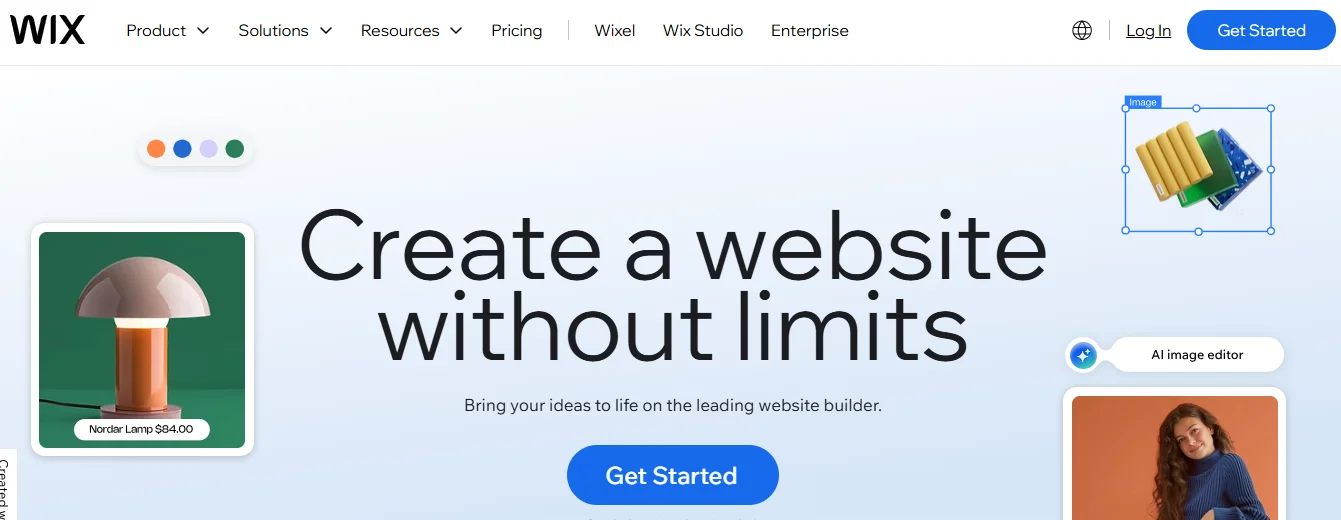
Wix is an all-in-one website builder designed for simplicity. With its intuitive drag-and-drop interface and AI-powered design assistant (Wix ADI), anyone can create a professional website in minutes. It’s especially ideal for small businesses, freelancers, and individuals who want to go live quickly.
Why Choose Wix Over WordPress?
WordPress requires hosting setup, plugin installations, and manual updates. Wix, on the other hand, handles everything — hosting, security, and updates — behind the scenes. Its templates and ADI system make website creation fast and beginner-friendly.
Key Features
- 900+ Templates: Professionally designed for every niche.
- AI Design Assistant: Automatically generates a site layout based on your business type.
- Drag-and-Drop Editor: Customize pages visually without touching code.
- App Market: Access 250+ integrations for email, analytics, booking, and more.
- E-commerce Tools: Sell products, manage orders, and accept payments.
- SEO Tools: Built-in site optimization, schema, and page performance tools.
Best For
- Beginners with no web design experience.
- Small businesses and service providers.
- Creatives who need quick portfolio sites.
Pricing
- Starts at: $17/month (billed annually).
- Free plan available (with Wix branding).
Pros
- Extremely beginner-friendly.
- Hundreds of ready templates.
- Built-in hosting and SSL.
- No coding needed.
- Excellent customer support.
Cons
- Can’t switch templates after publishing.
- Limited customization for advanced users.
3. Squarespace
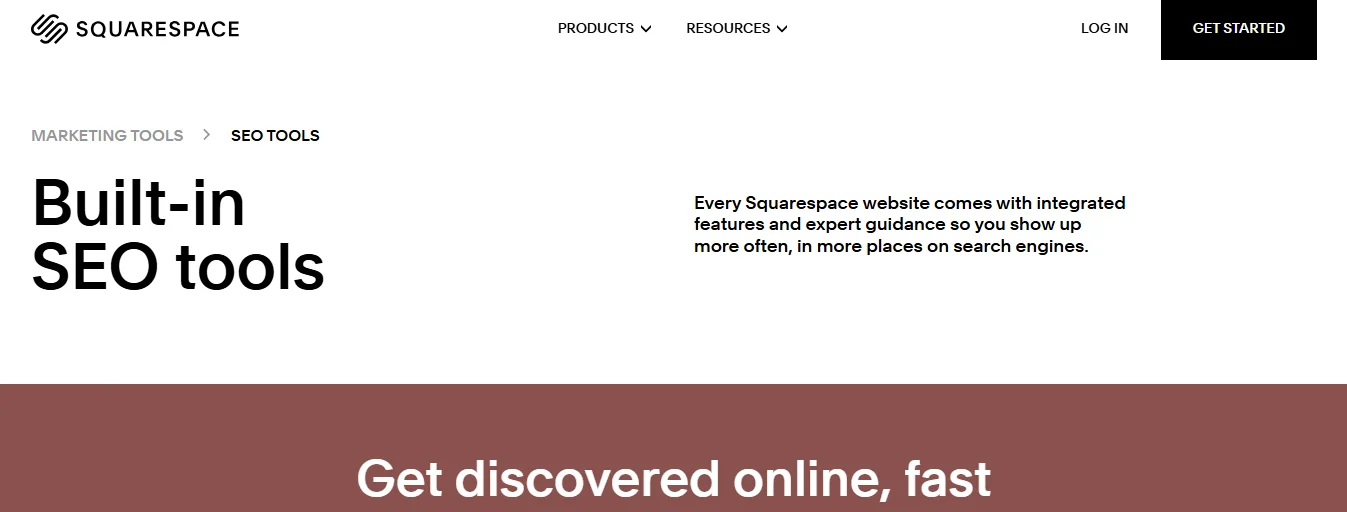
Squarespace is a design-focused website builder known for its stunning, high-quality templates. It’s ideal for photographers, designers, artists, and other creatives who prioritize aesthetics and simplicity over deep customization.
Why Choose Squarespace Over WordPress?
While WordPress offers thousands of themes, it can take time to find and customize a stylish design. Squarespace simplifies this by offering professionally designed templates that look beautiful out of the box — no coding or heavy customization required.
Key Features
- Award-Winning Templates: Gorgeous designs for portfolios, blogs, and stores.
- Built-In E-commerce: Sell products and services easily.
- Scheduling Tools: Allow clients to book appointments directly.
- Email Campaigns: Create and send newsletters from your dashboard.
- SEO and Analytics: Integrated performance insights and optimization tools.
- Mobile Optimization: Every design is responsive by default.
Best For
- Creative professionals (artists, photographers, designers).
- Small businesses and personal brands.
- Anyone who wants a sleek, modern look with minimal setup.
Pricing
- Starts at: $16/month (billed annually).
- E-commerce plans start at $27/month.
Pros
- Elegant, professional templates.
- Easy drag-and-drop customization.
- All-in-one platform (hosting + tools).
- Built-in marketing and analytics.
Cons
- Limited third-party integrations.
- Less customization flexibility than WordPress.
4. Shopify

Shopify is a dedicated e-commerce platform built to help businesses sell products online with ease. Unlike WordPress (which requires plugins like WooCommerce for e-commerce), Shopify provides everything — from product management to payment processing — under one roof.
Why Choose Shopify Over WordPress?
WordPress can handle e-commerce through plugins, but managing them can get complex. Shopify, on the other hand, is purpose-built for online stores, with built-in inventory management, secure payment gateways, and 24/7 support. It simplifies selling online for beginners and scales easily for larger businesses.
Key Features
- Complete E-commerce Solution: Manage inventory, payments, and shipping from one dashboard.
- App Store: Over 6,000 integrations for marketing, analytics, and automation.
- Multi-Channel Selling: Sell on social media, marketplaces, and your website.
- Abandoned Cart Recovery: Automatically reminds customers to complete purchases.
- Shopify Payments: Accept payments globally with 100+ gateways.
- AI Tools: Generate product descriptions and optimize store content with AI.
- POS System: Integrate offline and online sales in one place.
Best For
- Businesses focused on selling products or services online.
- E-commerce startups and established online stores.
- Entrepreneurs who need scalability and simplicity.
Pricing
- Starts at: $29/month (billed annually).
- 3-day free trial available.
Pros
- Comprehensive e-commerce features.
- Scalable for any business size.
- 24/7 customer support.
- Secure hosting and PCI compliance.
- Large app ecosystem.
Cons
- Transaction fees (unless using Shopify Payments).
- Limited blogging and content flexibility compared to WordPress.
Related Article: 11 WordPress CRM Plugins to Supercharge Your Business
5. Ghost
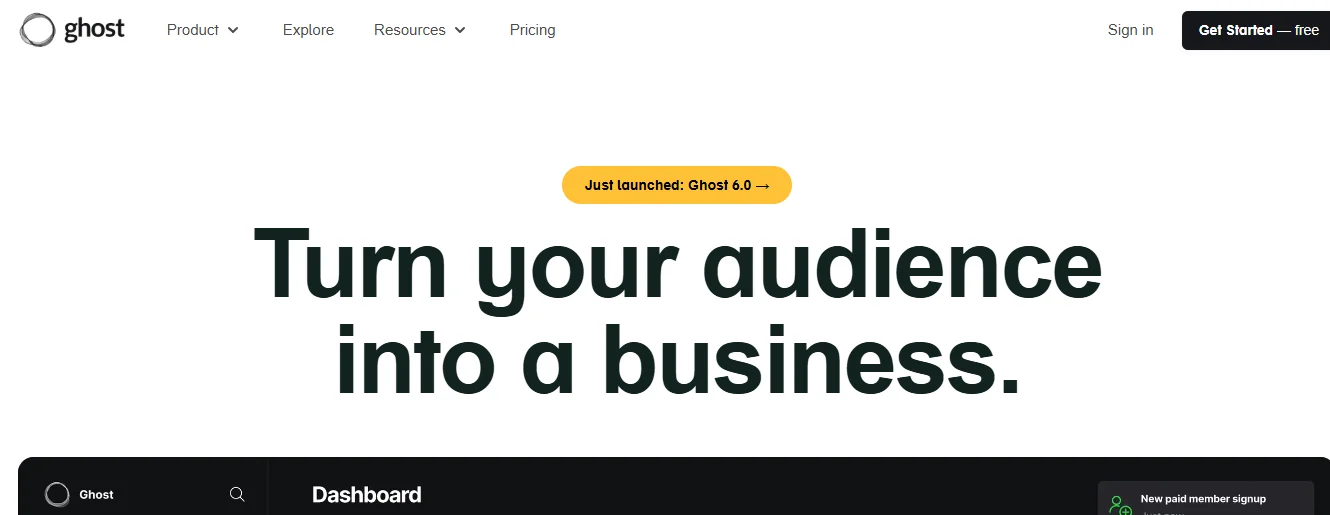
Ghost is a modern, open-source CMS built specifically for writers, bloggers, and publishers. It focuses on clean design, speed, and a distraction-free writing experience. Unlike WordPress, which relies heavily on plugins, Ghost includes everything content creators need out of the box.
Why Choose Ghost Over WordPress?
If your main goal is publishing content, Ghost offers a simpler, faster, and cleaner alternative. It’s built on Node.js (not PHP), which makes it extremely fast. It also supports built-in membership and subscription options for monetizing content — without any plugins or fees.
Key Features
- Distraction-Free Editor: Minimalist interface for writing and editing.
- Built-In SEO and Social Tools: No need for external plugins.
- Memberships and Subscriptions: Monetize your content directly with 0% fees.
- Newsletters: Send email updates to your subscribers easily.
- Fast Performance: Built on Node.js for superior speed.
- Clean Themes: Choose from lightweight, modern designs.
Best For
- Bloggers, writers, and content marketers.
- Online magazines and publishers.
- Businesses focused on content marketing.
Pricing
- Starts at: $9/month (Ghost Pro hosting).
- Free to self-host with the open-source version.
Pros
- Excellent writing and publishing experience.
- Native support for SEO and memberships.
- Lightweight and extremely fast.
- Open-source flexibility.
Cons
- Fewer themes and integrations than WordPress.
- Requires technical skills for self-hosting.
6. Drupal

Drupal is a powerful, open-source content management system (CMS) used by governments, universities, and large enterprises. It’s designed for complex, high-traffic websites that require advanced customization, security, and scalability.
Why Choose Drupal Over WordPress?
While WordPress is user-friendly, it can struggle with highly complex sites. Drupal, on the other hand, excels at managing structured content, multiple user roles, and large-scale projects. It’s also known for its top-tier security, making it a favorite among enterprise developers.
Key Features
- Modular Architecture: Customize features through thousands of modules.
- Advanced User Permissions: Ideal for large organizations with multiple editors.
- API-First Design: Built for integrations with REST, GraphQL, and JSON:API.
- Multilingual Capabilities: Natively supports 100+ languages.
- Enterprise-Grade Security: Used by governments worldwide.
- Scalability: Handles massive traffic and data loads efficiently.
Best For
- Developers and enterprise organizations.
- Government websites and universities.
- Businesses with complex data and workflows.
Pricing
- Free and open-source, but hosting and development costs vary.
Pros
- Highly customizable and scalable.
- Extremely secure.
- Excellent for complex websites.
- Strong developer community.
Cons
- Steep learning curve for beginners.
- Requires technical knowledge for setup and maintenance.
7. Joomla
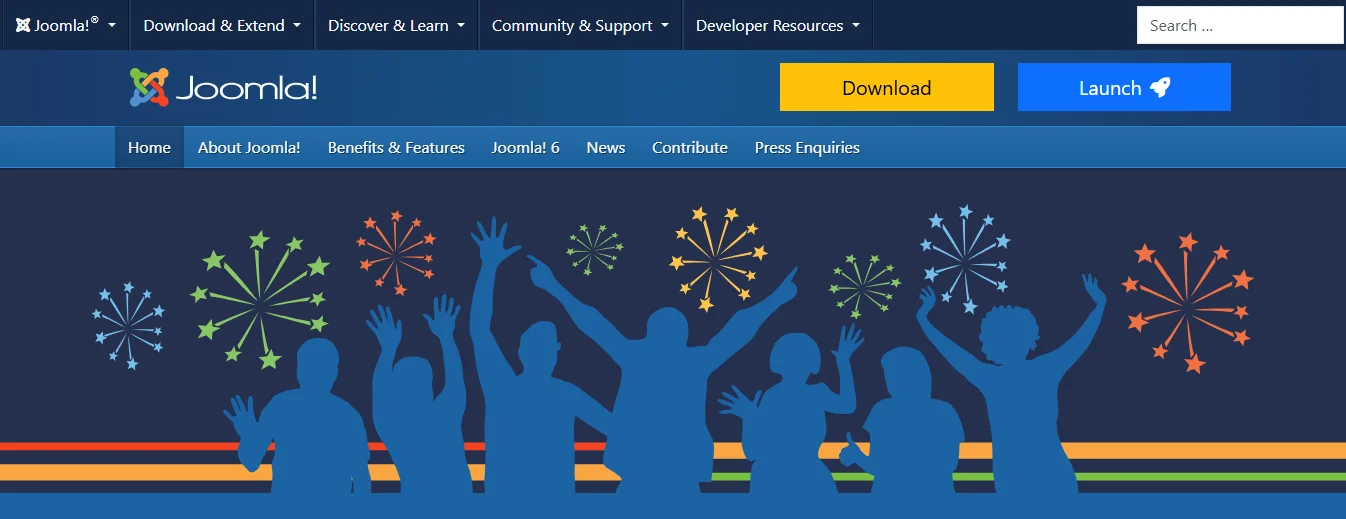
Joomla is another open-source CMS, sitting between WordPress and Drupal in complexity. It offers a balance between usability and flexibility, making it suitable for organizations that want more power than WordPress without the steep learning curve of Drupal.
Why Choose Joomla Over WordPress?
Joomla provides more built-in features than WordPress out of the box, such as multilingual support and advanced user management. It’s ideal for organizations or schools that want to manage different content types without installing many plugins.
Key Features
- Built-In Multilingual Support: No need for translation plugins.
- User Management Tools: Set roles, permissions, and access levels.
- Banner and Media Management: Control visual elements easily.
- Extensions Directory: Over 5,700 add-ons and templates.
- SEO-Ready: Manage URLs, metadata, and breadcrumbs natively.
Best For
- Nonprofits, schools, and community organizations.
- Users with moderate technical skills.
- Websites needing multiple contributors.
Pricing
- Free and open-source (requires domain and hosting).
Pros
- Strong community support.
- More built-in features than WordPress.
- Flexible and secure.
Cons
- Smaller plugin ecosystem than WordPress.
- Learning curve for non-technical users.
8. Weebly
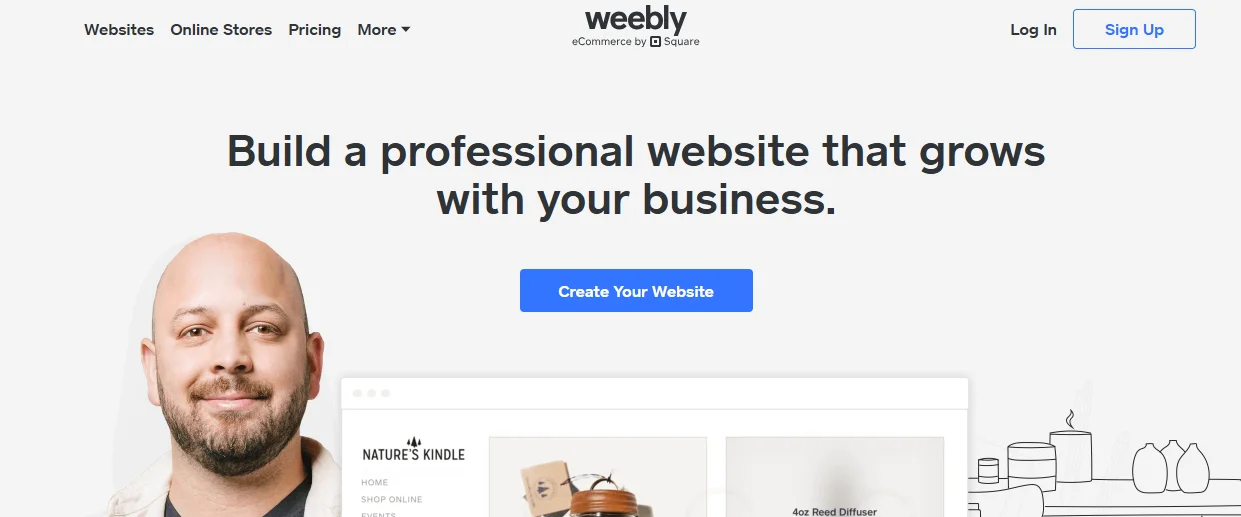
Weebly is a simple, budget-friendly website builder with drag-and-drop functionality. It’s owned by Square, making it a great choice for small businesses that also need integrated payment processing.
Why Choose Weebly Over WordPress?
Weebly is much easier to use — no plugins, no updates, and no hosting setup. It’s ideal for beginners or businesses that need a quick, affordable website without complex features.
Key Features
- Drag-and-Drop Editor: Intuitive builder for pages and layouts.
- E-commerce Integration: Powered by Square for payments.
- Free Plan: Create a basic site at no cost.
- Email Marketing: Send newsletters and manage campaigns.
- Integrated Analytics: Track visitors and conversions.
- SSL Certificate: Included for free.
Best For
- Beginners and small businesses on a budget.
- Simple online stores or service sites.
Pricing
- Starts at: $10/month.
- Free limited version available.
Pros
- Very affordable.
- Easy to use with drag-and-drop design.
- Built-in e-commerce and marketing tools.
Cons
- Limited customization options.
- Ads on the free version.
9. Framer
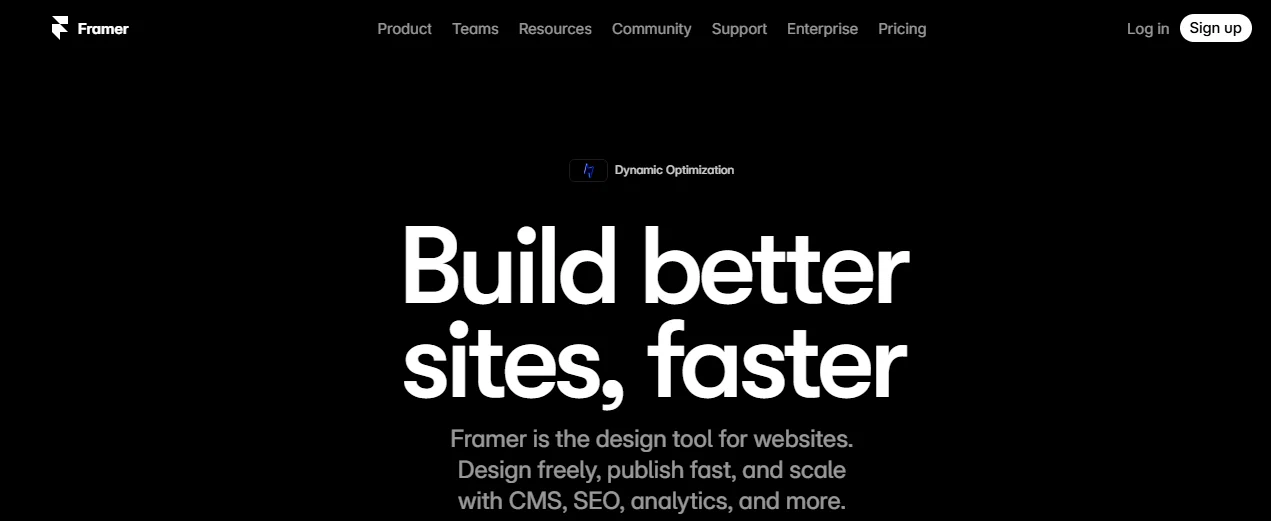
Framer is a modern website builder that blends design and development into a single tool. It’s popular among designers for its sleek, collaborative interface and integration with Figma.
Why Choose Framer Over WordPress?
Framer focuses on visual design precision and team collaboration, unlike WordPress which often requires multiple plugins and manual syncing. Framer enables designers to create and publish fully responsive sites directly from a visual editor — without coding.
Key Features
- No-Code Drag-and-Drop Editor: Visually create responsive websites.
- Figma Integration: Import and convert Figma designs into live websites.
- Global Hosting: Instant publishing with fast CDN.
- AI-Powered Design Tools: Auto-generate layouts and copy.
- SEO Tools: Manage meta tags, sitemaps, and page performance.
- Team Collaboration: Real-time co-editing and feedback.
Best For
- Design and marketing teams.
- Agencies that work in Figma.
- Startups needing quick, beautiful websites.
Pricing
- Starts at: $10/month.
- Free plan available for small projects.
Pros
- Excellent for design teams.
- Figma integration saves time.
- Clean, modern interface.
Cons
- Smaller template library.
- Limited plugin ecosystem compared to others.
10. Google Sites
Google Sites is a free, cloud-based website builder from Google that’s ideal for internal sites, projects, and simple personal pages. It integrates seamlessly with other Google Workspace tools like Drive, Calendar, and Docs.
Why Choose Google Sites Over WordPress?
If you need a basic website without the overhead of hosting, plugins, or updates, Google Sites is perfect. It’s completely free and designed for simplicity and collaboration.
Key Features
- Completely Free: No hosting or subscription fees.
- Google Integration: Embed Docs, Sheets, Forms, and more.
- Collaborative Editing: Multiple users can edit in real-time.
- Responsive Templates: Automatically adapts to mobile screens.
- Version Control: Easy to track and revert changes.
Best For
- Internal company or project websites.
- Simple personal or event sites.
- Educators and small teams.
Pricing
- Free with a Google account.
Pros
- 100% free to use.
- Integrates seamlessly with Google Workspace.
- Simple and quick to set up.
Cons
- Very limited customization.
- Not suitable for business or e-commerce use.
WordPress Alternatives Comparison Table
| Platform | Best For | Starting Price | Key Strength | Technical Level |
| Webflow | Designers & pros | $14/month | Design control | Intermediate |
| Wix | Beginners | $17/month | Ease of use | Beginner |
| Squarespace | Creatives | $16/month | Beautiful templates | Beginner |
| Shopify | E-commerce | $29/month | Online selling | Beginner |
| Ghost | Bloggers | $9/month | Publishing focus | Intermediate |
| Drupal | Enterprise | Free | Flexibility & security | Advanced |
| Joomla | Organizations | Free | Multilingual support | Intermediate |
| Weebly | Budget users | $10/month | Affordability | Beginner |
| Framer | Design teams | $10/month | Collaboration | Intermediate |
| Google Sites | Simple sites | Free | Google integration | Beginner |
How to Choose the Right WordPress Alternative for Your Needs
Here’s a quick recommendation based on your goals:
| Website Type | Recommended Platforms |
| Personal Blogs | Ghost, Wix, Weebly |
| Creative Portfolios | Squarespace, Webflow |
| E-commerce Stores | Shopify, Wix, Squarespace |
| Enterprise Websites | Drupal, Joomla |
| Design Control & Customization | Webflow, Framer |
| Budget-Friendly Options | Google Sites, Weebly, Joomla |
| Team Collaboration | Framer, Webflow |
FAQs
1. Are WordPress alternatives easier to use than WordPress?
Yes. Platforms like Wix, Squarespace, and Weebly are far more beginner-friendly. WordPress offers deeper customization but requires more maintenance and technical setup.
2. Can I migrate my existing WordPress site to another platform?
Yes, though it can be tricky. Many platforms like Webflow and Wix offer migration tools, but you may need to manually move content and redesign pages.
3. Which WordPress alternative is best for SEO?
Webflow, Ghost, and Squarespace offer strong built-in SEO tools, making them ideal for ranking well in search results.
4. Do I need coding skills to use these alternatives?
No — most options like Wix, Squarespace, and Shopify are completely no-code. Platforms like Drupal and Webflow give more control if you know HTML/CSS.
5. Are free WordPress alternatives reliable?
Yes, but with limitations. Google Sites and Weebly Free are great for simple projects but may lack advanced features and custom domains.
6. Which platform offers the best e-commerce tools?
Shopify is the leader for online selling, with excellent scalability, features, and integrations.
7. Is WordPress still worth using in 2026?
Yes — WordPress remains powerful and customizable, but for users wanting simplicity, automation, and less maintenance, these alternatives can be better choices.
Conclusion
WordPress remains a great platform, but it’s not perfect for everyone. If you’re tired of managing plugins or want a simpler, faster experience, these 10 WordPress alternatives can help you build a website that truly fits your needs.
Whether you’re a creative professional using Squarespace, a business owner on Shopify, or a designer exploring Webflow, there’s a perfect match for every skill level and goal.

Passionate about blogging and focused on elevating brand visibility through strategic SEO and digital marketing. Always tuned in to the latest trends, I’m dedicated to maximizing engagement and delivering measurable ROI in the dynamic world of digital marketing. Let’s connect and unlock new opportunities together!