


Customer relationship management (CRM) is no longer a luxury—it’s essential for businesses that want to grow, nurture leads, and deliver excellent service. With WordPress powering over 40% of the web, it’s only natural that a range of CRM plugins let you manage your contacts, automate marketing, track sales, and centralize customer data without leaving your dashboard. But which plugin is right for your needs? This in-depth guide examines the top 11 WordPress CRM plugins that can supercharge your business in 2025.

How to Choose the Best WordPress CRM Plugin
Selecting the right CRM for your WordPress site means balancing business size, required features, integration needs, and budget. For small businesses, simplicity and cost matter most. Larger teams might demand advanced automation, segmentation, or multichannel comms. Must-have features to watch for include custom contact fields, lead and deal tracking, robust reporting, automation, email marketing tools, and integrations with e-commerce or membership plugins.
When evaluating plugins:
- Ensure seamless WordPress dashboard integration
- Look for scaling ability (free core + paid upgrades)
- Check for privacy and data control
- Review automation and email marketing capabilities
- Read reviews about support and reliability
Benefits of Using WordPress CRM Plugins
- Centralized Data: Manage all your leads, support tickets, purchase history, and follow-ups from one place, improving team collaboration and client satisfaction.
- Seamless Automation: Automate emails, schedule follow-ups, and trigger messages based on user actions to save time and reduce errors.
- Contact Segmentation: Group contacts by status, interests, funnel stage or purchase behavior to target your outreach and personalize service.
- WooCommerce and Form Integration: Sync store customers or web form leads directly into your CRM for smoother sales funnels.
- Better Insights: Use built-in analytics to drive decision-making and monitor sales performance over time.
The Best WordPress CRM Plugins for 2025
Now let’s explore eleven exceptional WordPress CRM plugins, each offering unique strengths for different business scenarios.
1. HubSpot
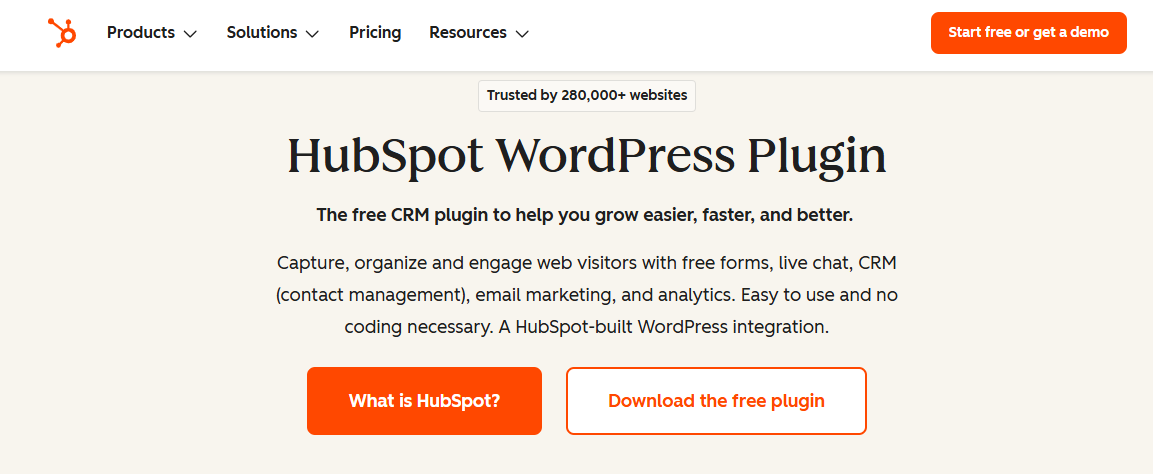
HubSpot stands as one of the most popular CRM solutions globally, and its WordPress integration brings enterprise-grade functionality to WordPress users at no cost. With over 300,000 active installations, HubSpot has proven its value across diverse business types.
Key Features
- Contact management platform with list building and segmentation
- Logged interactions and real-time contact updates
- Live chat conversations with CRM logging
- Form builder (popups, banners, embedded forms)
- Email marketing tool (2,000 free emails/month)
- Drag-and-drop builder for emails
- Automated email triggers
- Reports and analytics dashboard
- 300+ seamless integrations (WooCommerce, Stripe, Gravity Forms, Zapier)
Pricing
- Core: Free
- Paid plans available for advanced features
Reviews & Stats
- 4.4 out of 5 stars (WordPress.org)
- 53.3% of survey respondents prefer HubSpot’s free CRM
Who should consider this plugin
- Rapidly growing companies with solid cash flow
- Businesses using HubSpot’s full marketing suite
- Companies needing advanced CRM and marketing tools
2. WP ERP
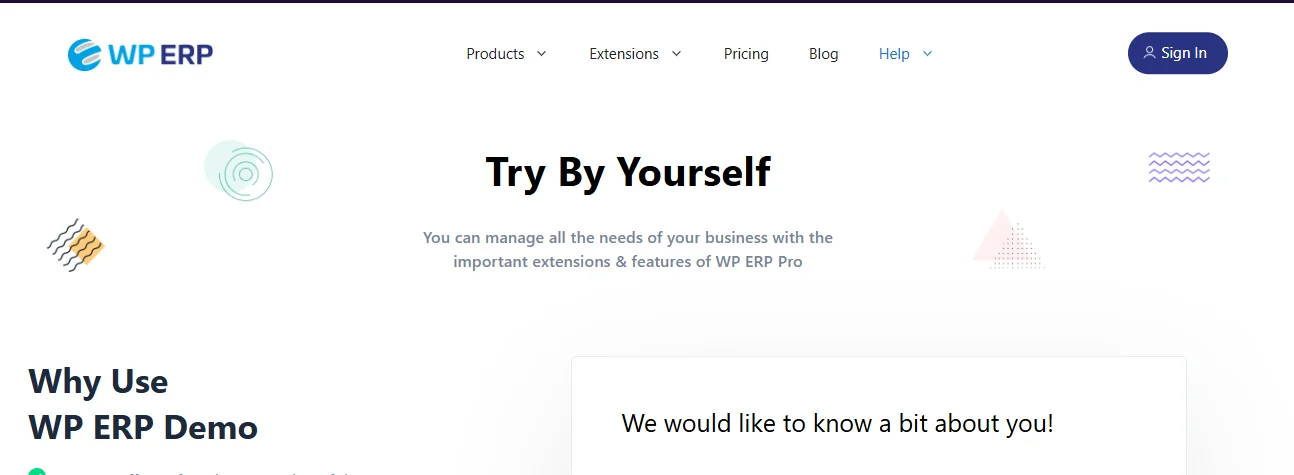
WP ERP takes a unique approach by combining CRM, human resources management, and accounting into a single modular plugin. With over 7,000 active installations, this free solution attracts businesses wanting comprehensive business management tools.
Key Features
- 40+ currency support
- Notification emails with templates
- Full company profile with white labeling
- HR Manager (locations, employee benefits, announcements)
- Client management (customer lifecycle, contact groups)
- Notes and activity logs for customers
- Database filtering (attributes, keywords)
- Contact assignment to specific agents
- CRM activity reports
- Integrated accounting system (balance sheet, income tracking)
- Extensions available (attendance module, HR frontend, WooCommerce)
Pricing
- Core plugin: Free
- Premium plans: From $155.88/year
Reviews & Stats
- 4.4 out of 5 stars (WordPress.org)
Who should consider this plugin
- Cost-conscious companies
- Businesses needing multiple integrations
- Companies wanting built-in accounting functionality
3. WordPress CRM Plugin (WP-CRM System)
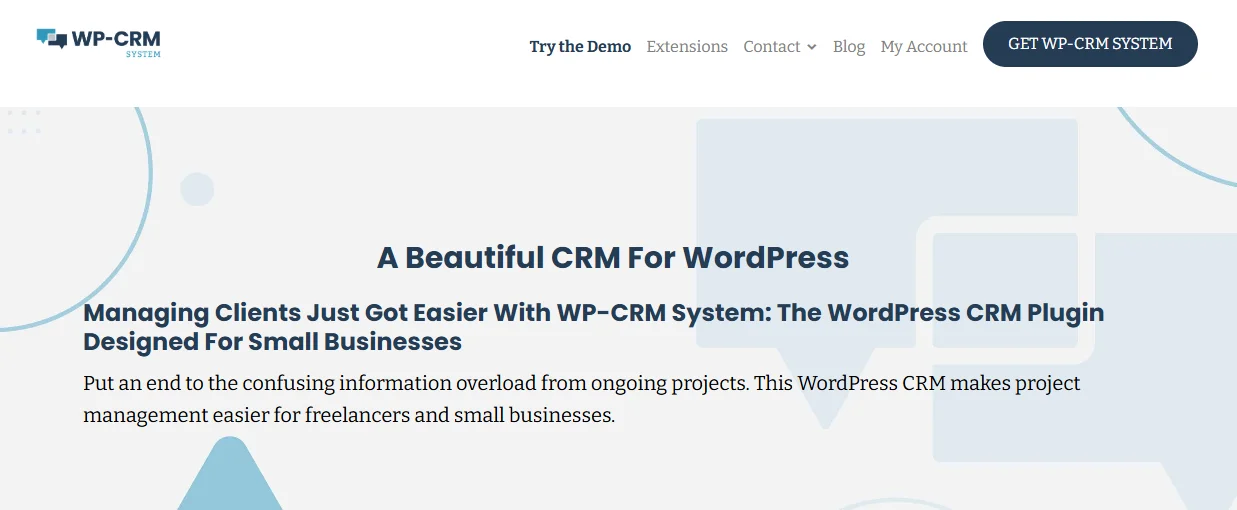
WP-CRM System delivers a fully-featured CRM directly in your WordPress dashboard with an emphasis on simplicity and self-hosting. With 1,000+ active installations, this plugin serves businesses prioritizing data ownership and customization.
Key Features
- Simple contact management (unlimited contacts)
- Custom fields for CRM customization
- Project management essentials
- CSV import/export
- Comprehensive reporting
- Premium add-ons (Slack, Gravity Forms, Dropbox, Zendesk, MailChimp)
- One-click contact creation
- Multilingual support
- Self-hosted (complete data ownership)
- Client Area add-on
- Configurable notifications
- Developer-friendly customization
Pricing
- Core plugin: Free
- Premium version: $99/year
Reviews & Stats
- 3.9 out of 5 stars (WordPress.org)
Who should consider this plugin
- Brands on a budget
- Those needing a simpler interface
- Companies wanting flexibility and extendability
4. Web-to-Lead for Salesforce
For businesses already invested in the Salesforce ecosystem, Web-to-Lead for Salesforce bridges WordPress with one of the world’s most powerful CRM platforms. With 3,000+ active installations, this plugin serves Salesforce users needing WordPress integration.
Key Features
- Links to powerful Salesforce platform
- Contact form for WordPress site
- Widget for form placement
- Form builder in WordPress dashboard
- Account and contact management (communications, social media)
- Opportunity management (stages, competition analysis, quotes)
- Lead management and tracking
- Sales data reporting
- Productivity tools (visual workflows, file syncing)
- Marketing tools (email studio, journey builder, social studio)
Pricing
- Plugin: Free
- Salesforce account required (varying prices)
Reviews & Stats
- 4.4 out of 5 stars (WordPress.org)
Who should consider this plugin
- Businesses already using or planning to use Salesforce
- Companies needing all-in-one scalable solution
- Not ideal for smaller businesses without cash flow
5. Bitrix24 CRM
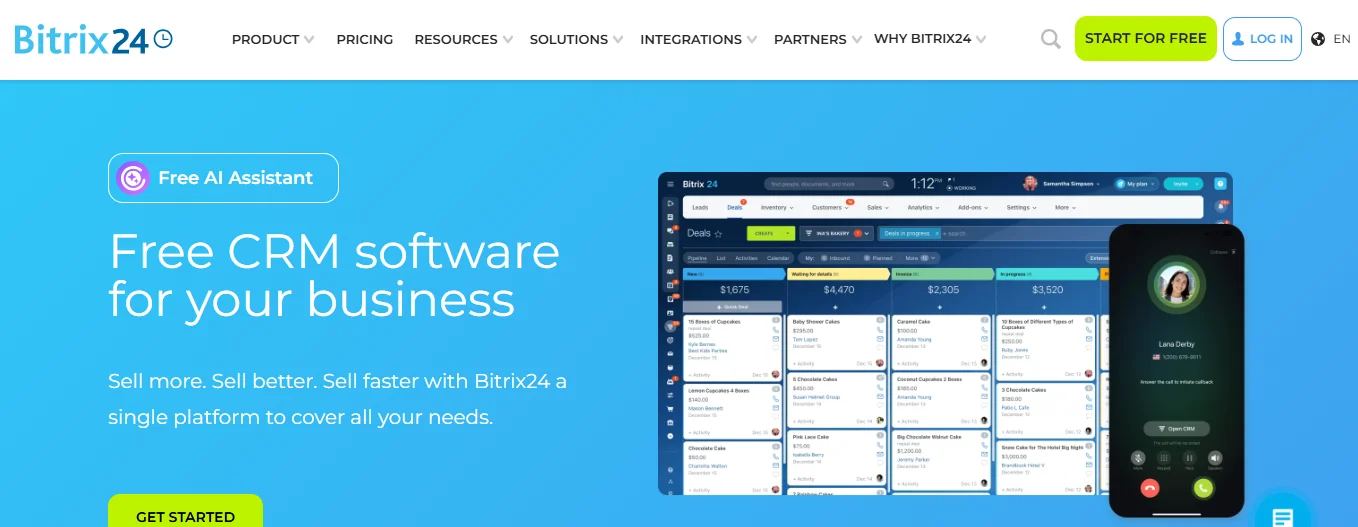
Bitrix24 CRM offers a feature-rich, free CRM tool with WordPress integration that stores contacts directly in your WordPress user database. The system supports both manual and automatic contact capture.
Key Features
- Easy contact form creation
- Shortcodes for form placement
- User organization with custom attributes
- List filters for large contact lists
- Communication tracking and notes
- Individual and bulk editing
- Notification management
- CSV import/export
- Dynamic charts on dashboard
- SMS notifications add-on
- Invoice tracking
- Custom fields (contact time, past sales, services)
- User roles for data security
- Color options for branding
Pricing
- Plans from $49/month (billed annually)
Who should consider this plugin
- Those wanting inexpensive CRM
- Companies preferring WordPress dashboard integration
- Businesses needing powerful reports and invoicing
6. Contact Form 7 Zoho
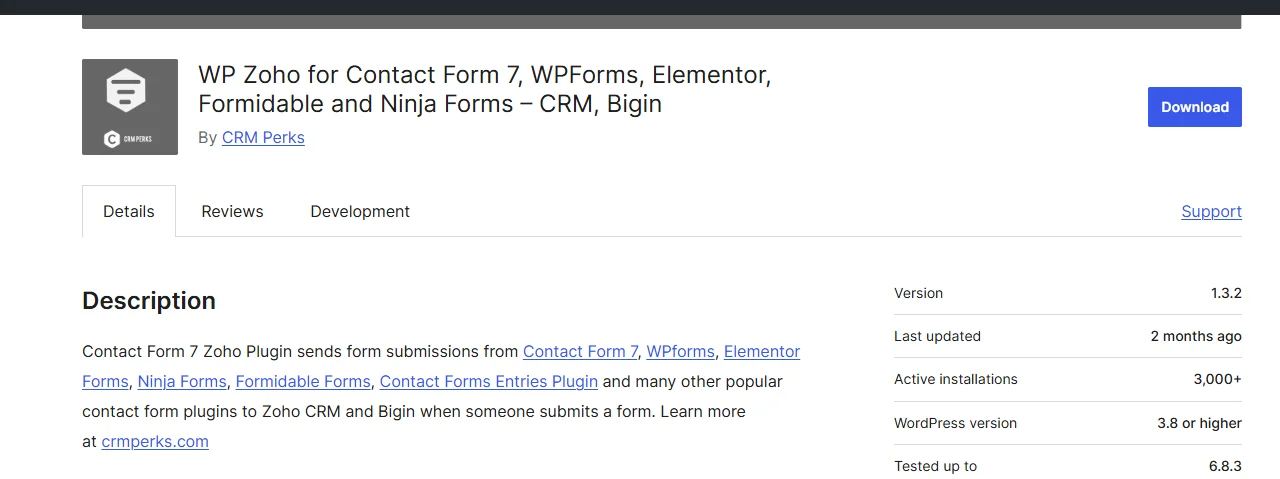
Contact Form 7 Zoho serves as a bridge connecting Contact Form 7 submissions with Zoho CRM, one of the leading cloud-based CRM platforms. With 2,000+ active installations, this plugin attracts Zoho users needing WordPress integration.
Key Features
- Advanced search tool (phone, email)
- Google Analytics integration
- Geolocation feature
- Custom modules, attachments, tags
- Two-way contact sync (WordPress and Zoho)
- Unlimited custom fields
- Filter Contact Form 7 submissions
- Manual data sending control
- Logs all customer interactions
- Customer profiles in both platforms
- Data sent as object notes
Pricing
- Core plugin: Free
- Premium: From $59
- Zoho CRM has separate pricing
Reviews & Stats
- 5 out of 5 stars (WordPress.org)
Who should consider this plugin
- Existing Zoho product users
- Contact Form 7 users
- Companies wanting affordable premium CRM
7. Lead Form Data Collection to CRM
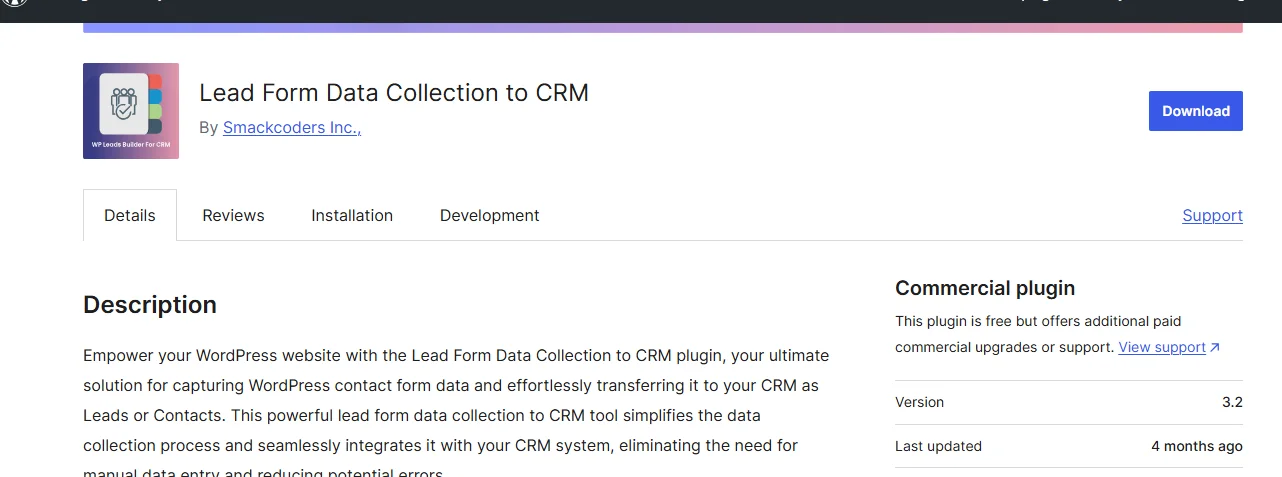
Lead Form Data Collection to CRM takes a versatile approach by connecting WordPress forms to multiple popular CRM platforms including Vtiger, Freshsales, SugarCRM, Salesforce, and Zoho. With 600+ active installations, this plugin serves businesses using various CRM systems.
Key Features
- Works with most contact forms
- Integrates with popular CRMs
- Developer tools for custom CRM integration
- Unlimited forms
- Converts data to CRM leads
- Shortcodes for placement
- Workflow for contact syncing
- Built-in simple contact form
- Post-submission redirects
- Email notifications (admin and user)
- WooCommerce add-on (checkout, abandoned cart data)
- MemberPress field syncing
- User syncing (new and existing)
- Duplicate contact handling
- Google Captcha security
Pricing
- Core plugin: Free
- Premium: $99
Reviews & Stats
- 4 out of 5 stars (WordPress.org)
Who should consider this plugin
- Brands using CRMs without direct WordPress connection
- Companies needing WooCommerce data capture
- Those wanting abandoned cart tracking
Related Article: 7 Best Manufacturing CRMs In 2025
8. FuseWP
FuseWP functions as a marketing automation bridge between WordPress and various CRMs and email service providers. With 2,000+ active installations, this plugin simplifies complex data synchronization.
Key Features
- Automatic WordPress user sync with CRM/email service
- Customer data and purchase syncing
- E-commerce integrations (WooCommerce, Easy Digital Downloads)
- LMS integrations (LifterLMS, LearnDash)
- Custom field syncing (products, order totals, form data)
- Tags and custom fields based on user actions
- Bulk sync tool for historical data
- Reliable customer support and guides
- Integrates with ActiveCampaign, Mailchimp, HubSpot, Zoho, and more
Pricing
- Core plugin: Free
- Premium: From $99/year
Reviews & Stats
- 5 out of 5 stars (WordPress.org)
Who should consider this plugin
- Users needing simple WordPress data syncing
- E-commerce, membership, or course platform owners
- Those already using external CRM
9. WP Fusion
WP Fusion connects WordPress actions to over 100 CRM solutions, creating sophisticated automation based on user behavior. With 5,000+ active installations of the Lite version, WP Fusion has proven its value across diverse use cases.
Key Features
- Integration with 100+ CRM solutions (AWeber, HubSpot, Salesforce, Zoho)
- Basic CRM tools (contact creation, access restriction)
- Membership site building via CRM tags
- WooCommerce and Easy Digital Downloads integrations
- LMS integrations (LifterLMS, LearnDash)
- Email marketing program links (MailerLite, MailChimp)
- Customer data syncing (lifetime values, synced accounts)
- Add-ons (abandoned cart, downloads, enhanced e-commerce)
- Content restriction via user tagging
- Custom field support
- Automatic tag addition on registration
- Import/export functionality
- Widget for redirection/content blocking
- Zapier integration
- Dedicated customer support
Pricing
- Lite plugin: Free
- Premium: From $297/year
Reviews & Stats
- 5 out of 5 stars (WordPress.org)
Who should consider this plugin
- Companies wanting simple CRM for contacts and tagging
- Those using CRM needing seamless WordPress integration
- Willing to pay higher one-time fee
10. vCita CRM
vCita CRM offers a premium, all-in-one solution with heavy-duty features for comprehensive business management. A 14-day free trial allows evaluation before commitment.
Key Features
- Excellent, intuitive interface
- Custom follow-ups (events, invoices, appointments)
- Client portal (profile management, payments, document sharing)
- Team collaboration tools
- Mobile interface
- Dashboard overview (payments, messages, invoices, appointments)
- Centralized contact storage
- Lead generation widget
- Marketing campaigns (SMS, email)
Pricing
- 14-day free trial
- Plans from $29/month
Who should consider this plugin
- Those needing all-in-one office management solution
- Companies wanting excellent interfaces
- Businesses requiring appointment scheduling
- Mid-range budget companies
11. Groundhogg
Groundhogg distinguishes itself as a completely self-hosted CRM and marketing automation platform built specifically for WordPress. With 2,000+ active installations, Groundhogg attracts businesses prioritizing data ownership and avoiding per-contact pricing.
Key Features
- Integrates with WordPress plugins (WooCommerce, Gravity Forms, LMS)
- 40+ extensions (Payments, Social Proof, Appointment Bookings)
- Completely self-hosted (data ownership)
- Clear reports with charts and sharing tools
- Advanced emailing system (automated, manual, unlimited emails)
- Unlimited database list
- Unlimited custom fields
- Drag-and-drop email builder
- Funnels builder (steps, suggestions, templates)
- Unrestricted importing/exporting
- WordPress multisite compatible
- Open-source with short learning curve
- Visual funnel and automation builder
- Advanced contact management and segmentation
- Lead scoring and tagging
Pricing
- Core plugin: Free
- Premium: From $20/month to $80/month (Agency Plan)
Reviews & Stats
- 4.9 out of 5 stars (WordPress.org)
Who should consider this plugin
- Users wanting self-hosted, open-source CRM
- Growing businesses with large contact lists
- Companies wanting to avoid per-contact pricing
- Agencies managing multiple clients
WordPress CRM Plugins: Self-Hosted vs. Cloud-Based Solutions
Understanding the fundamental difference between self-hosted and cloud-based CRM solutions helps inform your choice.
Understanding the Difference
Self-hosted CRMs store all data on your own server infrastructure, whether that’s your web hosting account or dedicated servers you control. WordPress CRM plugins typically follow this model, installing directly on your WordPress site.
Cloud-based solutions store data on the vendor’s servers, accessed through web interfaces or APIs. While some WordPress CRM plugins connect to cloud platforms (like HubSpot or Salesforce integrations), the data ultimately resides with those third-party providers.
Self-Hosted Advantages
Complete data control and ownership represents the primary benefit of self-hosted solutions. Your customer information never leaves your servers, ensuring compliance with data sovereignty requirements and eliminating concerns about vendor access.
Greater customization options emerge from direct access to the CRM codebase and database. Developers can modify functionality, create custom integrations, and tailor the system precisely to business requirements.
Enhanced security control allows implementation of your own security measures, access controls, and encryption standards. You’re not dependent on a vendor’s security practices.
One-time costs versus ongoing subscriptions can provide long-term savings. While self-hosted solutions may require upfront investment in hosting infrastructure, they avoid perpetual monthly fees that accumulate over years.
No dependency on internet connectivity means your CRM remains accessible even during network outages, though this primarily benefits on-premises server deployments rather than cloud-hosted WordPress sites.
Cloud-Based Advantages
Easy implementation and setup makes cloud CRMs attractive for non-technical users. Sign up, log in, and start using the system immediately without installation or configuration.
Automatic updates and maintenance shift responsibility to the vendor. Security patches, feature updates, and infrastructure maintenance happen transparently without requiring your involvement.
Accessibility from anywhere with an internet connection enables remote work and mobile access. Cloud CRMs excel at supporting distributed teams.
Scalability as business grows happens seamlessly with cloud platforms. Adding users, storage, or features typically requires just a plan upgrade.
Lower upfront investment reduces barriers to entry. Cloud CRMs often feature free tiers or low-cost starter plans, while self-hosted solutions may require hosting upgrades or dedicated servers.
Making the Right Choice
Consider your business needs and budget first. Small businesses with limited technical resources may prefer cloud simplicity, while larger organizations with IT teams might value self-hosted control.
Evaluate IT capabilities honestly. Self-hosted solutions require server management, backup procedures, and technical troubleshooting skills.
Assess data security requirements based on your industry and regulations. Highly regulated sectors or businesses handling sensitive data may mandate self-hosted solutions.
Think about long-term scalability and total cost of ownership. Calculate not just current pricing but projected costs as your contact database and team size grow.
Integration with WooCommerce
For e-commerce businesses running WooCommerce, CRM integration unlocks powerful capabilities that drive revenue.
Why CRM Integration Matters for E-Commerce
- Tracking customer purchases and behavior provides insights into what products resonate, which customers spend most, and how purchase patterns evolve over time. This data informs inventory decisions, marketing strategies, and customer retention efforts.
- Automated abandoned cart recovery addresses one of e-commerce’s biggest challenges. When customers add products to carts but don’t complete checkout, automated email sequences remind them and often include incentives to return. Recovering even a fraction of abandoned carts significantly impacts revenue.
- Personalized product recommendations based on purchase history increase average order values. When a customer who previously bought camera accessories receives recommendations for compatible lenses or bags, conversion rates rise.
- Customer segmentation by purchase history enables targeted marketing. Send premium product announcements to high-value customers while offering discounts to price-sensitive shoppers.
Top WordPress CRM Plugins for WooCommerce
Several plugins excel at WooCommerce integration. HubSpot offers robust e-commerce capabilities connecting purchase data with marketing automation. WP ERP includes a dedicated WooCommerce module syncing customers and orders.
FluentCRM provides comprehensive WooCommerce automation including opt-in checkboxes at checkout, automatic contact creation, and purchase-based segmentation. Groundhogg integrates deeply with WooCommerce for sophisticated e-commerce funnels.
ActiveCampaign for WooCommerce and Salesforce Connector for WooCommerce extend cloud CRM platforms to WordPress stores.
Key Features for WooCommerce Integration
- Order data syncing automatically transfers purchase information from WooCommerce to your CRM. Customer records update with order history, lifetime value, and product preferences.
- Customer data import brings existing WooCommerce customers into your CRM, building comprehensive profiles. Product synchronization ensures your CRM knows your inventory.
- Checkout opt-in fields allow customers to subscribe to marketing communications during purchase, building your email list with engaged prospects. Email automation based on purchases triggers post-purchase thank-you sequences, review requests, or cross-sell campaigns.
Tips for Implementing WordPress CRM Plugins
Successful CRM implementation requires thoughtful planning and execution.
Getting Started
- Define your business goals before evaluating plugins. Are you primarily focused on lead nurturing, customer retention, sales pipeline management, or marketing automation? Clear objectives guide plugin selection.
- Identify must-have features based on those goals. Distinguish between essential functionality and nice-to-have extras.
- Test free versions before committing to paid plans. Most WordPress CRM plugins offer free tiers or trials allowing hands-on evaluation.
- Plan your data migration strategy if moving from another CRM. Determine what data needs transferring, how to clean it beforehand, and the migration process.
Best Practices
- Integrate with existing tools including form builders, email marketing platforms, and e-commerce systems. Fragmented systems create data silos; connected tools provide comprehensive customer views.
- Set up automation workflows early to establish consistent processes. Even simple automations like welcome emails or lead assignment save time immediately.
- Train your team on CRM usage to ensure adoption. The best CRM provides no value if staff don’t use it properly.
- Regularly clean and update contact data to maintain accuracy. Remove duplicates, update outdated information, and purge inactive contacts periodically.
Common Mistakes to Avoid
- Choosing features over usability leads to complex systems nobody uses. A simple CRM that your team actually uses outperforms a feature-rich platform that sits idle.
- Not considering hosting performance can slow your website. Ensure your hosting plan handles the additional database load and processing requirements.
- Ignoring data backup and security risks catastrophic data loss. Implement regular backup procedures and security measures protecting customer information.
- Failing to plan for scalability creates future headaches. Choose solutions that grow with your business rather than requiring costly migrations.
Conclusion
WordPress CRM plugins have matured into powerful tools capable of rivaling standalone CRM platforms while offering superior integration, cost-effectiveness, and data control. From free solutions like Groundhogg and WP ERP to premium platforms like vCita and WP Fusion, options exist for every business size, budget, and technical capability.
The eleven plugins explored in this guide represent the best WordPress CRM solutions available in 2025, each excelling in specific scenarios. HubSpot delivers enterprise features at no cost. WP ERP combines CRM with HR and accounting. Groundhogg provides self-hosted power without per-contact pricing. Salesforce and Zoho integrations bridge WordPress with established CRM ecosystems.
Success with WordPress CRM plugins requires matching the right tool to your business needs. Consider your budget, technical capabilities, required integrations, and growth trajectory. Start with free versions to evaluate fit before committing to premium plans.

Passionate about blogging and focused on elevating brand visibility through strategic SEO and digital marketing. Always tuned in to the latest trends, I’m dedicated to maximizing engagement and delivering measurable ROI in the dynamic world of digital marketing. Let’s connect and unlock new opportunities together!

