



In today’s fast-moving digital world, lost contacts mean lost opportunities. Disorganized data, missed follow-ups, and slow responses can lead to lost deals and reduced revenue. That’s why businesses are turning to contact management software — tools designed to centralize and automate contact information management for faster, smarter sales operations.

According to recent reports, the CRM market is projected to reach $145.6 billion by 2029, showing how essential these tools have become in business growth strategies.
In this blog, we’ll explore the top 15 contact management software for 2025 — including their features, pricing, best use cases, and how they can improve your sales pipeline performance.
This guide is ideal for small and medium businesses, consultants, and sales teams looking to streamline contact management and drive better results.
What Is Contact Management Software?
Contact management software helps businesses store, organize, and manage customer or lead information in one place. It keeps track of names, phone numbers, emails, addresses, communication history, and notes related to each contact.
These tools make it easy to manage customer relationships, follow up at the right time, and ensure no lead slips through the cracks.
Contact Management Software vs. CRM
- Contact Management Software: Focuses mainly on storing and organizing contact details.
- Customer Relationship Management (CRM) Software: Goes beyond contact storage — it manages the entire customer journey, including sales pipeline tracking, marketing automation, and customer support.
Today, many CRM platforms include advanced contact management features, combining both systems for all-in-one functionality.
Why Businesses Need Contact Management Software
Effective contact management directly impacts sales success. Here’s how:
- Better Customer Experience: Centralized data allows personalized and faster interactions.
- Increased Sales Efficiency: Tools like automation, lead scoring, and pipeline tracking help boost conversions.
- Saves Time: Reduces manual entry and repetitive administrative work.
- Improved Team Collaboration: Shared databases keep everyone aligned on communication and follow-ups.
- Revenue Growth: Consistent follow-ups and proactive engagement lead to more closed deals.
- Data-Driven Insights: Analytics help you track performance and make smarter sales decisions.
Key Features to Look for in Contact Management Software
When choosing a tool, make sure it offers the following features:
- Centralized Contact Database – Simplify contact center management by keeping all client details in one organized place..
- Communication History Tracking – Access the complete interaction history (emails, calls, meetings).
- Automation & Reminders – Automate follow-ups and set smart reminders.
- Contact Segmentation – Categorize contacts by behavior, industry, or sales stage.
- Sales Pipeline Management – Visualize each stage of the deal from lead to close.
- Integration Capabilities – Sync with your email, calendar, or marketing tools.
- Mobile Access – Manage contacts on the go.
- Reporting & Analytics – Gain insights into sales and customer engagement.
- Data Enrichment – Automatically update contact details using public data sources.
Quick Comparison Table
| Tool Name | Best For | Starting Price | Key Strengths |
| BIGContacts | Email marketing & contact tracking | Free / $9.99 per month | Simple, affordable, automation tools |
| HubSpot CRM | All-in-one CRM | $15/user/month | Integrations, marketing & sales tools |
| Bigin by Zoho | Small businesses | $5.8/user/month | Easy setup, automation, segmentation |
| Streak | Gmail users | $59/user/month | Works inside Gmail, customizable pipelines |
| Pipedrive | Sales teams | $14/user/month | Drag-and-drop pipelines, automation |
| Zendesk Sell | Zendesk users | $25/user/month | Smart lists, reporting, sales insights |
| Monday.com | Project + contact management | $12/user/month | Custom boards, automation |
| Covve | Individual professionals | Custom | Networking analytics, reminders |
| Salesforce | Enterprises | $165/user/month | Advanced automation, AI forecasting |
| Bitrix24 | Team collaboration | $23.5/org/month | CRM + workspace, invoicing |
| Insightly | Workflow automation | $29/user/month | Custom dashboards, automation |
| Freshsales | AI-driven sales | $8.8/user/month | Lead scoring, AI enrichment |
| SugarCRM | Full business suite | $19/user/month | Marketing + sales + support |
| Nimble | Social CRM | $29.9/user/month | Social integration, email tracking |
| Copper CRM | Google Workspace users | $12/user/month | Gmail sync, live activity feeds |
Top 15 Contact Management Software for 2025
1. BIGContacts
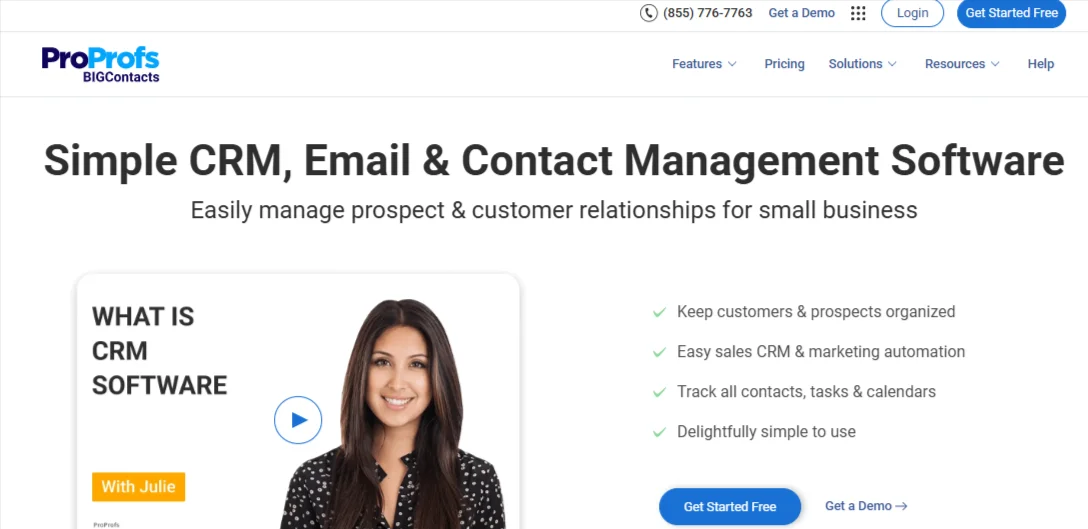
Best For: Startups and small businesses looking for affordable contact management with built-in email marketing tools.
BIGContacts offers a simple yet powerful contact management solution designed to help teams manage leads, automate follow-ups, and nurture customer relationships. It provides a 360° view of every contact — including their communication history, tasks, notes, and deal stages.
Key Features:
- Visual sales pipeline for tracking deals in real time
- Automated follow-ups and drip email campaigns
- Task scheduling and activity reminders
- Contact grouping and segmentation
- Integration with Gmail, Outlook, Mailchimp, and Zapier
Pricing:
- Free plan for small teams
- Paid plans start at $9.99 per user/month
Pros:
- Easy to use for beginners
- Built-in email automation
- Strong customer support
Cons:
- Limited customization for larger enterprises
2. HubSpot CRM
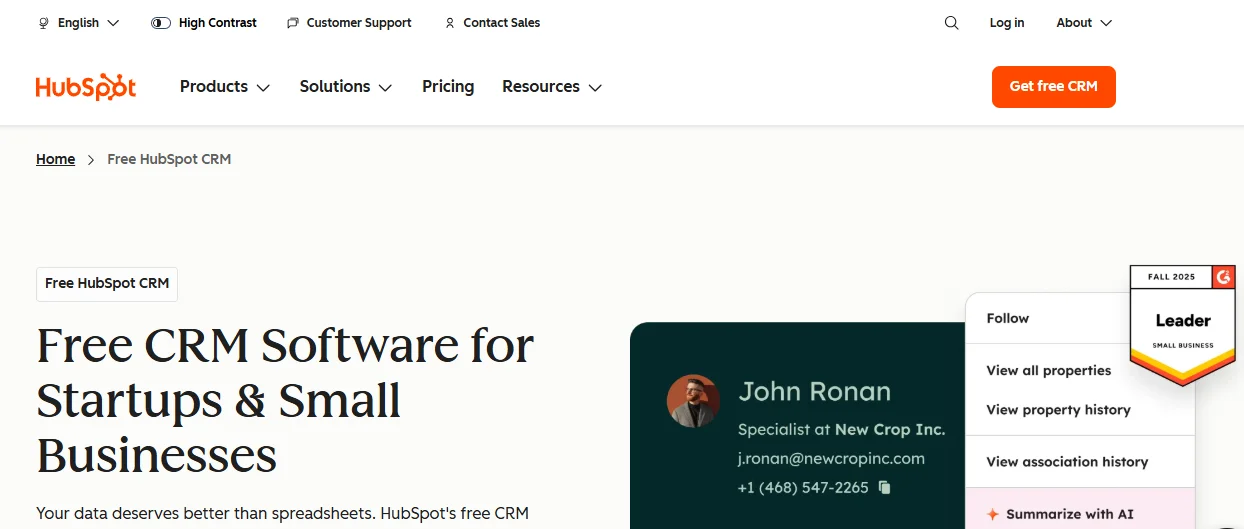
Best For: Businesses that need a complete CRM solution covering sales, marketing, and service.
HubSpot CRM is one of the most popular and feature-rich platforms in the market. It provides robust contact management capabilities, allowing you to organize, track, and nurture leads through every stage of the funnel.
Key Features:
- AI-powered contact insights and engagement tracking
- Workflow automation for repetitive sales tasks
- Email templates, tracking, and scheduling
- Reporting dashboards for deal and revenue analysis
- Seamless integration with marketing and service hubs
Pricing:
- Free basic CRM plan
- Paid plans start at $15/user/month
Pros:
- Scalable for growing businesses
- Deep integration across HubSpot ecosystem
- Excellent analytics and reporting tools
Cons:
- Costs increase significantly with premium features
3. Bigin by Zoho
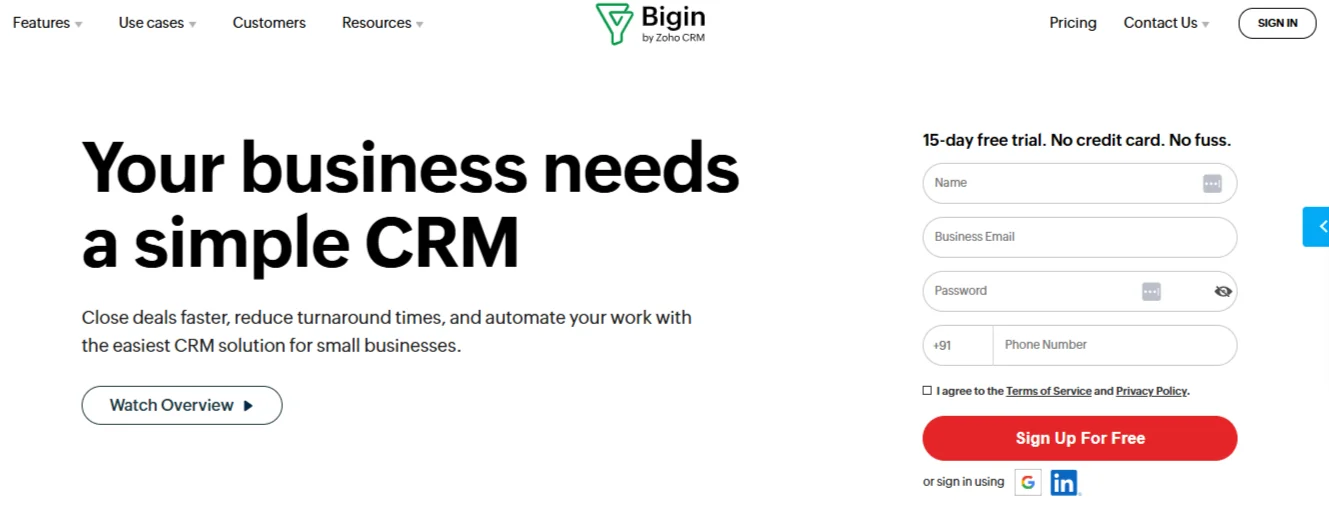
Best For: Small businesses and solopreneurs who need lightweight CRM functionality.
Bigin is a simplified version of Zoho CRM, built for small businesses that want to manage their contacts, deals, and pipelines without complexity.
Key Features:
- Customizable pipelines for sales tracking
- Email management with templates and automation
- Contact segmentation by source or industry
- Integration with Zoho apps, Google Workspace, and Office 365
- Mobile app for managing contacts on the go
Pricing:
- Starts at $5.8/user/month
Pros:
- Affordable and user-friendly
- Fast setup with minimal learning curve
- Great for small teams
Cons:
- Limited automation and reporting capabilities
Also Check: The 15 Best Online Reputation Management Tools For 2025
4. Streak
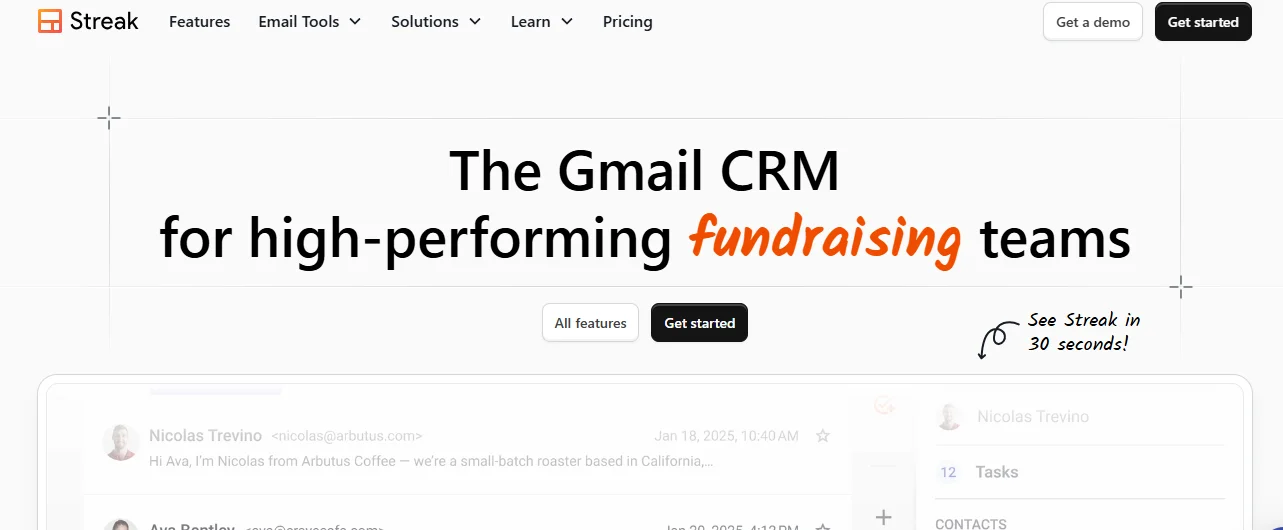
Best For: Professionals managing contacts directly from Gmail.
Streak is built right into Gmail, turning your inbox into a lightweight CRM system. It’s ideal for freelancers, sales reps, and small teams who rely heavily on Gmail for communication.
Key Features:
- Customizable pipelines integrated within Gmail
- Email tracking, templates, and scheduling
- Task and deal management from your inbox
- Collaboration tools for sharing pipelines with team members
- Works seamlessly with Google Drive and Calendar
Pricing:
- Free basic plan
- Paid plans start at $59/user/month
Pros:
- Native Gmail integration
- No setup or learning curve
- Great for individuals
Cons:
- High cost for advanced tiers
- Lacks broader CRM capabilities
5. Pipedrive
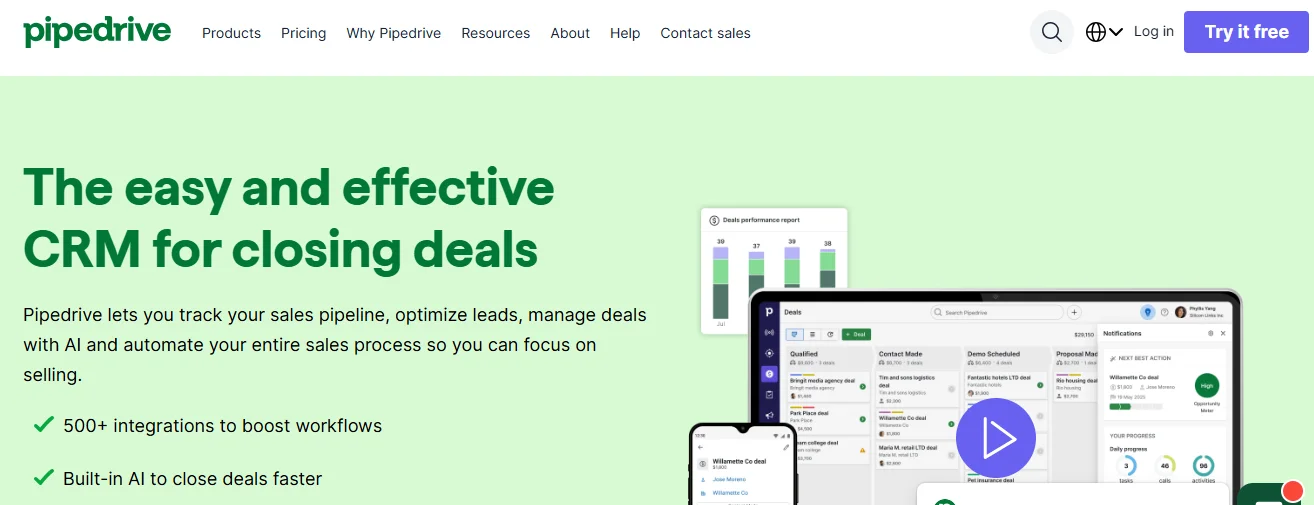
Best For: Sales teams focusing on deal tracking and pipeline management.
Pipedrive is a visual sales CRM that helps businesses organize leads, track progress, and close deals efficiently. It’s known for its simple drag-and-drop interface.
Key Features:
- Customizable pipeline stages
- Workflow automation and reminders
- Email integration and tracking
- Sales forecasting and performance reports
- Over 300 app integrations (Slack, Google Workspace, Zapier, etc.)
Pricing:
- Starts at $14/user/month
Pros:
- Intuitive, user-friendly design
- Strong automation features
- Ideal for sales-driven organizations
Cons:
- Limited marketing features
6. Zendesk Sell
Best For: Businesses using Zendesk for customer support and wanting to align it with sales.
Zendesk Sell offers CRM capabilities focused on improving productivity, pipeline visibility, and automation for sales teams.
Key Features:
- Smart contact lists and data enrichment
- Automated outreach sequences
- Custom reporting dashboards
- Full integration with Zendesk Support
- Mobile CRM for sales reps
Pricing:
- Starts at $25/user/month
Pros:
- Perfect for Zendesk ecosystem users
- Clean, simple interface
- Excellent reporting tools
Cons:
- Limited marketing features
- Less flexible for customization
Related Article: The 12 Best Collaboration Tools For Productive Teams
7. Monday.com
Best For: Teams wanting to combine project and contact management.
Monday.com isn’t just a project management tool — it also offers customizable CRM templates for managing contacts and sales processes collaboratively.
Key Features:
- Contact tracking via custom boards
- Real-time dashboards and workflow automation
- Integration with Gmail, Slack, and HubSpot
- Drag-and-drop functionality
- Visual pipelines and task management
Pricing:
- Starts at $12/user/month
Pros:
- Highly customizable workflows
- Strong automation and integrations
- Excellent visual design
Cons:
- Learning curve for new users
- Limited CRM-specific analytics
8. Covve
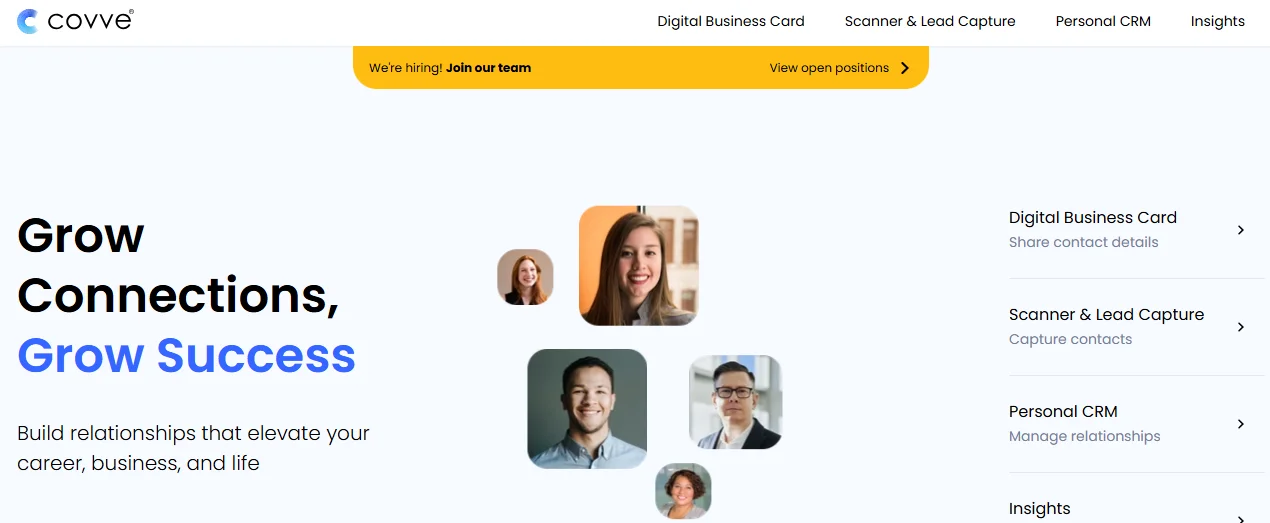
Best For: Professionals and consultants looking to manage networking relationships.
Covve is a personal CRM focused on helping individuals strengthen their professional network through reminders, insights, and smart contact management.
Key Features:
- AI-based reminders to reconnect with contacts
- Business card scanning and contact enrichment
- Call logging and note-taking
- Networking analytics and relationship tracking
- Syncs with phone contacts and email
Pricing:
- Custom pricing based on usage
Pros:
- Great for personal relationship management
- Simple and mobile-friendly
- Smart reminders keep you engaged
Cons:
- Not ideal for team collaboration
9. Salesforce
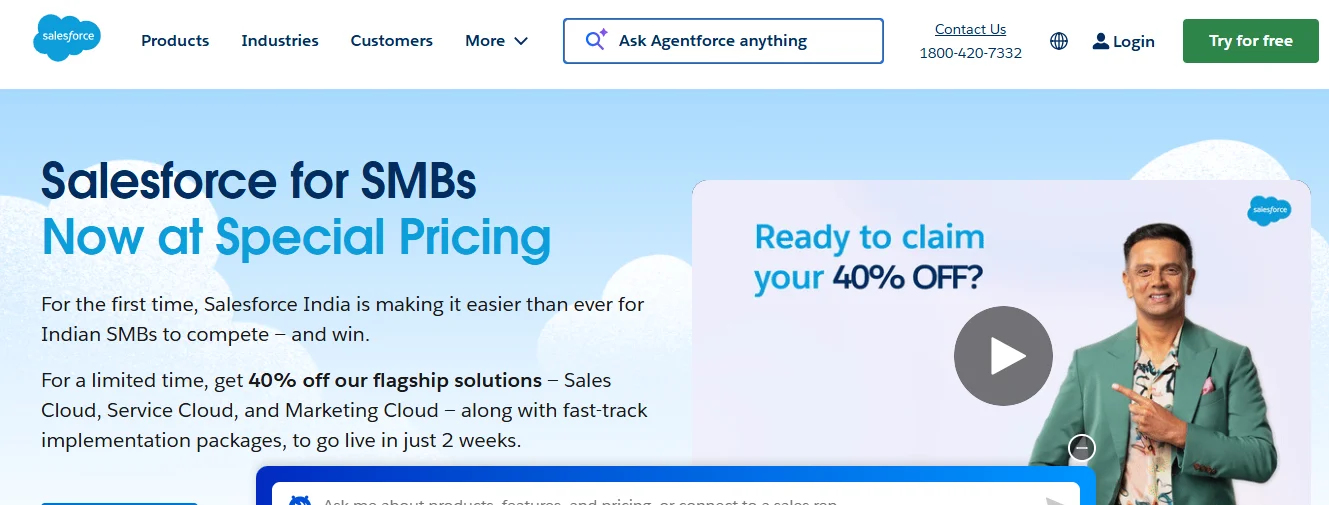
Best For: Large enterprises needing advanced CRM and automation features.
Salesforce is one of the most powerful and customizable CRM systems available. It provides advanced contact management along with AI-driven analytics, sales automation, and marketing capabilities.
Key Features:
- 360° customer view with real-time insights
- Einstein AI for predictive analytics
- Multi-channel communication management
- Sales forecasting and territory management
- Integration with thousands of business apps
Pricing:
- Starts at $165/user/month
Pros:
- Extremely powerful and scalable
- Extensive integration ecosystem
- Advanced reporting and analytics
Cons:
- Expensive and complex to implement
- Requires training and setup time
10. Bitrix24
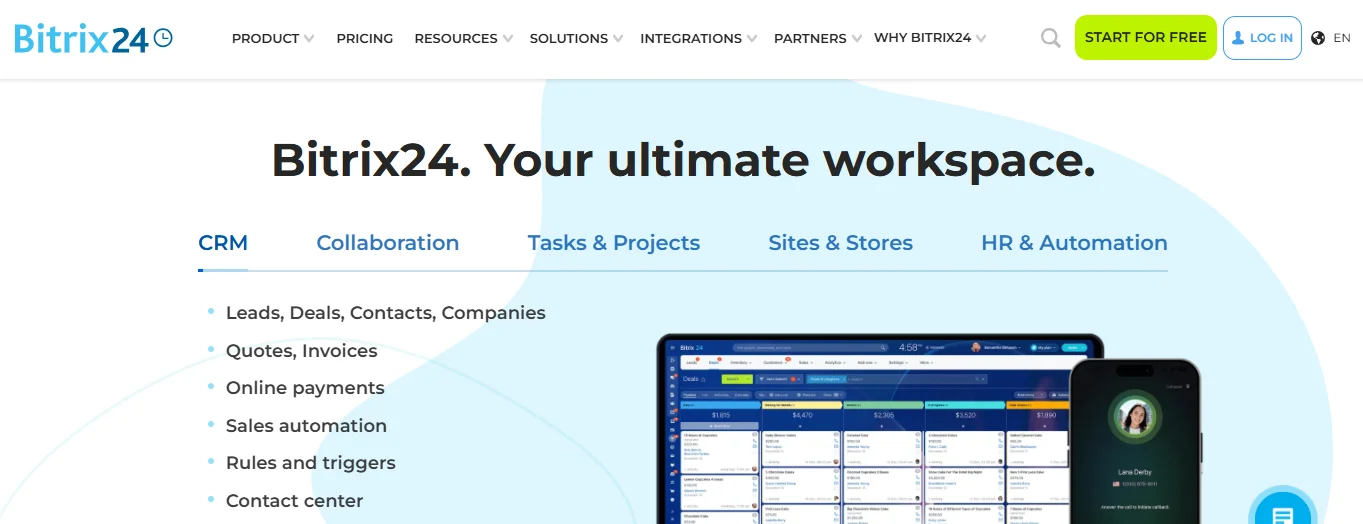
Best For: Teams that need an all-in-one workspace with CRM capabilities.
Bitrix24 offers a complete suite of tools including CRM, communication, project management, and document sharing — ideal for remote and hybrid teams.
Key Features:
- Contact and lead management
- Quotes, invoicing, and task tracking
- Built-in chat, video calls, and project boards
- Website builder and marketing tools
- Cloud and on-premise versions available
Pricing:
- Free plan available
- Paid plans start at $23.5/organization/month
Pros:
- All-in-one collaboration suite
- Affordable team pricing
- Rich set of features
Cons:
- Interface can be cluttered for beginners
11. Insightly
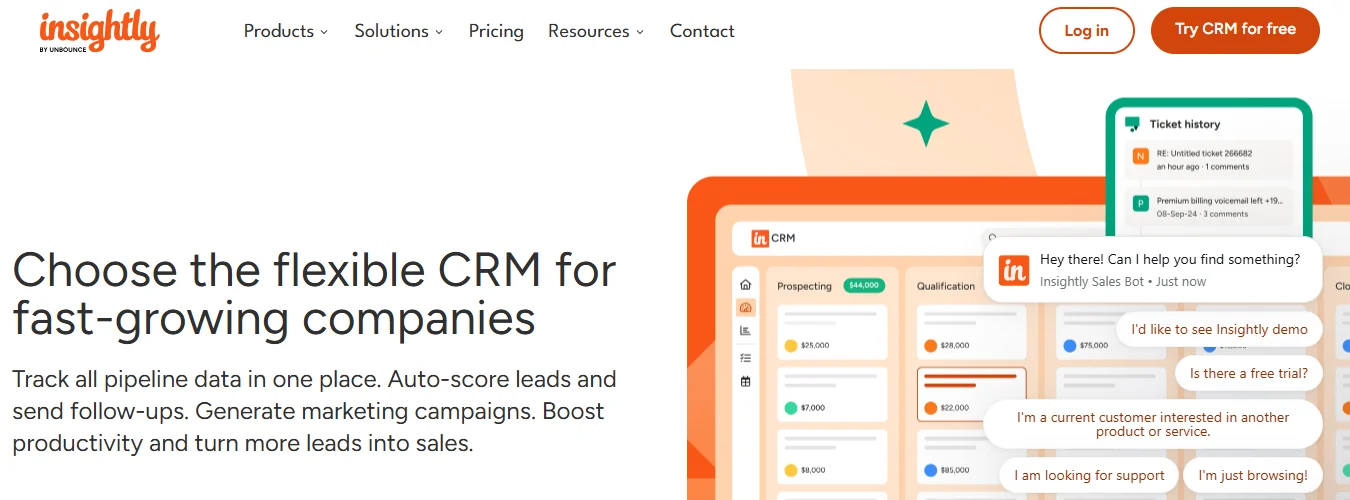
Best For: Businesses focused on workflow and process automation.
Insightly helps teams manage relationships and automate processes. It’s particularly strong in building custom workflows that connect sales, projects, and marketing.
Key Features:
- Workflow automation and triggers
- Relationship linking between contacts and organizations
- Custom dashboards and reporting
- Integration with Gmail, Outlook, QuickBooks, and Slack
- Marketing campaign tracking
Pricing:
- Starts at $29/user/month
Pros:
- Excellent automation and customization
- Scalable for medium to large businesses
Cons:
- Interface may feel dated
- Lacks deep marketing features
12. Freshsales (by Freshworks)
Best For: Teams looking for AI-driven lead management.
Freshsales simplifies contact management with automation, AI-based insights, and behavior tracking. It’s ideal for small to medium businesses looking for affordable intelligence-driven tools.
Key Features:
- AI-powered lead scoring and prioritization
- Contact enrichment with web and social data
- Built-in phone, chat, and email tools
- Real-time deal tracking and automation
- Visual sales pipelines
Pricing:
- Starts at $8.8/user/month
Pros:
- Affordable pricing
- Simple interface with smart automation
- Fast implementation
Cons:
- Limited integration compared to bigger CRMs
13. SugarCRM
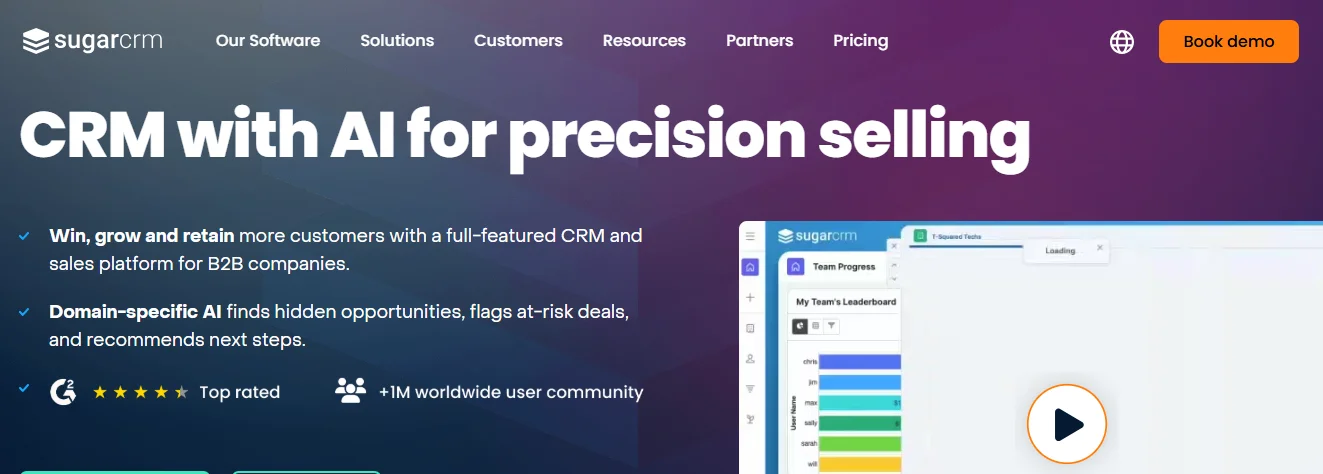
Best For: Medium and large businesses seeking marketing, sales, and service automation.
SugarCRM provides a powerful automation-first platform that helps businesses personalize engagement across the entire customer lifecycle.
Key Features:
- Workflow and process automation
- AI-powered analytics and alerts
- Omnichannel marketing campaign management
- Advanced reporting and dashboards
- Integration with ERP and eCommerce systems
Pricing:
- Starts at $19/user/month
Pros:
- Strong automation capabilities
- Comprehensive CRM solution
Cons:
- Outdated interface compared to modern CRMs
14. Nimble
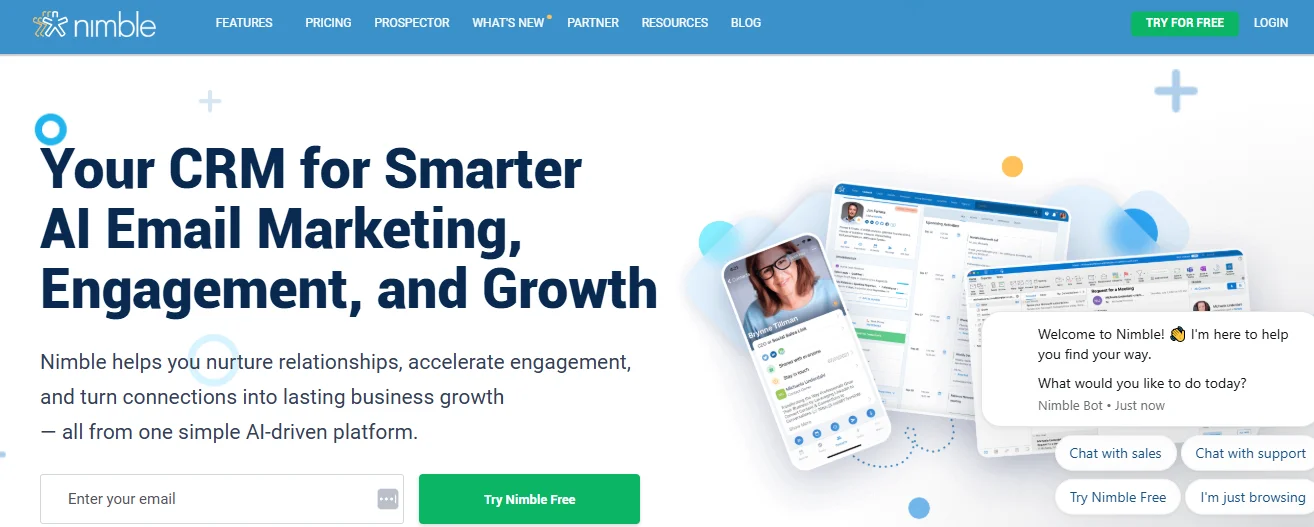
Best For: Businesses leveraging social media for lead generation and relationship building.
Nimble focuses on social CRM, automatically enriching contact profiles from social networks like LinkedIn, Twitter, and Facebook.
Key Features:
- AI contact enrichment and social insights
- Email tracking and group messaging
- Visual sales pipeline
- Task and reminder management
- Browser plugin for contact data collection
Pricing:
- Starts at $29.9/user/month
Pros:
- Great for social selling and networking
- Easy integration with social platforms
Cons:
- Lacks deep workflow automation
15. Copper CRM

Best For: Businesses using Google Workspace as their primary ecosystem.
Copper CRM integrates deeply with Gmail and Google Workspace, automating contact updates and syncing activities across emails and calendars.
Key Features:
- Automatic contact creation from Gmail conversations
- Integration with Google Drive, Sheets, and Calendar
- Activity tracking and task reminders
- Visual sales pipelines and reports
- Mobile CRM app for on-the-go access
Pricing:
- Starts at $12/user/month
Pros:
- Best Gmail integration in the market
- Lightweight and easy to use
Cons:
- Not ideal for complex multi-team setups
How to Choose the Right Contact Management Software
1. Assess Your Needs
- Identify if you only need basic contact tracking or a full CRM suite.
- Consider team size, budget, and growth plans.
2. Match Features to Business Goals
- Struggling with follow-ups? Choose automation features.
- Running campaigns? Focus on segmentation and tracking tools.
- Team collaboration? Ensure shared access features.
3. Evaluate Integrations
- Check compatibility with tools like Gmail, Outlook, QuickBooks, or Mailchimp.
4. Test Before You Buy
- Use free trials to assess user experience and functionality.
- Read reviews and verify reputation.
5. Consider Scalability
- Select software that can grow with your business needs and has flexible pricing tiers.
ROI and Benefits of Contact Management Software
Tangible ROI Metrics
- Time Savings: Up to 80% reduction in manual data entry and task management.
- Revenue Growth: 10–20% faster deal closure rates.
- Cost Reduction: Lower operational and administrative costs.
- CRM ROI: Every $1 invested can return $8.71 or more.
Intangible Benefits
- Better customer relationships through personalization.
- Stronger collaboration across teams.
- Smarter, data-driven decisions.
- Fewer missed opportunities.
Conclusion
The right contact management software can completely transform how your team handles sales and relationships.
There’s no single perfect tool — the best one depends on your business size, budget, and workflow. Start by exploring free trials and low-cost options like BIGContacts, which offers an easy entry point for startups and small teams.
In 2025, businesses that leverage smart contact management tools will save time, boost revenue, and build stronger relationships than ever before.
FAQs
1. What’s the difference between contact management and CRM?
Contact management focuses on storing and organizing contact details, while CRM manages the entire customer journey, including sales and marketing automation.
2. Which contact management software is best for small businesses?
BIGContacts, Bigin by Zoho, and Freshsales are excellent for small teams.
3. What integrations are essential in contact management software?
Integrations with Gmail, Outlook, QuickBooks, and Mailchimp are most common and valuable.
4. How much does contact management software typically cost?
Prices range from $5–$30 per user per month, depending on features.
5. Can contact management software improve sales pipeline efficiency?
Yes. Automation, segmentation, and pipeline visualization features can significantly boost conversion rates.

Passionate about blogging and focused on elevating brand visibility through strategic SEO and digital marketing. Always tuned in to the latest trends, I’m dedicated to maximizing engagement and delivering measurable ROI in the dynamic world of digital marketing. Let’s connect and unlock new opportunities together!

