
Before you start
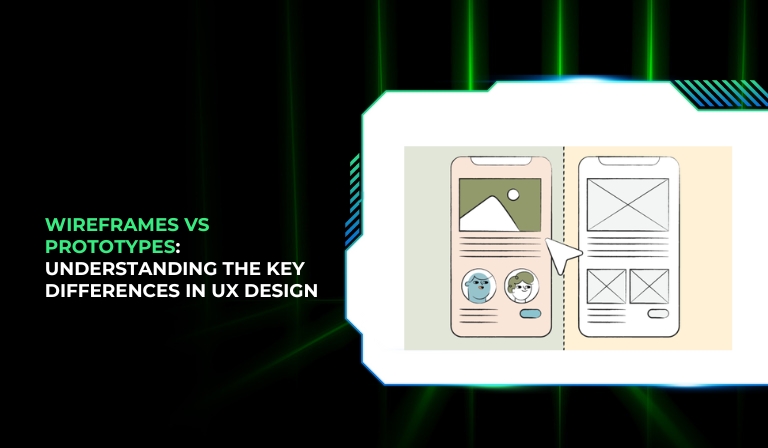
If you’ve ever been part of a UX design project, you’ve probably heard the terms wireframes and prototypes thrown around — often interchangeably. However, while both are essential tools in the design process, they serve very different purposes.
Many beginners in UX design struggle to understand how these two stages differ, when to use each, and how they work together to create intuitive digital experiences.
In this comprehensive guide, we’ll clear up the confusion once and for all. You’ll learn:
- What wireframes and prototypes are
- Their core differences
- When to use each
- The tools to create them
- Best practices and real-world examples
Let’s dive in and simplify one of UX design’s most misunderstood topics.
Stop 01 of 09
1 minWhat Are Wireframes?
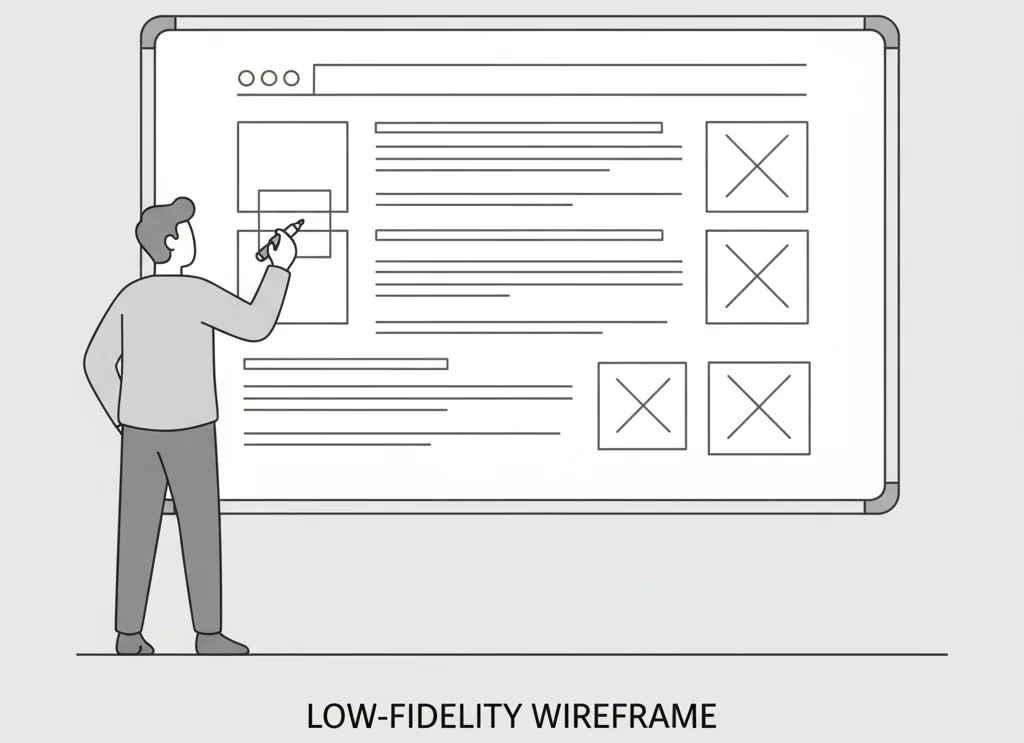
Wireframes are low-fidelity structural blueprints of a digital interface. They focus on layout, hierarchy, and functionality rather than aesthetics. Think of them as a skeleton that defines where elements like buttons, text, or images will go — not how they’ll look.
In the early stages of design, wireframes act as a communication tool between designers, developers, and stakeholders. They help everyone visualize the product’s basic structure before investing time in high-fidelity visuals or interactivity.
Types of Wireframes
- Low-Fidelity Wireframes
-
-
- Simple hand-drawn sketches or basic digital outlines
- Focus on ideas and structure rather than precision
- Perfect for brainstorming sessions
-
- Mid-Fidelity Wireframes
-
-
- Digital versions with a bit more detail (like Figma or Balsamiq layouts)
- Use grayscale elements and real spacing to better visualize structure
-
- High-Fidelity Wireframes
-
- Detailed and polished layouts
- May include typography, grid systems, and content placeholders
- Often used for design approvals or development planning
Key Characteristics of Wireframes
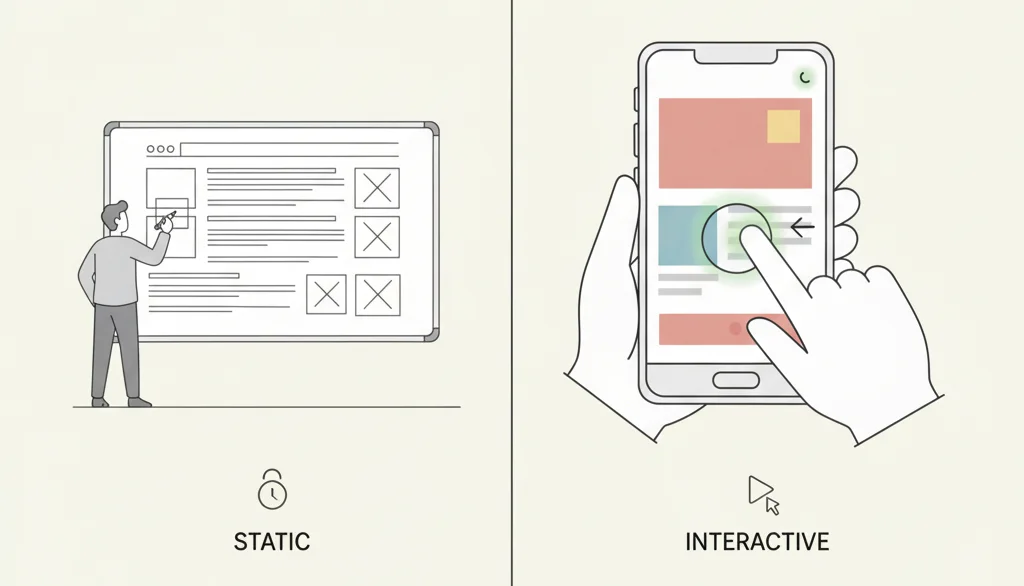
- Static and non-interactive
- Use grayscale palettes and basic shapes
- Represent information hierarchy rather than visual design
- Serve as the foundation for later design stages
Benefits of Wireframing
- Quick and cost-effective to produce
- Helps collect early feedback
- Ensures clear communication across teams
- Establishes a strong design foundation
- Saves time by catching layout issues early
Wireframes help you think about structure before you worry about color, fonts, or motion — making them an essential first step in UX design.
Stop 02 of 09
1 minWhat Are Prototypes?
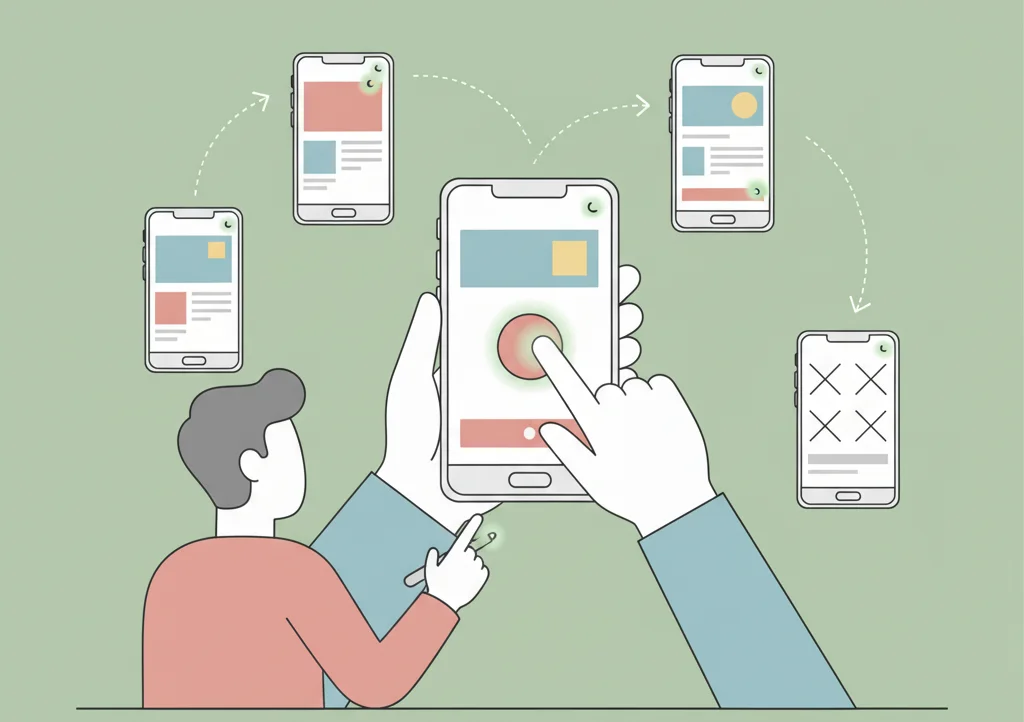
A prototype is an interactive model that simulates the final product’s functionality. Unlike static wireframes, prototypes allow users and stakeholders to experience how the product will actually work.
Prototypes serve as a validation tool, allowing designers to test navigation flows, animations, and user interactions before full development begins.
Types of Prototypes
- Low-Fidelity Prototypes
-
-
- Often paper-based or simple clickable mockups
- Great for testing ideas quickly
-
- Medium-Fidelity Prototypes
-
-
- Interactive wireframes with basic clickable paths
- Help visualize user journeys and interaction patterns
-
- High-Fidelity Prototypes
-
- Almost identical to the final product
- Include real content, color schemes, transitions, and animations
- Used for usability testing and stakeholder presentations
Key Characteristics of Prototypes
- Interactive and clickable
- Mimic realistic user experiences
- Include visual design details and navigational logic
- Simulate how the final product functions
Benefits of Prototyping
- Allows user testing and feedback collection
- Identifies usability issues early
- Builds stakeholder confidence through tangible demos
- Helps reduce development costs by avoiding late-stage changes
- Promotes team alignment on vision and user flow
Stop 03 of 09
1 minHead-to-Head Comparison: Wireframes vs Prototypes
| Aspect | Wireframes | Prototypes |
| Design Fidelity | Low to Medium | Medium to High |
| Interactivity | Static, non-interactive | Clickable, interactive |
| Time & Cost | Quick and low-cost | More time and resources |
| Purpose | Plan layout and structure | Test functionality and user experience |
| Design Stage | Early ideation and planning | Later testing and refinement |
| Stakeholder Use | For internal planning | For client demos and usability tests |
In short: wireframes focus on structure, while prototypes focus on experience.
Stop 04 of 09
1 minWhen to Use Wireframes vs Prototypes
Ideal Scenarios for Wireframes
- Early brainstorming and ideation
- Communicating layout ideas with team members
- Exploring multiple design directions quickly
- Working within tight budgets or timelines
- Planning site architecture
Ideal Scenarios for Prototypes
- Conducting usability tests and gathering user feedback
- Presenting to stakeholders or clients
- Designing complex interactions and animations
- Pre-development testing and refinement
- Seeking final design approval
Using Both in Your Design Workflow
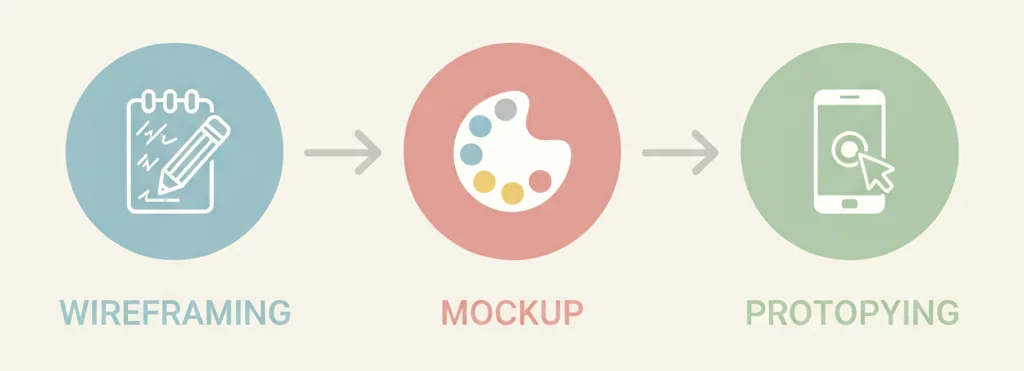
A typical workflow looks like this: Wireframes → Mockups → Prototypes.
Designers first build wireframes to define structure, then create mockups to refine visuals, and finally prototype to test real user experiences.
In agile workflows, this can be iterative — teams loop between these stages for continuous improvement.
Stop 05 of 09
1 minThe Role of Mockups in the Design Process
Mockups as the Middle Ground
Mockups are static, high-fidelity visual designs. They showcase typography, colors, and imagery but lack interactivity.
They act as a bridge between wireframes (structure) and prototypes (functionality), giving stakeholders a realistic preview of the final design.
When Mockups Complement Wireframes and Prototypes
Mockups are especially helpful for:
- Visual design approval before development
- Checking brand consistency and aesthetics
- Gathering feedback on color schemes and style
In short, mockups translate the wireframe’s structure into the prototype’s look.
Stop 06 of 09
1 minTools and Software Recommendations
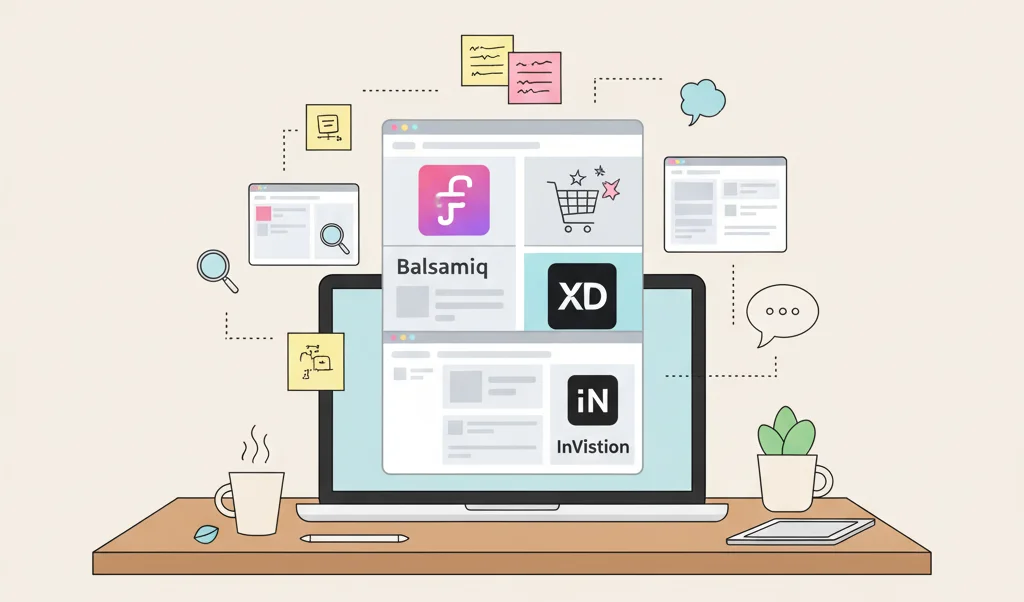
Popular Wireframing Tools
- Balsamiq – Best for low-fidelity wireframes
- Figma – Ideal for collaborative mid- and high-fidelity wireframes
- Sketch – Perfect for Mac-based design teams
- Adobe XD – Combines wireframing and prototyping
- Paper & Pencil – Still great for early brainstorming
Leading Prototyping Tools
- InVision – For interactive and clickable mockups
- Framer – Offers animation and advanced motion design
- Principle – Great for micro-interactions
- Figma – All-in-one tool for both wireframing and prototyping
- ProtoPie – For no-code advanced prototypes
All-in-One Design Platforms
Modern tools like Figma, Adobe XD, and Sketch allow designers to wireframe, mock up, and prototype in one place — improving workflow efficiency and team collaboration.
Stop 07 of 09
1 minBest Practices and Common Mistakes
Wireframing Best Practices
- Keep designs simple and minimal
- Use consistent layouts and grids
- Add annotations for developers and stakeholders
- Collaborate early and frequently with team members
Prototyping Best Practices
- Define clear testing goals
- Simulate real user scenarios
- Test with actual users, not just internal teams
- Document feedback for iteration and improvement
Common Mistakes to Avoid
- Spending too much time making wireframes “pretty”
- Skipping usability testing for prototypes
- Misalignment between design and development teams
- Using the wrong fidelity level for the project stage
Stop 08 of 09
1 minConclusion
Understanding the difference between wireframes and prototypes is essential for creating successful digital products. While wireframes focus on structure, layout, and functionality planning, prototypes bring those ideas to life by showing how users will actually interact with your design. Both play unique yet complementary roles in the UX process — one lays the foundation, and the other tests and validates it. By using wireframes, mockups, and prototypes together, designers can streamline communication, reduce costly revisions, and deliver user-centered experiences with confidence. In short, mastering when and how to use each is the key to building intuitive, effective, and visually cohesive designs.
Stop 09 of 09
1 minFrequently Asked Questions (FAQ)
1. Can you skip wireframes and go straight to prototypes?
Technically yes, but it’s not ideal. Wireframes help clarify structure before investing time in interactivity. Skipping them may lead to confusion later.
2. How long should you spend on each stage?
It depends on the project’s complexity. Simple apps may need a few days for wireframes and a week for prototypes, while enterprise projects could take weeks per stage.
3. What’s the ROI of wireframing and prototyping?
They reduce costly redesigns, speed up approval cycles, and improve user satisfaction — all of which save time and money in the long run.
4. How do you present wireframes vs prototypes to stakeholders?
Use wireframes to discuss layout and structure. Present prototypes to demonstrate functionality and gather usability feedback.
From insight to action
Want results like these for your brand?
Talk to a consultant about your position, your message and your next step.
Talk to our team