


Running LinkedIn outreach for multiple clients simultaneously is one of the most demanding challenges digital marketing agencies face today. Between managing connection request limits, crafting personalised messages for different audiences, tracking campaign performance, and keeping clients happy with consistent results — the manual approach simply does not scale.

That is where LinkedIn automation comes in. The right automation platform can transform your agency’s outreach operation from a slow, error-prone manual process into a repeatable, data-driven system that generates qualified leads around the clock. But not every tool is built with agencies in mind. Many are designed for solo users or small sales teams, and they buckle under the demands of managing 10, 20, or 50 client accounts at once.
In this guide, we have done the research for you. We have evaluated the top LinkedIn automation platforms on the market in 2026 across six key dimensions: safety and compliance, agency-grade multi-account management, AI-powered personalisation, multi-channel capability, analytics depth, and pricing value. The result is a ranked list of 10 tools, complete with honest assessments of where each one excels and where it falls short.
Whether you are scaling a boutique agency or running a large digital marketing operation, this guide will help you find the right tool for your specific needs.
What Features Should You Look for in a LinkedIn Automation Tool?
Before diving into the rankings, it is worth establishing a clear evaluation framework. The features that matter for an agency are quite different from those a solo founder or individual SDR would prioritise. Here is what you should be assessing before you spend a dollar.
Must-Haves in a LinkedIn Outreach Tool (Non-Negotiables)
These are features that should be present in any tool you seriously consider. If a platform is missing even one of these, you are taking on unnecessary risk or significantly limiting your agency’s operational capability.
Cloud-based operation
This is the single most important technical criterion for agencies. Browser extension-based tools require your computer to remain on and LinkedIn to remain open for campaigns to run. That is unmanageable at agency scale. Cloud-based tools run 24/7 on remote servers, meaning campaigns execute even when your team is offline, on holiday, or simply working on other client accounts.
Smart sending limits and human behaviour simulation
LinkedIn actively monitors accounts for automated behaviour. Tools that blast out connection requests or messages at inhuman speeds — 200 requests in an hour, for instance — will trigger LinkedIn’s detection systems, leading to account warnings or permanent bans. The best tools simulate human activity patterns: randomised delays between actions, daily send limits that stay within LinkedIn’s thresholds (typically 20–30 connection requests per day for safer operation), and activity windows that match normal working hours.
Multi-account management dashboard
For agencies, this is non-negotiable. You need the ability to manage multiple client LinkedIn accounts from a single centralised interface — without logging in and out of each one separately. Look for tools that offer team seats, client account separation, and campaign performance views at both the individual account and portfolio level.
CRM integration or webhook support
Outreach does not happen in a vacuum. Leads that respond need to flow somewhere — your CRM, your client’s CRM, or a reporting dashboard. Tools that offer native integrations with HubSpot, Salesforce, Pipedrive, or at minimum webhook support for Zapier/Make connections are significantly more useful for agencies that need to deliver structured lead data to clients.
Account safety controls
The best tools include automatic pause mechanisms that halt campaign activity when LinkedIn account health indicators change — for example, if a profile receives an automated warning. This is critical when you are managing client accounts, as a ban reflects directly on your agency’s reputation and service delivery.
Good-to-Haves in a LinkedIn Outreach Tool
These features meaningfully improve campaign quality and operational efficiency, but their absence is not necessarily a deal-breaker depending on your use case.
- AI-driven message personalisation that pulls from prospect profile data — job title, company, recent activity, shared connections.
- Multi-channel sequences that combine LinkedIn outreach with email follow-ups in the same workflow.
- A/B testing on connection request messages and follow-up copy.
- Inbox management within the platform so your team can respond to replies without switching tabs.
- White-label reporting for client-facing deliverables.
- Built-in lead database or Sales Navigator integration for prospecting without a separate tool.
Red Flags in a LinkedIn Outreach Tool (Walk Away)
These are warning signs that should make you pause or walk away entirely.
- Browser extension-only architecture with no cloud option — fundamentally unsafe for agency use.
- No documentation on LinkedIn safety protocols, sending limits, or compliance on their website.
- Promises of ‘unlimited sends’ or ‘guaranteed results’ — LinkedIn has hard limits, and any tool claiming otherwise is either uninformed or deliberately misleading.
- Suspiciously high G2 or Trustpilot ratings with very few reviews or reviews that all sound identical.
- No transparency on GDPR or CCPA data compliance — a serious liability for agencies handling client data.
- No clear pricing page or pricing that requires a sales call to access — usually signals aggressive upselling.
Top LinkedIn Automation Tools at a Glance
Before we go deep on each tool, here is a snapshot of all 10 platforms across the key dimensions that matter for agencies.
| # | Tool | Best For | Cloud-Based | Multi-Account | Multi-Channel | Starting Price | G2 Rating |
| 1 | Dealsflow | Agencies — full pipeline management | Yes | Yes | Yes | $99/mo | 4.8/5 |
| 2 | Expandi | Deep personalisation + safe sequencing | Yes | Yes | Limited | $99/mo | 4.5/5 |
| 3 | Waalaxy | LinkedIn + email multichannel | Yes | Limited | Yes | $30/mo | 4.4/5 |
| 4 | Zopto | Agencies + Sales Nav targeting | Yes | Yes | Limited | $197/mo | 4.2/5 |
| 5 | HeyReach | High-volume multi-sender outreach | Yes | Yes | No | $79/mo | 4.6/5 |
| 6 | We-Connect | Budget-friendly solo/small team | Yes | Limited | No | $49/mo | 4.3/5 |
| 7 | Dripify | Beginners, visual workflow builder | Yes | Limited | No | $59/mo | 4.5/5 |
| 8 | Skylead | Smart sequences + image personalisation | Yes | Yes | Yes | $100/mo | 4.4/5 |
| 9 | Linked Helper | Tech-savvy users, deep automation | Desktop | Yes | Limited | $15/mo | 4.4/5 |
| 10 | Dux-Soup | Simplicity, entry-level users | Browser ext | No | No | $14.99/mo | 4.1/5 |
1. Dealsflow
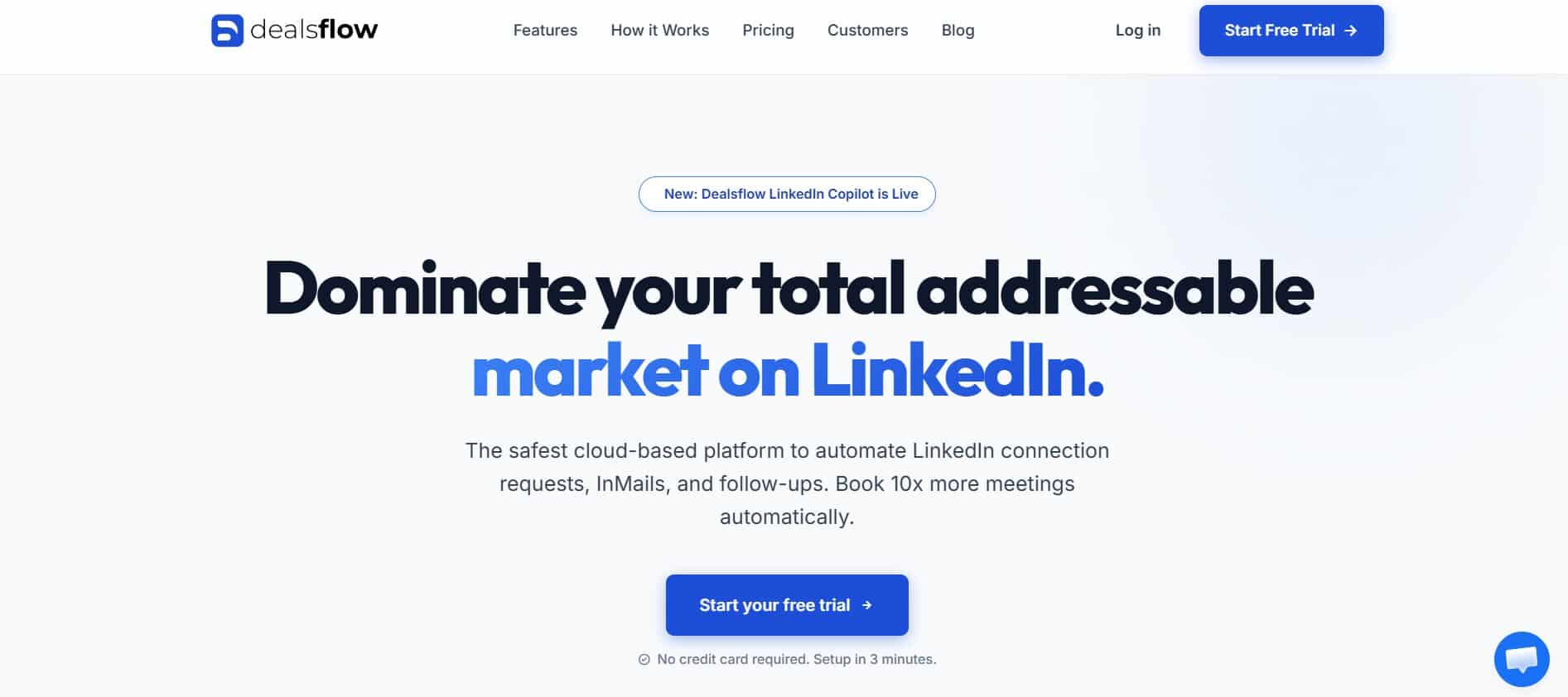
Dealsflow sits at the top of this list not by coincidence, but because it is one of the very few platforms built from the ground up with the agency model in mind. While most tools treat multi-account management as an afterthought — tacking on a team seat feature after the fact — Dealsflow treats it as a core product pillar. The result is a tool that genuinely solves the hardest problems agencies face: managing outreach across dozens of client accounts without sacrificing safety, personalisation, or reporting quality.
Best Features
Dealsflow operates entirely from the cloud, meaning your campaigns run continuously without requiring a browser to stay open or a team member to be at their desk. This is the baseline requirement for any serious agency deployment, and Dealsflow handles it reliably.
The multi-account management interface is the standout feature. Agency managers get a single dashboard where they can view, manage, and report on all client campaigns simultaneously. Each client account is isolated — actions taken on one account do not affect others — and the platform enforces per-account sending limits automatically, removing the risk of human error causing a client account ban.
Dealsflow’s AI personalisation engine deserves particular attention. Rather than relying on simple variable insertion (first name, company name), the platform pulls from richer profile signals — job title, seniority, industry, mutual connections, and in some cases recent activity. The result is outreach that reads as genuinely researched rather than obviously templated, which matters significantly for reply rates.
On the multi-channel side, Dealsflow supports combined LinkedIn and email sequences within a single campaign workflow. This is a meaningful capability for agencies whose clients want integrated outreach rather than siloed channel activity.
Reporting is robust. Campaign analytics are available at the account level and aggregated across the client portfolio, making it straightforward to produce weekly or monthly performance reports for clients without manual data consolidation.
Where It Falls Short
Dealsflow’s pricing sits at the premium end, which can be a barrier for smaller agencies or those just starting to offer LinkedIn outreach as a service. The learning curve for the full feature set is also steeper than simpler tools like Dripify or We-Connect — onboarding new team members takes more time.
Additionally, while the email sequencing capability is solid, it is not as advanced as dedicated email outreach platforms. Agencies that need highly sophisticated multi-step email workflows may want to pair Dealsflow with a specialised email tool rather than relying on it for complex email sequences.
Why Dealsflow Ranks #1
For agencies specifically, no other tool on this list matches Dealsflow’s combination of cloud safety, genuine multi-account architecture, AI personalisation depth, and reporting quality. It is not the cheapest option, and it is not the simplest — but for agencies managing multiple client LinkedIn accounts at scale, it solves the right problems and solves them well. The investment in setup and onboarding pays off quickly in operational efficiency and client retention.
Pricing
Dealsflow starts at $99/month for single-account use, with agency plans available for multi-account deployments. Enterprise pricing is available on request for large-scale agency operations.
G2 Rating
4.8/5 — one of the highest agency-specific tool ratings on the platform, with reviewers frequently citing the multi-account dashboard and reporting quality as standout features.
Best For
Digital marketing agencies managing LinkedIn outreach for 5 or more client accounts simultaneously, particularly those that need reliable safety controls, strong personalisation, and client-ready reporting.
2. Expandi
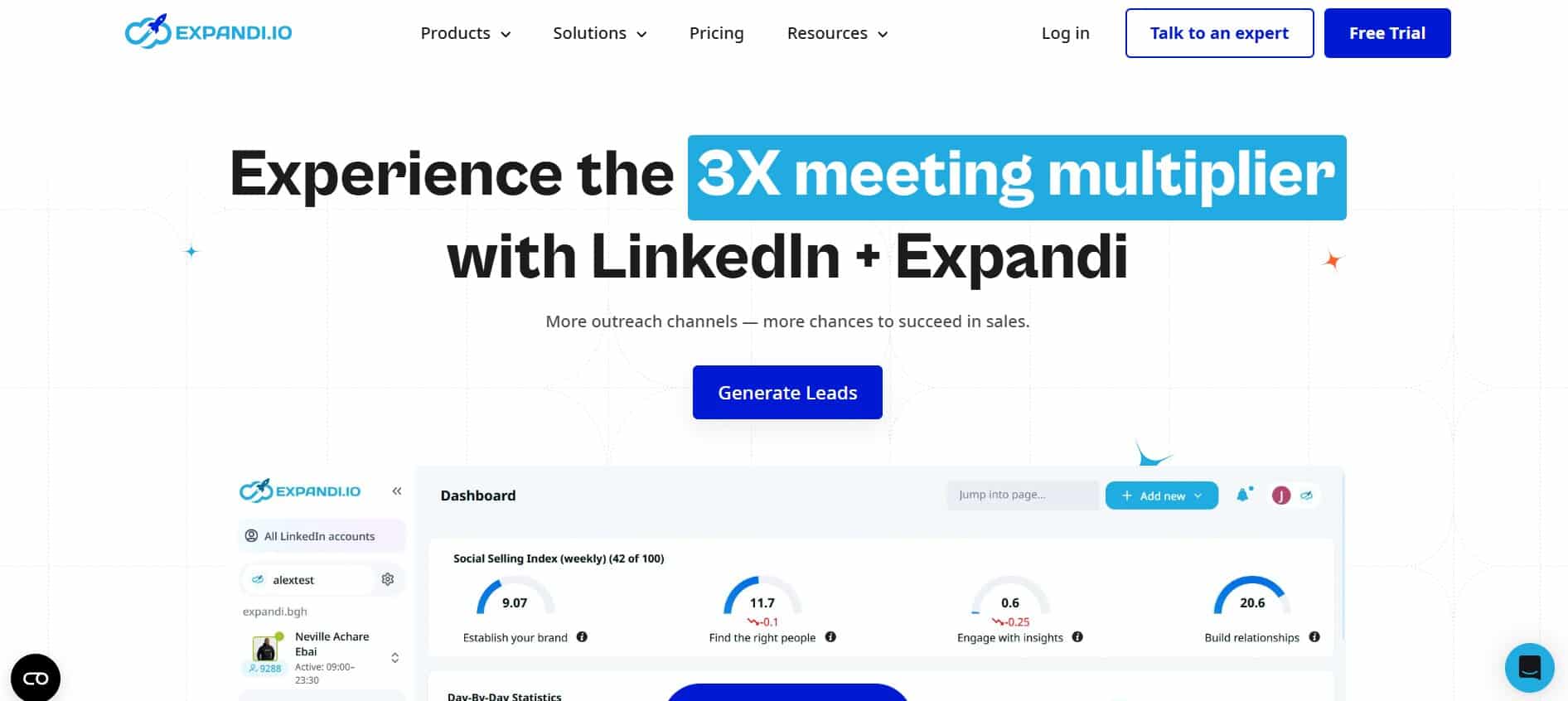
Expandi has built a strong reputation in the LinkedIn automation space largely on two things: sophisticated personalisation capabilities and a consistent focus on safety. It is a cloud-based tool that runs campaigns around the clock, respects LinkedIn’s activity thresholds, and gives users genuinely granular control over how their outreach sequences behave.
Best Features
Expandi’s personalisation functionality goes beyond basic variable insertion. The platform supports dynamic personalisation using custom variables that you define — industry, trigger events, recent posts, company milestones — giving experienced users the ability to craft highly contextual outreach. The image personalisation feature, which allows you to embed personalised graphics with the prospect’s name or company logo in messages, is a notable differentiator that typically improves reply rates.
The sequence builder is detailed and flexible. You can construct multi-step campaigns with conditional logic — for example, if a prospect accepts your connection request within 48 hours, send follow-up message A; if they take longer, send follow-up message B. This kind of branching lets you respond to prospect behaviour rather than blasting a rigid sequence regardless of how people engage.
Expandi enforces smart sending limits automatically and randomises action timing to mimic human behaviour. The platform’s safety track record is strong, and it is widely used by agencies that have tried riskier tools and returned to Expandi after experiencing account issues.
Where It Falls Short
Multi-account management in Expandi is available but less polished than Dealsflow’s implementation. Managing a large portfolio of client accounts requires more manual navigation, and there is no single portfolio-level analytics view. For agencies managing more than 10–15 client accounts, the administrative overhead becomes noticeable.
Email sequencing is available through integrations but not natively within the platform’s campaign builder. If your agency’s strategy relies heavily on combined LinkedIn and email workflows, Expandi will require a third-party connection to deliver that.
Pricing
$99/month per account. Volume discounts are available for agencies managing multiple accounts — worth negotiating directly with their sales team.
G2 Rating
4.5/5 — strong ratings particularly for personalisation features and campaign customisation.
Best For
Agencies and SDR teams that prioritise high personalisation and want detailed control over their outreach sequences. A good fit where message quality matters more than raw volume.
3. Waalaxy
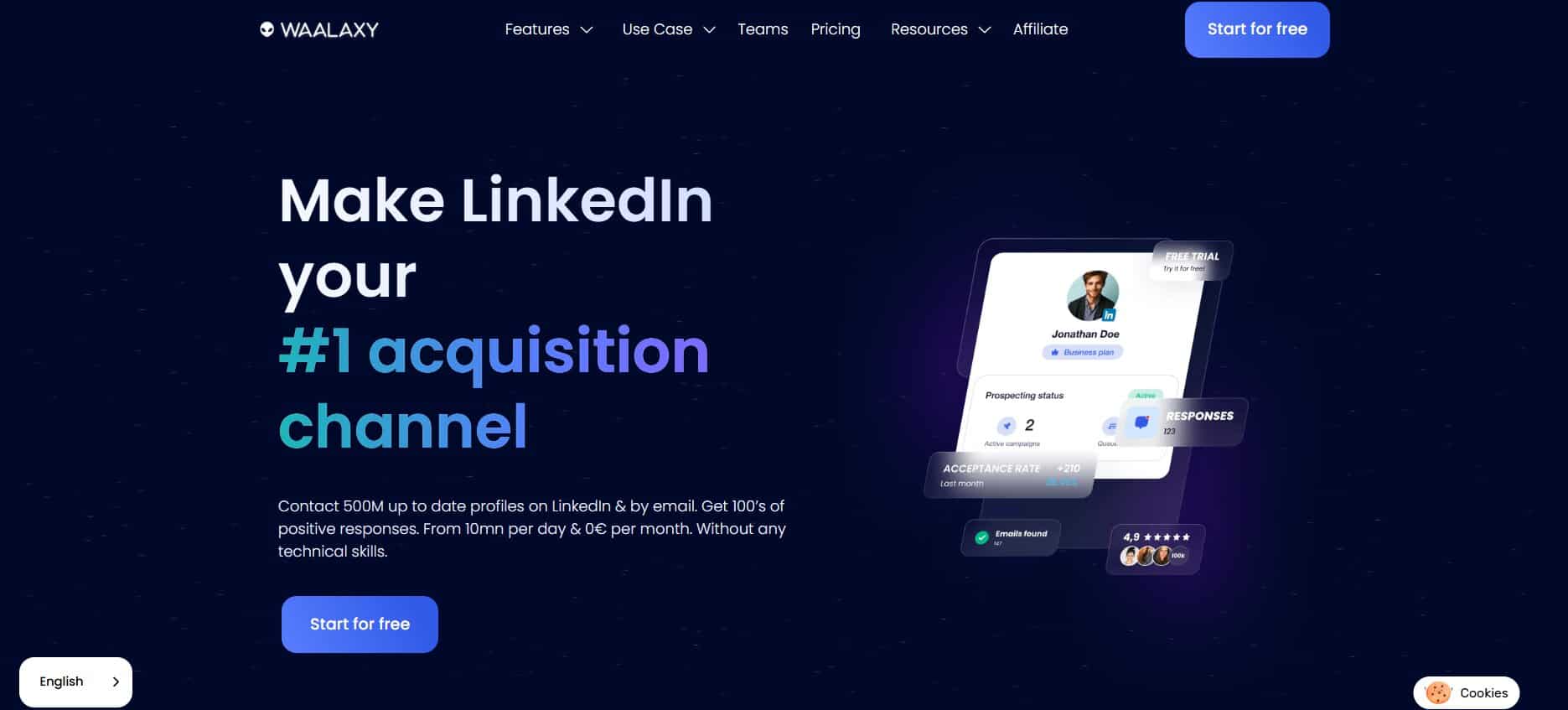
Waalaxy has positioned itself clearly as the multichannel outreach tool for users who want LinkedIn and email in a single, streamlined workflow. Its product is polished, its onboarding is among the smoothest of any tool on this list, and its pricing tiers make it accessible to smaller agencies and growing teams.
Best Features
The core value proposition of Waalaxy is its combined LinkedIn and email sequencing. Users can build campaigns that start with a LinkedIn connection request, follow up with a message on LinkedIn, and then pivot to email if the prospect does not respond — all within a single campaign workflow. For agencies whose clients operate in markets where email is still an effective outreach channel alongside LinkedIn, this integrated approach saves significant time and reduces the complexity of managing separate tools.
The campaign builder is genuinely user-friendly. Pre-built campaign templates make it straightforward to launch outreach quickly without building sequences from scratch. This is particularly valuable for agencies onboarding new clients where speed to launch matters.
Waalaxy also includes a built-in lead database — Waalaxy Market — which allows users to find prospects without leaving the platform. While it does not replace a dedicated data provider, it reduces the friction of the prospecting process for teams that do not have a separate data stack.
Where It Falls Short
Multi-account management is the main limitation. Waalaxy is primarily designed for single-user or small team deployments, and agencies managing large numbers of client accounts will find the lack of a proper portfolio management dashboard a significant constraint.
The AI personalisation features are also more limited than Dealsflow or Expandi. The platform handles basic variable insertion well but lacks the deeper profile-signal personalisation that more sophisticated outreach requires.
Pricing
Free plan available (limited actions). Paid plans start at approximately $30/month, with the full multichannel functionality available from around $67/month.
G2 Rating
4.4/5 — praised for ease of use and the multichannel workflow. Some reviewers note limitations in analytics depth.
Best For
Smaller agencies and individual consultants who want a clean, integrated LinkedIn and email outreach tool without a steep learning curve or high price tag.
4. Zopto
Zopto occupies an interesting position in the market: it is one of the few LinkedIn automation tools that combines cloud-based outreach automation with its own lead targeting and filtering capabilities, particularly tight integration with LinkedIn Sales Navigator. For agencies whose clients need both prospecting and outreach in one platform, Zopto reduces the need for an additional data tool.
Best Features
Zopto’s lead targeting is genuinely strong. Users can filter prospects by company size, industry, location, seniority, job function, and technology used — and push them directly into outreach campaigns without exporting and reimporting CSV files. For agencies handling the full top-of-funnel process (not just message delivery), this end-to-end capability within a single tool is efficient.
The platform is cloud-based and includes multi-account management through its agency plan, making it a viable option for agencies with multiple clients. Campaign analytics are solid, with engagement rates, acceptance rates, and reply rates tracked at the campaign level.
Zopto also includes LinkedIn InMail and email outreach capabilities, broadening the channels available within a single campaign.
Where It Falls Short
Pricing is the main friction point. Zopto’s agency plans start significantly higher than most competitors, which limits its accessibility for smaller operations. The onboarding process is also more complex than tools like Waalaxy or We-Connect.
Some users report that the user interface, while functional, feels less modern than competing platforms. Customer support response times have been flagged in reviews as inconsistent.
Pricing
Individual plans start at $197/month. Agency plans are available at higher tiers — worth requesting a custom quote based on the number of accounts you need to manage.
G2 Rating
4.2/5 — solid ratings for targeting and data quality; some negative feedback on pricing and UX.
Best For
Agencies that need both lead targeting and outreach automation in one platform, particularly those working with Sales Navigator.
5. HeyReach
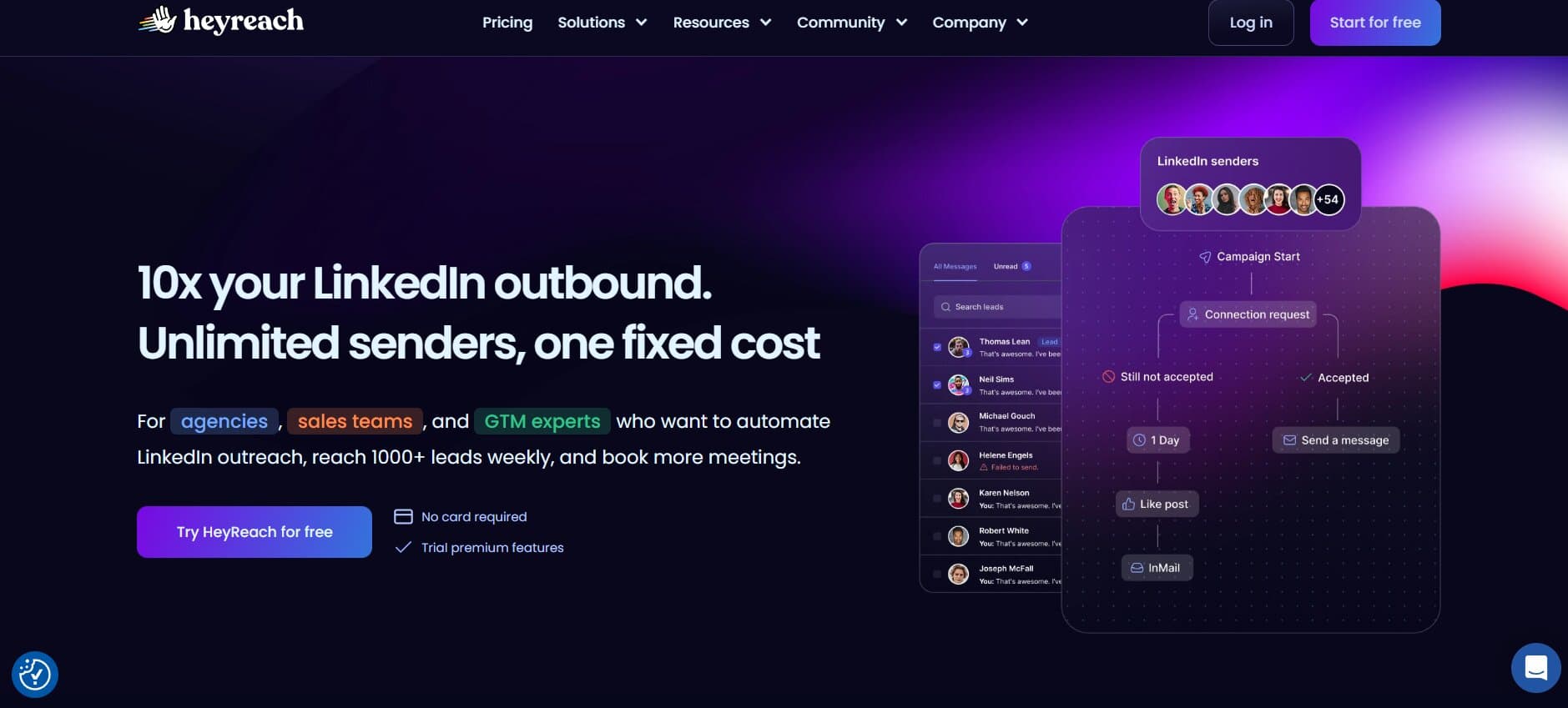
HeyReach has emerged as a compelling option for agencies that need to significantly scale outreach volume without getting individual accounts flagged. Its core differentiator is the ability to run outreach across multiple LinkedIn accounts simultaneously — whether those are client accounts, team member accounts, or dedicated sender profiles — from a single campaign.
Best Features
The multi-sender architecture is what makes HeyReach distinctive. Rather than running each account’s outreach separately, the platform allows you to build a campaign and distribute the sending load across multiple LinkedIn profiles. This means you can safely send significantly higher volumes than any single account could handle, while each individual account stays within safe daily limits.
For agencies running prospecting campaigns on behalf of clients — where the goal is maximum addressable reach into a target market — this approach can meaningfully increase pipeline generation without increasing per-account risk.
The campaign builder is clean and straightforward. HeyReach handles connection requests, follow-up messages, and basic sequence logic reliably.
Where It Falls Short
HeyReach does not offer email outreach or multi-channel sequencing. It is a LinkedIn-only tool. Agencies that need integrated email workflows will need to use it alongside a separate email outreach platform.
Personalisation capabilities are functional but not advanced. The platform handles variable insertion well but does not offer the deep profile-signal personalisation that Expandi or Dealsflow provide.
Pricing
Plans start at $79/month, with higher tiers for larger numbers of sender accounts. Pricing is competitive for the multi-sender capability it provides.
G2 Rating
4.6/5 — strong ratings for volume capability and ease of multi-account setup.
Best For
Agencies focused on LinkedIn-only outreach that need to maximise volume across multiple sender accounts without triggering safety issues.
6. We-Connect
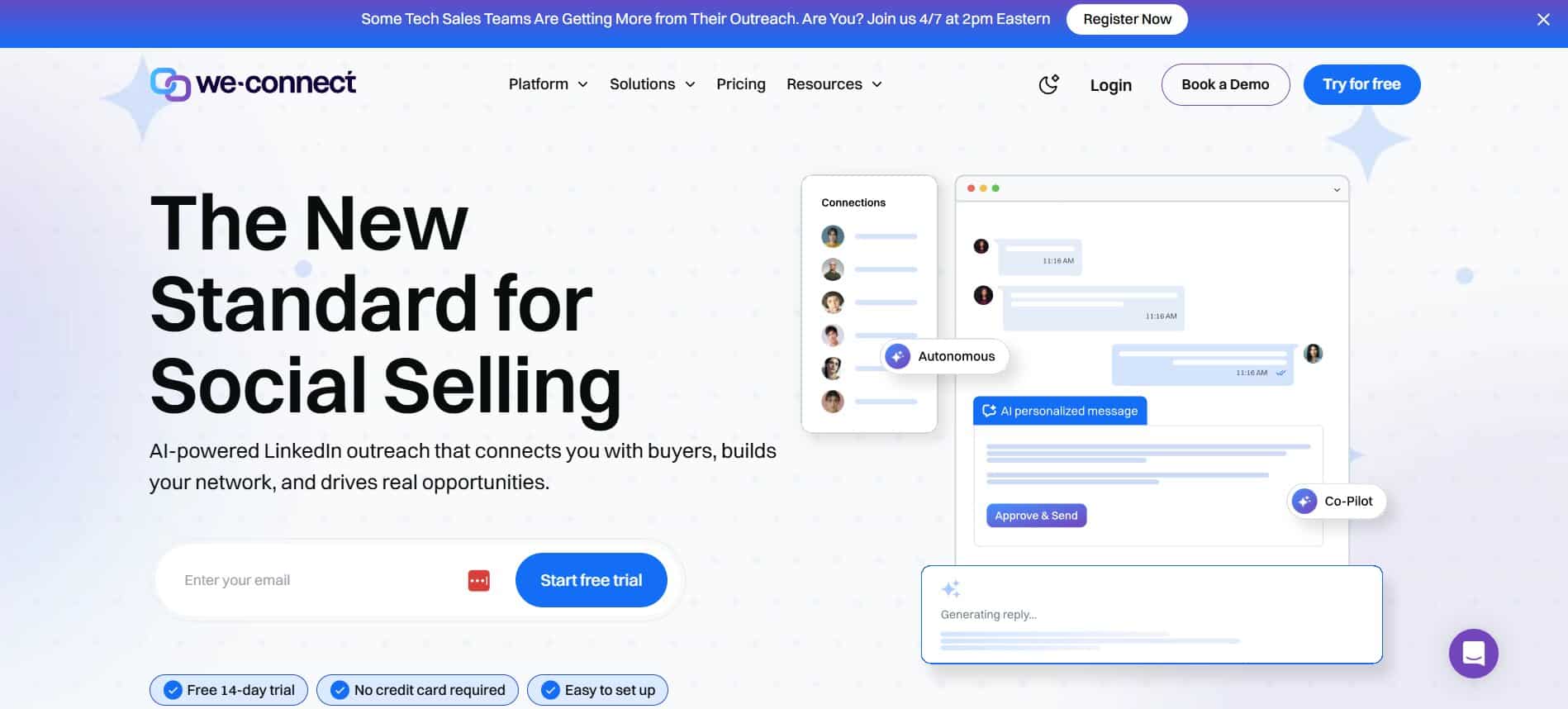
We-Connect occupies the accessible end of the market — a cloud-based LinkedIn automation tool that covers the fundamentals reliably at a price point that makes it accessible to solo practitioners and small agencies. It does not have the advanced personalisation of Expandi or the multi-account sophistication of Dealsflow, but for teams with straightforward outreach needs and limited budgets, it delivers consistent value.
Best Features
We-Connect is cloud-based, which immediately separates it from browser extension tools in terms of safety and reliability. Campaigns run continuously without requiring a computer to stay active, and the platform includes sensible daily limits and randomised action timing to reduce detection risk.
The campaign builder supports connection requests, message sequences, profile visits, endorsements, and post engagement — giving users a reasonable range of LinkedIn actions to work with. The interface is clean and relatively intuitive, making it one of the faster tools to get up and running on.
We-Connect includes basic analytics — acceptance rates, reply rates, campaign performance — and supports CSV import for lead lists. Integrations with major CRMs are available through Zapier.
Where It Falls Short
Multi-account management is limited. We-Connect is not built for agencies managing many client accounts simultaneously — there is no portfolio-level dashboard, and switching between accounts requires manual navigation. The personalisation features are basic, covering standard variable insertion without deeper profile-signal customisation.
Pricing
Plans start at $49/month per account. Simple, transparent pricing with no hidden seat fees.
G2 Rating
4.3/5 — rated well for value and ease of use.
Best For
Freelancers, solo consultants, and very small agencies with simple outreach needs and a limited budget.
7. Dripify
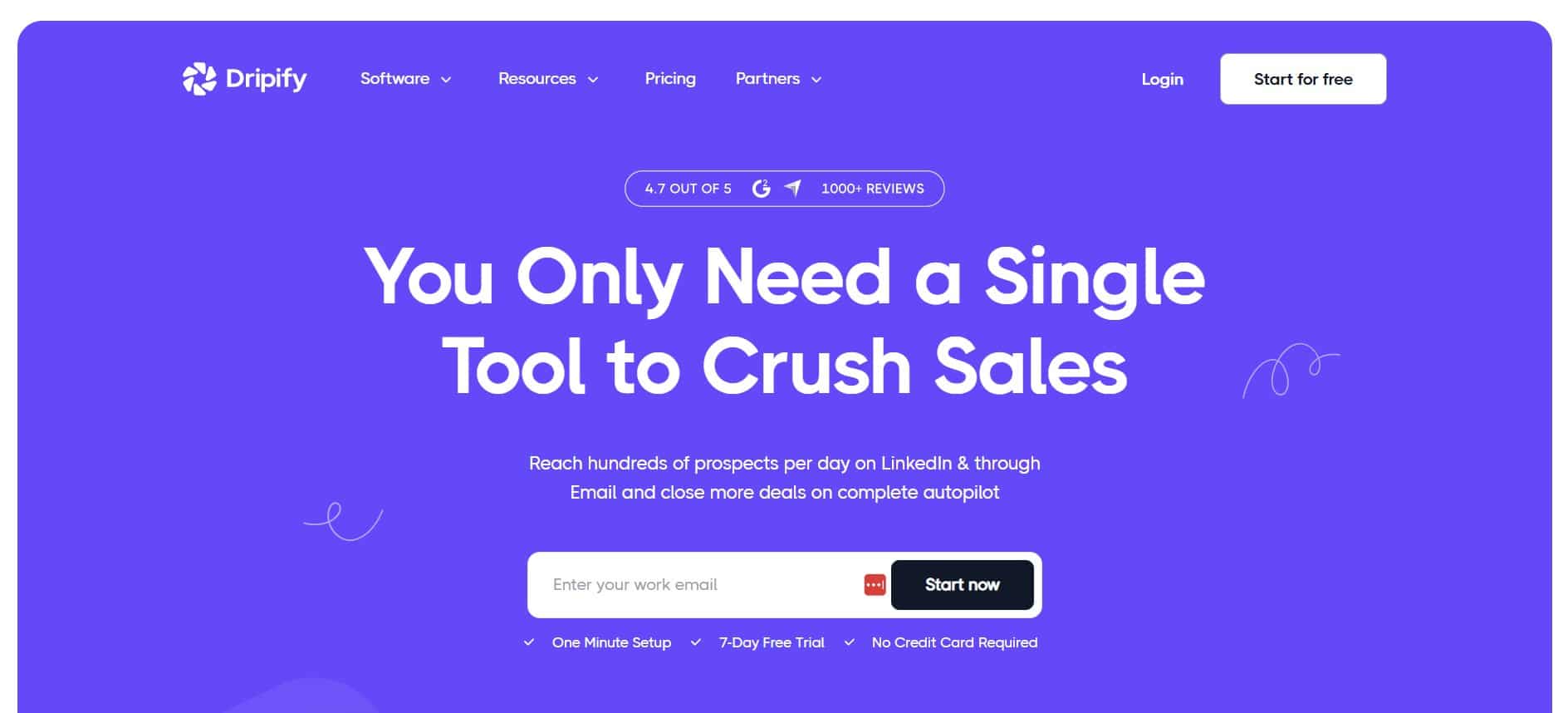
Dripify has won significant market share on the back of one key differentiator: it is genuinely easy to use. Its visual campaign builder makes sequence construction intuitive even for people with no prior LinkedIn automation experience, and its cloud-based architecture means it is safe to use without technical configuration.
Best Features
The visual drag-and-drop sequence builder is Dripify’s headline feature. Users construct campaigns by placing action blocks — send connection request, wait X days, send message, visit profile, like post — on a visual canvas and connecting them in sequence. The result is a campaign builder that is much easier to understand at a glance than text-based configuration flows.
Dripify supports team accounts, allowing managers to monitor team member campaigns, analyse individual performance, and manage permissions. This makes it functional for small sales teams and boutique agencies, though not for large-scale multi-client management.
The platform includes A/B testing for connection request messages and basic analytics covering acceptance and reply rates.
Where It Falls Short
Dripify is not built for agency-grade multi-account management. The team features are useful for internal teams but not for managing separate client accounts in isolation. Personalisation capabilities are basic, and the platform lacks multi-channel sequencing (LinkedIn + email in the same flow).
Pricing
Plans start at $59/month. A basic plan is available at $39/month with reduced features.
G2 Rating
4.5/5 — strong ratings for ease of use and onboarding experience.
Best For
Teams new to LinkedIn automation who want a clean, visually intuitive tool to learn the fundamentals before moving to more complex platforms.
8. Skylead
Skylead is a cloud-based LinkedIn automation and email outreach tool that distinguishes itself through two features: smart sequence logic and image/GIF personalisation. It sits in the mid-market range — more capable than simple tools like We-Connect, but less agency-focused than Dealsflow.
Best Features
Skylead’s smart sequences use conditional logic to adapt campaign behaviour based on how prospects respond. If a prospect has an open email address available, the sequence can switch to email outreach rather than continuing on LinkedIn — automatically, without manual intervention. This kind of intelligent channel switching is genuinely useful for maximising contact rates.
The image and GIF personalisation feature allows outreach messages to include dynamically generated visuals with the prospect’s name, company logo, or profile picture embedded. This type of personalisation significantly increases message open rates and responses, particularly in markets where prospect inboxes are saturated with templated outreach.
Skylead supports both LinkedIn and email outreach within a single campaign, making it a viable multi-channel tool for agencies that want integrated sequences without managing two separate platforms.
Where It Falls Short
Multi-account management is available but not as polished as top-tier agency tools. Agencies managing large numbers of client accounts may find the workflow cumbersome. Pricing at $100/month per account can add up quickly across a client portfolio.
Pricing
$100/month per account. No free plan, but a trial is available.
G2 Rating
4.4/5 — strong ratings for creative personalisation features and smart sequence logic.
Best For
SDRs and smaller agencies that want creative, high-quality outreach with LinkedIn and email in one tool, particularly where personalisation is a competitive differentiator.
9. Linked Helper
Linked Helper is the veteran of the LinkedIn automation space — one of the oldest and most feature-rich tools available. It takes a different technical approach from most tools on this list: it is primarily a desktop application rather than a fully cloud-based solution, which makes it more powerful in some respects but less convenient and inherently more complex to operate.
Best Features
The depth of automation available in Linked Helper is genuinely impressive. Users can automate an extensive range of LinkedIn actions: connection requests, messages, follow-ups, profile visits, skill endorsements, post likes and comments, group messaging, event outreach, and InMail. For users who want granular control over exactly what their LinkedIn profile does, very few tools match Linked Helper’s breadth.
The platform supports multiple LinkedIn accounts, and its recent cloud version (Linked Helper 2) offers more flexibility for users who do not want to keep a desktop application running. Pricing is among the most affordable on this list, making it an attractive option for users who have the technical comfort to configure it properly.
Where It Falls Short
The desktop application architecture is the fundamental limitation. Unlike fully cloud-based tools, the original Linked Helper requires a computer to stay on and LinkedIn to remain active. Even with the cloud version, setup is more technically involved than competitors. The interface has a steeper learning curve, and the tool requires more careful manual configuration to stay within safe sending limits.
For agencies managing client accounts, this complexity multiplies. It is not the right tool for teams that need clean, delegated client account management.
Pricing
Linked Helper 2 starts at approximately $15/month — among the lowest-cost options on this list. A 14-day free trial is available.
G2 Rating
4.4/5 — high ratings for feature depth and value for money. Lower scores on ease of use.
Best For
Individual users and technically confident marketers who want maximum automation depth at minimum cost and are comfortable managing the setup complexity themselves.
10. Dux-Soup
Dux-Soup is one of the most widely recognised names in LinkedIn automation, largely because it has been in the market for a long time and has a large, established user base. It operates as a browser extension — the oldest and most common technical approach in this space — which means it is easy to get started with but carries inherent limitations compared to cloud-based tools.
Best Features
Dux-Soup’s main advantage is simplicity and accessibility. Installing a browser extension and pointing it at a LinkedIn search is genuinely straightforward, making it one of the fastest tools to get running for someone completely new to LinkedIn automation. It handles the basics — automated profile visits, connection requests, follow-up messaging, and basic drip sequences — reliably.
Pricing is very accessible, with plans starting under $15/month, making it an entry point for individuals who want to test LinkedIn automation before committing to a more sophisticated platform.
Where It Falls Short
The browser extension architecture is the platform’s fundamental limitation. Your computer must remain on and LinkedIn must remain open for campaigns to run. This is impractical for agencies or anyone running sustained, high-volume outreach. There is no multi-account management, no cloud operation, and limited personalisation capability beyond basic variable insertion.
For agencies specifically, Dux-Soup is not a viable primary tool. It is best understood as an introductory tool for individual users who want to understand LinkedIn automation before investing in a more capable platform.
Pricing
Plans start at $14.99/month for the basic tier. Pro and Turbo plans are available at higher price points.
G2 Rating
4.1/5 — recognised for ease of use and low price point. Rated lower for advanced features and safety.
Best For
Individual users who are completely new to LinkedIn automation and want a low-cost, low-complexity way to experiment before committing to a full platform.
Picking the Right LinkedIn Automation Tool for Your Agency
With ten tools evaluated, the question that remains is which one is right for your specific situation. Here is a framework for narrowing down your choice based on your agency’s size, client profile, and outreach strategy.
Large Sales Teams and Agencies Operating at Scale
If your agency manages LinkedIn outreach for five or more clients simultaneously, and your team includes multiple people running campaigns day-to-day, you need a tool built for that operational complexity. The key requirements here are genuine multi-account management with client isolation, portfolio-level reporting, robust safety controls, and the ability to onboard new client accounts quickly without disrupting existing ones.
Dealsflow is the clear recommendation in this category. Its agency architecture addresses exactly these requirements, and the premium pricing reflects the operational value it delivers at scale. Zopto is also worth evaluating if your clients need integrated lead targeting alongside outreach automation.
Agencies That Need Multi-Channel Outreach Capability
If your clients’ lead generation strategy involves both LinkedIn and email — which is increasingly common as LinkedIn inbox saturation increases — you need a tool that handles both channels within a single workflow rather than requiring you to manage two separate platforms and manually coordinate between them.
Dealsflow and Skylead both offer this capability. For agencies where creative personalisation is a competitive differentiator, Skylead’s image and GIF personalisation combined with its smart channel-switching sequences is a genuinely compelling combination. Waalaxy is a strong option for smaller agencies in this category, particularly those prioritising ease of use and lower entry pricing.
Solo Practitioners and Small Agencies on a Budget
Not every agency is managing twenty client accounts. If you are a consultant handling LinkedIn outreach for a handful of clients, or a small agency still building your service offering, the investment in a premium agency-grade tool may not yet be justified.
We-Connect offers the best balance of cloud-based safety, solid core features, and accessible pricing at this end of the market. Expandi is worth the additional cost if personalisation quality is particularly important to your client’s results. Dripify is the easiest to get started with if your team has no prior LinkedIn automation experience.
Teams That Need High-Quality Data Alongside Automation
Some agencies handle the entire top-of-funnel process for clients — not just message delivery, but also prospecting and lead list building. If that describes your operation, a tool that combines data and outreach in one platform reduces your tech stack and operational complexity significantly.
Zopto is the strongest option here, particularly for clients using LinkedIn Sales Navigator as their primary prospecting method. HeyReach is an alternative worth considering if volume is the primary goal and you are sourcing leads through Sales Navigator externally before running outreach across multiple sender accounts.
The Key Dimensions for Agency Decision-Making
| Tool | Agency Multi-Account | AI Personalisation | Multi-Channel (LI+Email) | Cloud-Based | Best Price-Value Tier |
| Dealsflow | Excellent | Advanced | Yes | Yes | Mid–Enterprise |
| Expandi | Good | Advanced | Via integration | Yes | Mid-market |
| Waalaxy | Limited | Basic | Yes (native) | Yes | SMB–Mid |
| Zopto | Good | Moderate | InMail + Email | Yes | Mid–Enterprise |
| HeyReach | Excellent (volume) | Moderate | LinkedIn only | Yes | Mid-market |
| We-Connect | Limited | Basic | LinkedIn only | Yes | SMB |
| Dripify | Limited | Basic | LinkedIn only | Yes | SMB |
| Skylead | Moderate | Advanced (images) | Yes | Yes | Mid-market |
| Linked Helper | Moderate | Moderate | Limited | Desktop/Cloud | Budget |
| Dux-Soup | None | Basic | None | Browser ext | Entry-level |
Conclusion
The honest answer is that the best tool depends on what your agency actually needs. But if you are looking for a single recommendation that works across the widest range of agency use cases, Dealsflow is the standout choice in 2026. It is the only platform on this list that was designed from the ground up for the agency model — combining the safety controls, multi-account management, AI personalisation, and reporting quality that agencies need to deliver consistent results for multiple clients.
For agencies at an earlier stage, Expandi is the best alternative — particularly if personalisation quality is central to your value proposition. For teams that need a more affordable entry point, We-Connect or Waalaxy are solid choices that will serve you well until your operation grows to a scale where the premium tools become clearly cost-justified.
The most important takeaway from this guide is this: do not choose a LinkedIn automation tool based on price alone, and do not choose one that is not built for cloud operation. The cost of a banned client LinkedIn account — in reputation, in client trust, in replacement time — far exceeds the savings from picking a cheaper browser extension tool. Invest in a cloud-based platform with strong safety controls, and you will protect your clients’ accounts and your agency’s reputation simultaneously.
The LinkedIn outreach landscape in 2026 is more competitive than ever. The agencies that win are the ones that combine the right technology with genuinely well-crafted messaging — and the tools on this list give you the foundation to do exactly that.

An avid blogger, dedicated to boosting brand presence, optimizing SEO, and delivering results in digital marketing. With a keen eye for trends, he’s committed to driving engagement and ROI in the ever-evolving digital landscape. Let’s connect and explore digital possibilities together.

