
Before you start
Website speed is a crucial factor for user experience and SEO. A slow-loading site can lead to high bounce rates and lower search rankings. Website speed test tools help analyze performance and provide actionable insights to improve loading times.
In this guide, we will explore 17 of the best website speed test tools in 2026 and their key features.
Stop 01 of 07
1 minWhat Is a Website Speed Test Tool?
A website speed test tool measures how fast a webpage loads. It evaluates several performance metrics, including:
- Page Load Time: The time it takes for a webpage to fully display.
- Page Size: The total size of all elements on the page.
- Requests: The number of requests sent to the server.
- Time to First Byte (TTFB): The time taken for the server to respond.
These tools help identify performance bottlenecks and provide recommendations for improvement.
Stop 02 of 07
1 minWhy Website Speed Matters
Website speed directly affects:
- User Experience: Faster websites retain visitors longer.
- SEO: Google considers page speed a ranking factor.
- Conversions: A slow site can reduce sales and sign-ups.
- Mobile Experience: Mobile users expect quick loading times.
Stop 03 of 07
1 minKey Features to Look for in a Speed Test Tool
When selecting a speed test tool, consider these features:
- Page Load Analysis: Breakdown of each resource’s loading time.
- Mobile vs. Desktop Testing: Performance comparison across devices.
- Real-Time Performance Insights: Live data for accurate analysis.
- Optimization Suggestions: Actionable tips to improve speed.
Stop 04 of 07
3 min17 Best Website Speed Test Tools in 2026
1. Google PageSpeed Insights
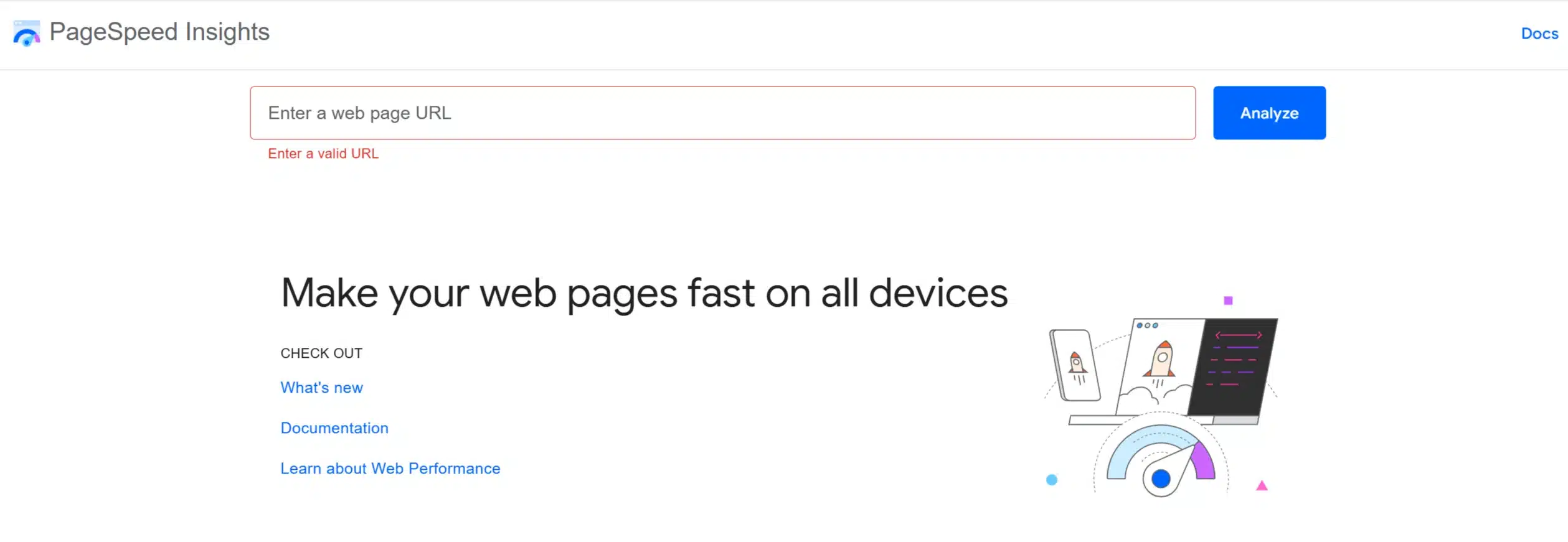
Google PageSpeed Insights analyzes page speed on mobile and desktop. It provides performance scores and optimization suggestions.
- Free tool from Google.
- Measures Core Web Vitals.
- Provides recommendations for improvement.
2. GTmetrix
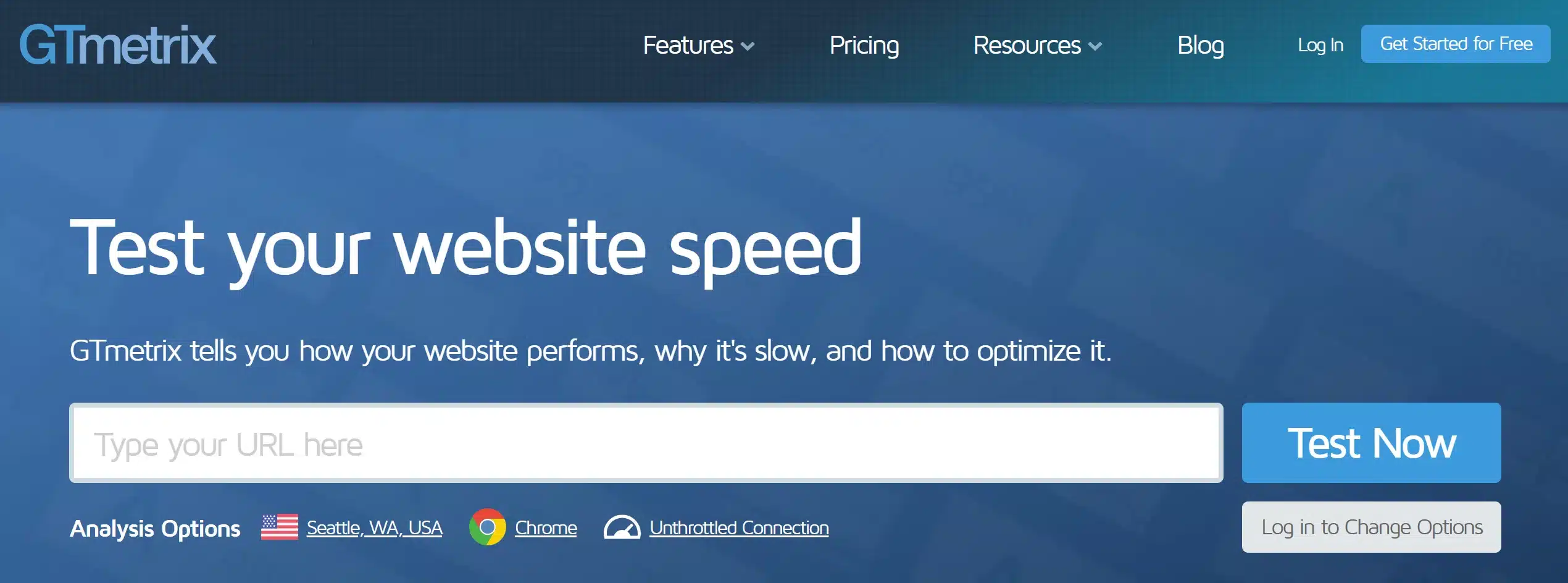
GTmetrix provides detailed speed performance reports with actionable insights.
- Offers waterfall breakdowns.
- Analyzes page speed and performance metrics.
- Allows performance comparison across different devices and locations.
3. Pingdom Website Speed Test
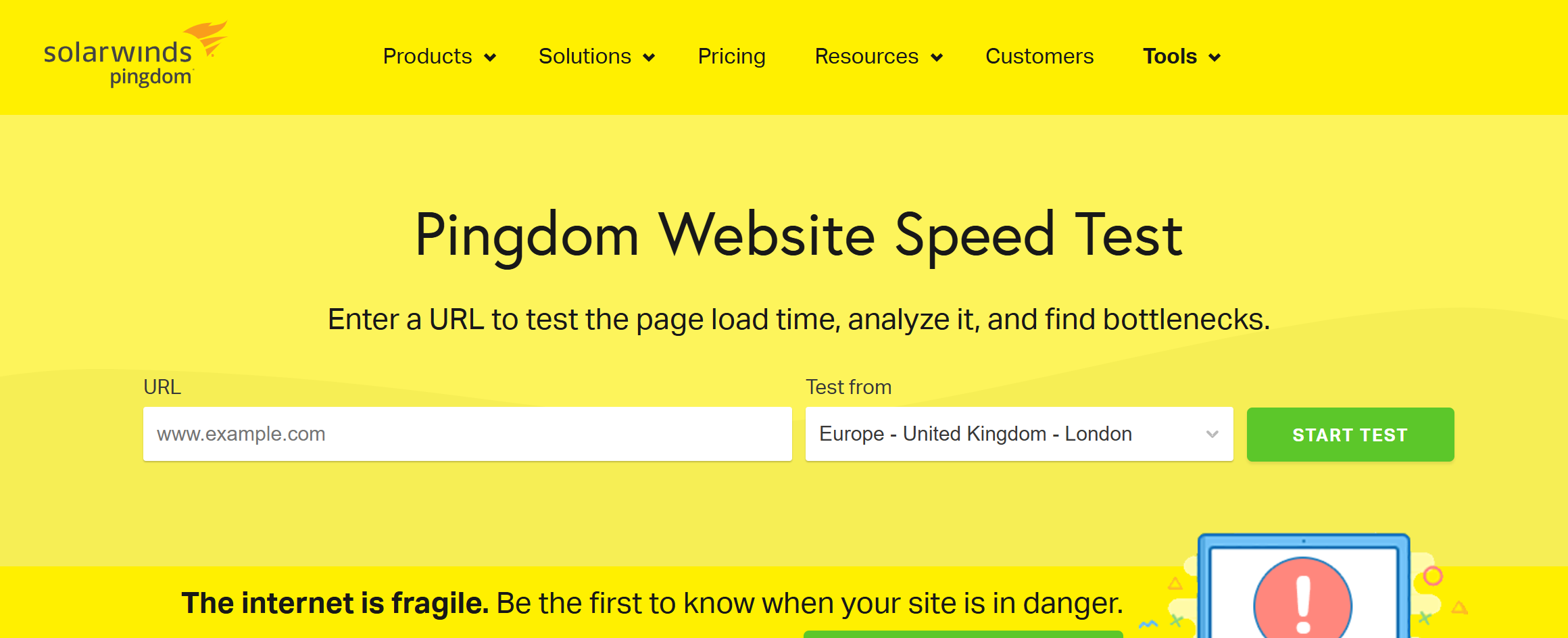
Pingdom offers real-time website performance monitoring and speed testing.
- Provides detailed performance grades.
- Allows testing from multiple global locations.
- Offers uptime monitoring features.
4. WebPageTest
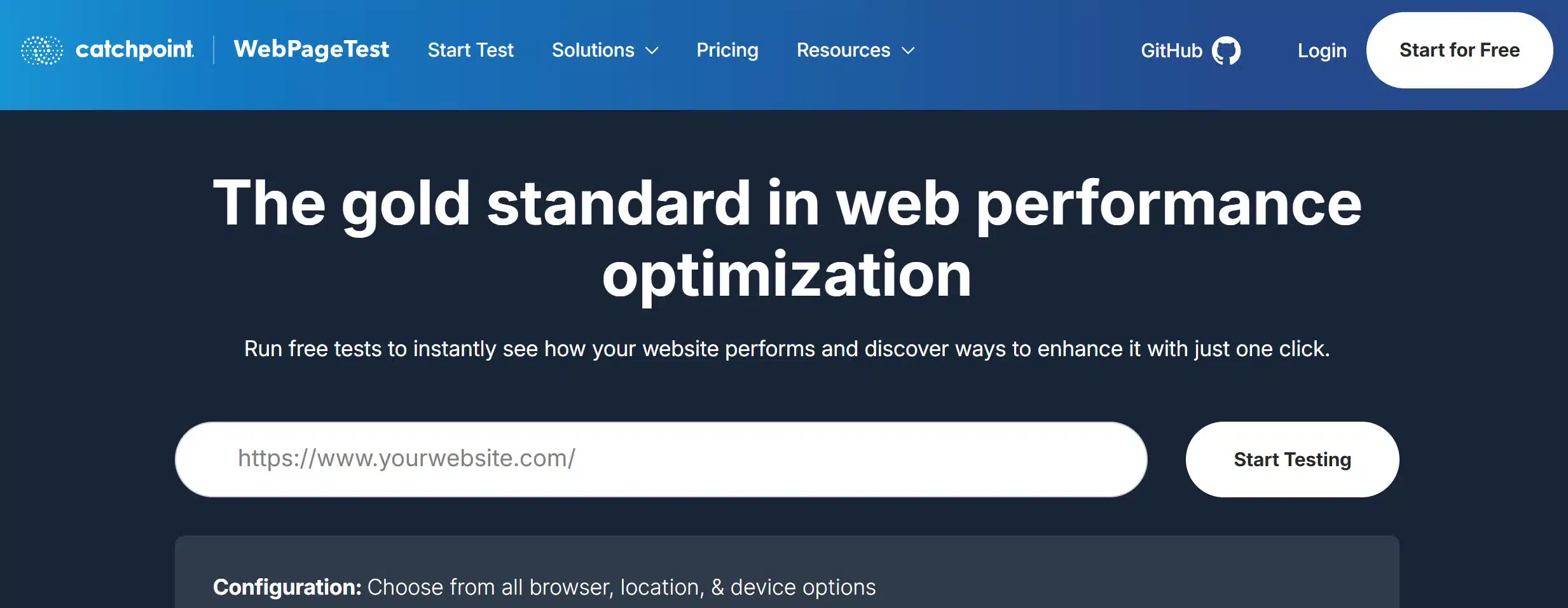
WebPageTest offers advanced testing with customizable options, including multi-step transactions, scripting, and visual comparisons. It helps diagnose performance issues and suggests optimizations.
- Advanced testing features.
- Multi-step transactions and video capture.
- In-depth performance reports.
5. Lighthouse
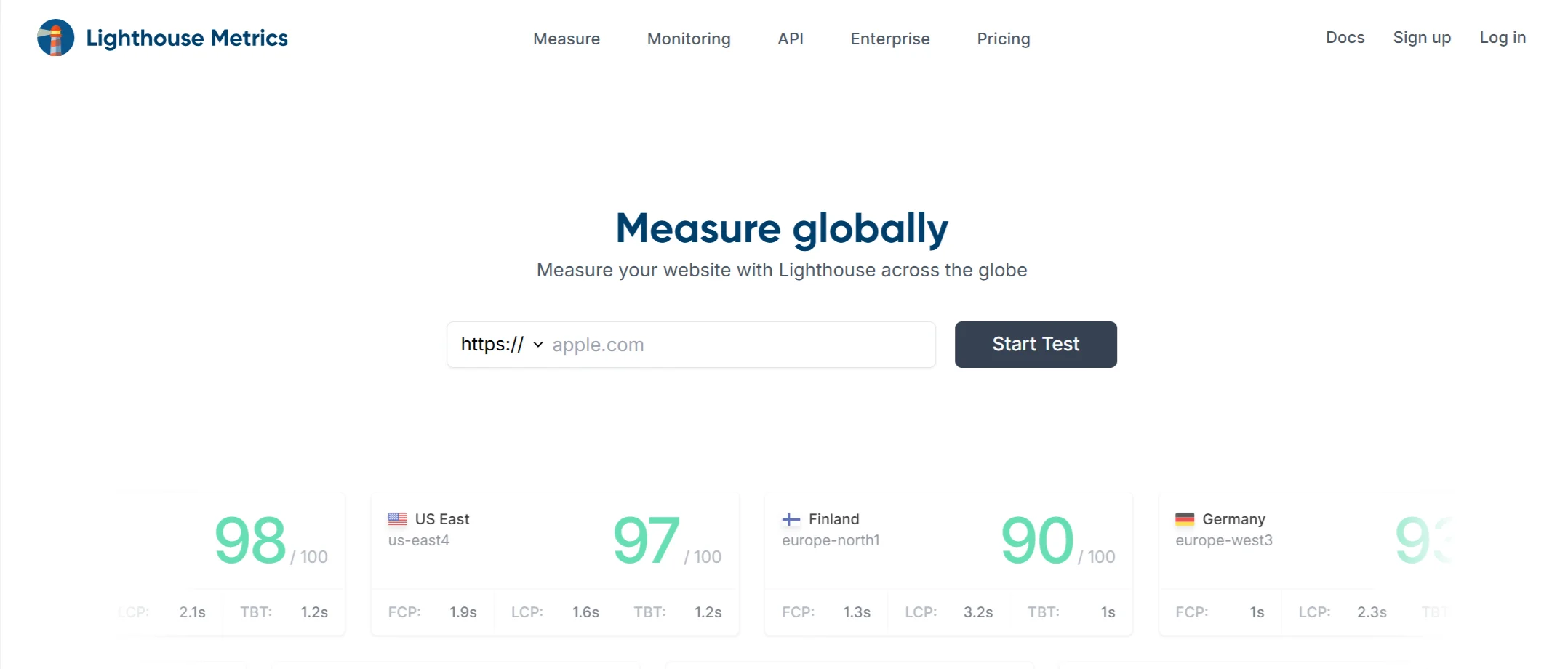
Lighthouse is a Google open-source tool that audits performance, accessibility, SEO, and best practices. It generates detailed reports to help developers optimize websites efficiently.
- Google’s open-source performance testing tool.
- Focuses on accessibility, SEO, and best practices.
- Ideal for developers.
6. Dareboost
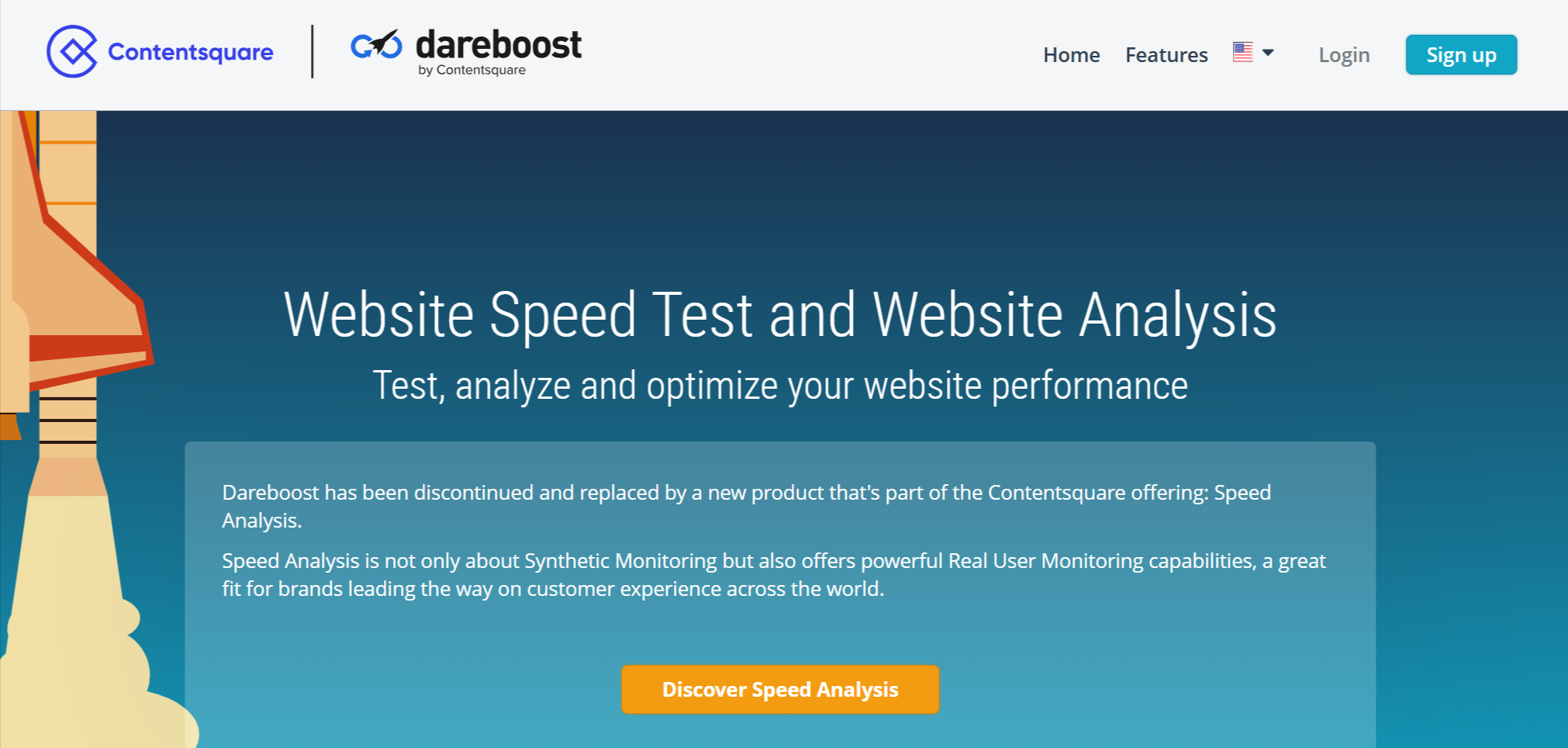
Dareboost provides in-depth analysis of website performance, usability, and security. It offers personalized recommendations to optimize speed and enhance user experience.
- Provides UX and security analysis.
- Detailed performance recommendations.
- Multi-location testing.
7. Uptrends Website Speed Test
Uptrends allows website speed testing on desktop and mobile across multiple global locations. It provides real-time monitoring and detailed load time breakdowns.
- Tests on desktop and mobile.
- Allows testing from different locations.
- Real-time monitoring.
8. Dotcom-Monitor
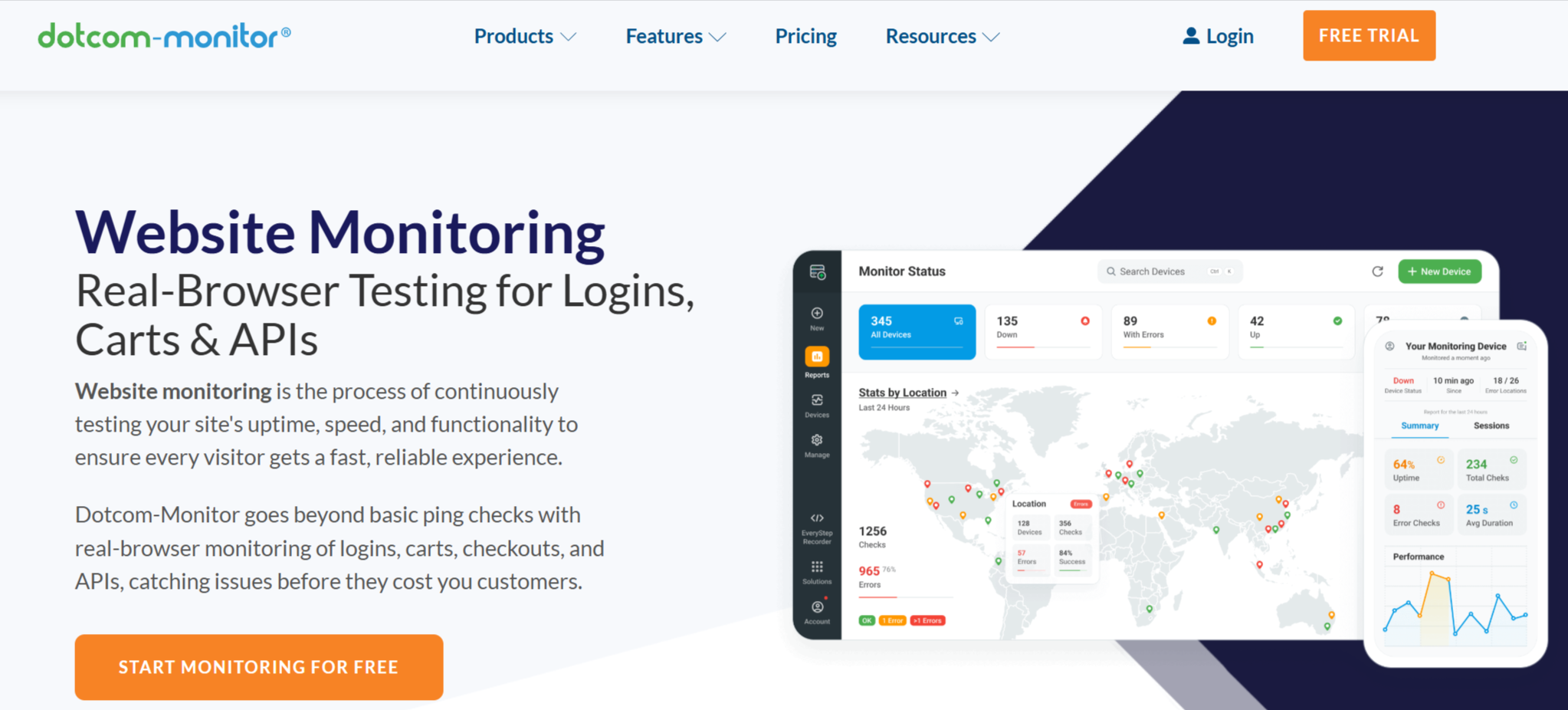
Dotcom-Monitor offers website speed analysis across different browsers and locations. It provides real-time insights and detailed performance reports.
- Tests website speed on multiple browsers.
- Geo-location performance insights.
- Real-time reporting.
9. KeyCDN Website Speed Test
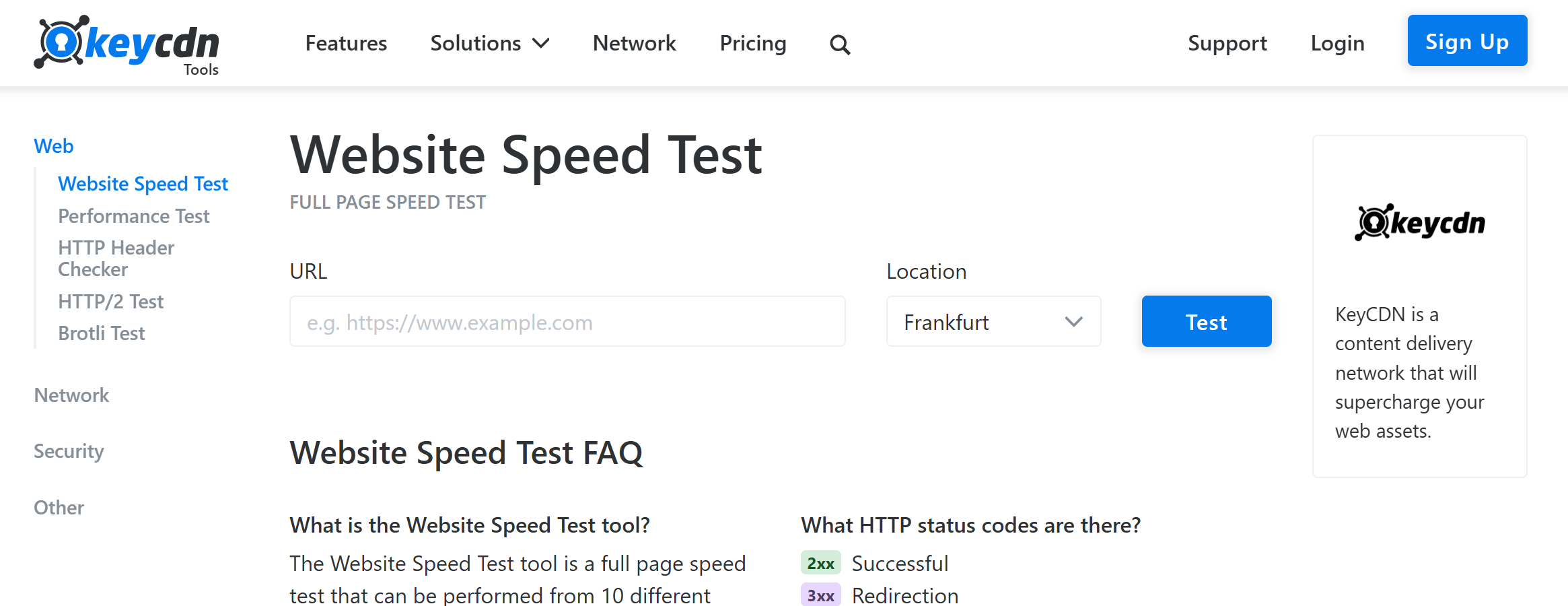
KeyCDN’s tool provides a simple yet effective way to measure page speed. It offers a waterfall breakdown and tests from multiple global locations.
- Simple yet effective interface.
- Worldwide test locations.
- Provides waterfall breakdown.
10. Site24x7 Website Speed Test
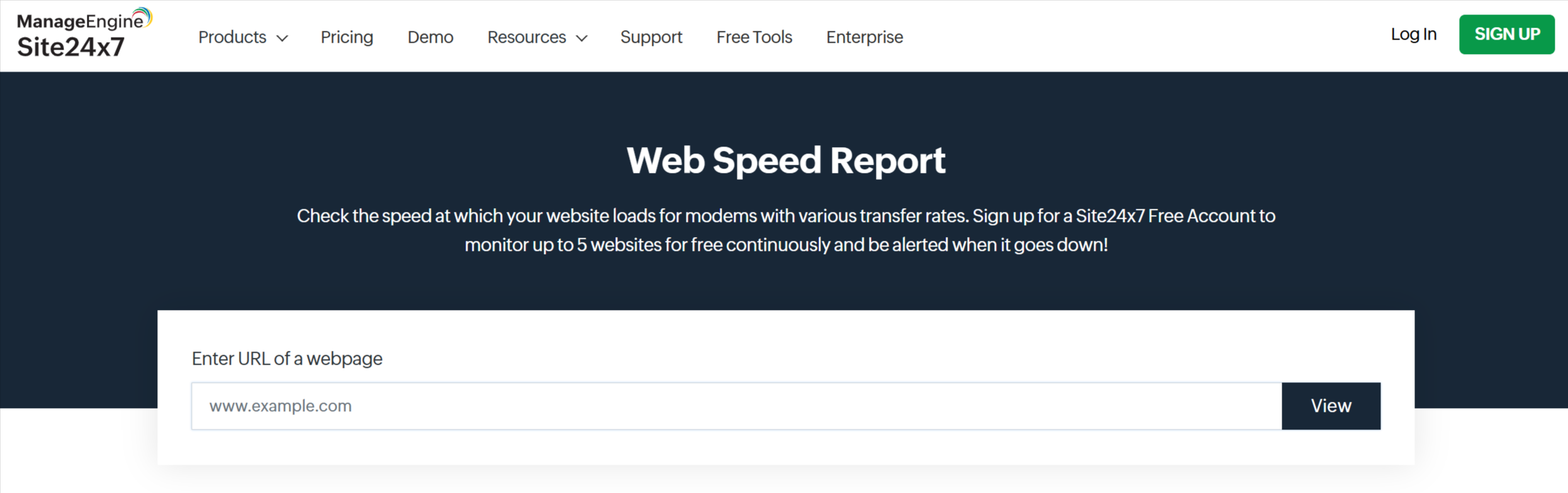
Site24x7 provides synthetic and real user monitoring to track website speed. It helps businesses continuously monitor and optimize performance.
- Synthetic monitoring capabilities.
- Supports real user monitoring (RUM).
- Ideal for continuous performance tracking.
11. New Relic Browser
New Relic Browser focuses on real user insights, analyzing JavaScript execution and tracking user interactions to optimize page speed.
- Provides real user insights.
- Analyzes JavaScript performance.
- Tracks user interactions for better optimization.
12. YSlow
YSlow is a browser extension that evaluates page performance based on Yahoo’s performance rules. It grades sites and provides optimization recommendations.
- Browser extension for quick performance checks.
- Provides rule-based performance suggestions.
- Offers a grade-based evaluation.
13. Web.dev Measure
Web.dev Measure, powered by Google, assesses website performance and provides insights to improve speed, accessibility, and SEO.
- Google’s performance assessment tool.
- Focuses on modern web standards.
- Helps developers optimize web pages.
14. SpeedCurve
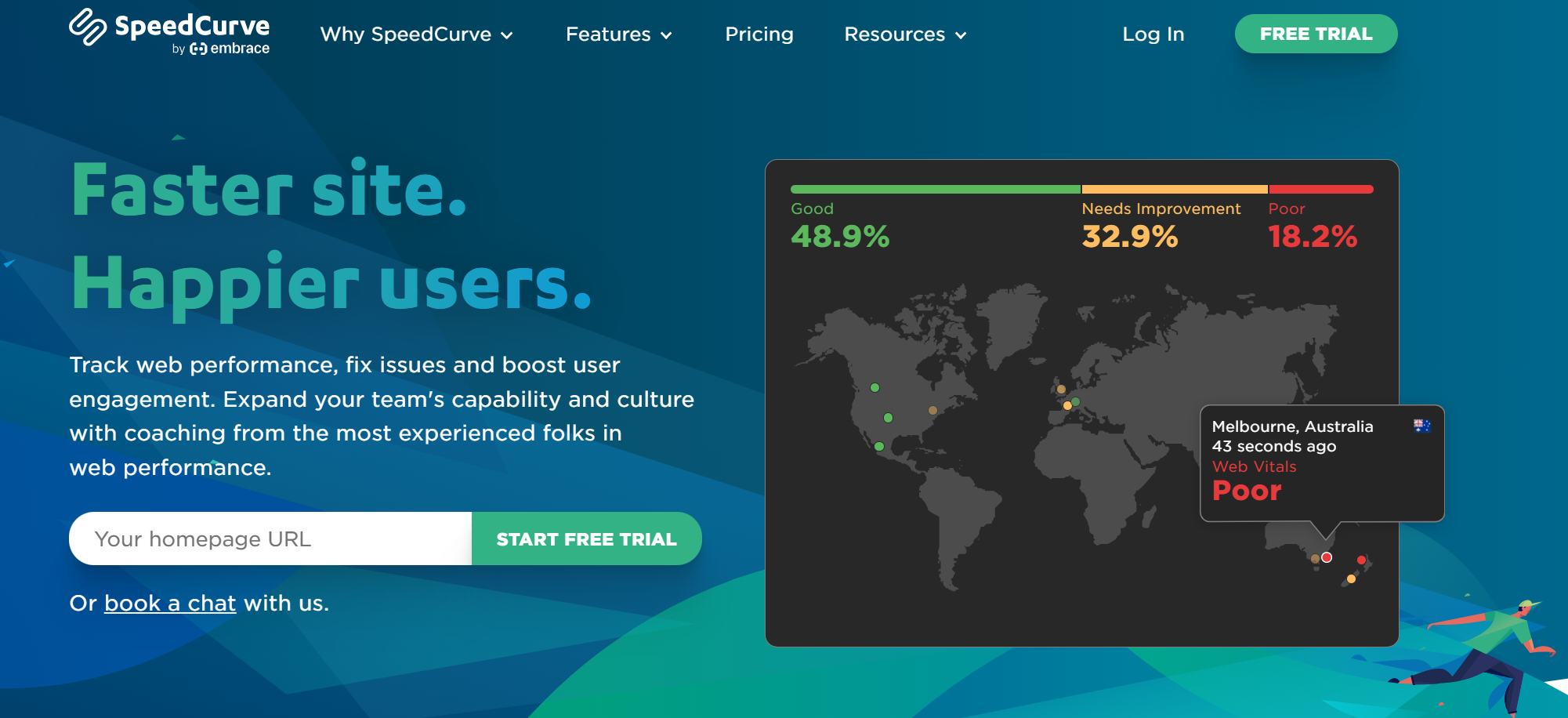
SpeedCurve is a frontend monitoring tool that tracks website performance over time. It helps developers analyze speed trends and implement improvements.
- Frontend monitoring tool.
- Continuous tracking of site performance.
- Helps visualize performance over time.
15. Experte Website Speed Test
Experte’s tool allows bulk testing of multiple pages at once. It provides detailed insights into load times and site performance.
- Allows bulk page speed testing.
- Provides detailed performance insights.
- Useful for testing multiple pages at once.
16. Sucuri Load Time Tester
Sucuri’s tool focuses on security-related speed analysis. It helps detect server-side issues and measures load times from different locations.
- Security-focused speed analysis.
- Tests loading times from different locations.
- Helps detect server-side performance issues.
17. Yellow Lab Tools

Yellow Lab Tools is great for analyzing JavaScript-heavy sites. It provides insights into frontend and backend performance bottlenecks.
- Ideal for JavaScript-heavy sites.
- Detects performance bottlenecks.
- Analyzes frontend and backend performance.
Stop 05 of 07
1 minHow To Choose the Right Tool for Your Needs
Selecting the best tool depends on your requirements:
- For Beginners: Google PageSpeed Insights, GTmetrix, Pingdom.
- For Developers: Lighthouse, WebPageTest, SpeedCurve.
- For Security & Uptime Monitoring: Sucuri Load Time Tester, Site24x7.
- For Real User Monitoring: New Relic Browser, SpeedCurve.
Stop 06 of 07
1 minTips To Improve Website Speed After Testing
Once you test your website speed, follow these tips to improve performance:
- Optimize Images: Compress images without reducing quality.
- Minimize HTTP Requests: Reduce the number of files loaded.
- Enable Caching: Store static resources to speed up repeat visits.
- Use a Content Delivery Network (CDN): Distribute content across multiple servers.
- Reduce CSS, JavaScript, and Third-Party Scripts: Minimize and combine files for faster loading.
Stop 07 of 07
1 minConclusion
A fast website improves user experience, boosts SEO, and increases conversions. Using a website speed test tool helps identify areas for improvement. Choose the tool that best fits your needs and take action to enhance your site’s performance
From insight to action
Want results like these for your brand?
Talk to a consultant about your position, your message and your next step.
Talk to our team