
Before you start
In 2026, sales teams are working faster and smarter than ever — thanks to AI Sales Assistant Software. These intelligent tools are transforming how businesses communicate with leads, manage data, and close deals. From automating outreach to providing real-time insights during calls, AI assistants have become vital members of modern sales teams.
In this blog, you’ll explore the top 11 AI Sales Assistant Software in 2026, their key features, pricing, and ideal use cases. Whether you’re part of a startup or managing a large sales department, this guide will help you find the best fit for your team’s goals.
Stop 01 of 10
1 minWhat is AI Sales Assistant Software?
AI Sales Assistant Software uses artificial intelligence to automate, optimize, and enhance various parts of the sales process. Instead of spending hours on manual tasks like sending emails, qualifying leads, or taking meeting notes, sales reps can focus on building relationships and closing deals.
Key Features
- Lead scoring and qualification
- Email and message automation
- Meeting transcription and analysis
- CRM data management
- Real-time call coaching
- Performance analytics
Benefits of Using AI in Sales
- Saves time and reduces repetitive work
- Improves accuracy in lead targeting and follow-ups
- Provides actionable insights for better decisions
- Enhances customer experience through personalization
Stop 02 of 10
1 minHow We Selected the Top 11 AI Sales Assistant Software
We analyzed and compared dozens of tools available in 2026. The selection criteria included:
- AI Capabilities: Strength of automation, personalization, and analytics features
- User Reviews: Ratings and feedback from sales professionals
- Integrations: Compatibility with popular CRMs and communication tools
- Pricing and ROI: Affordability and value for money
- Innovation: Unique or standout AI-powered features
Stop 03 of 10
4 minTop 11 AI Sales Assistant Software in 2026
Let’s explore the most powerful and effective AI sales tools available today.
1. Regie.ai
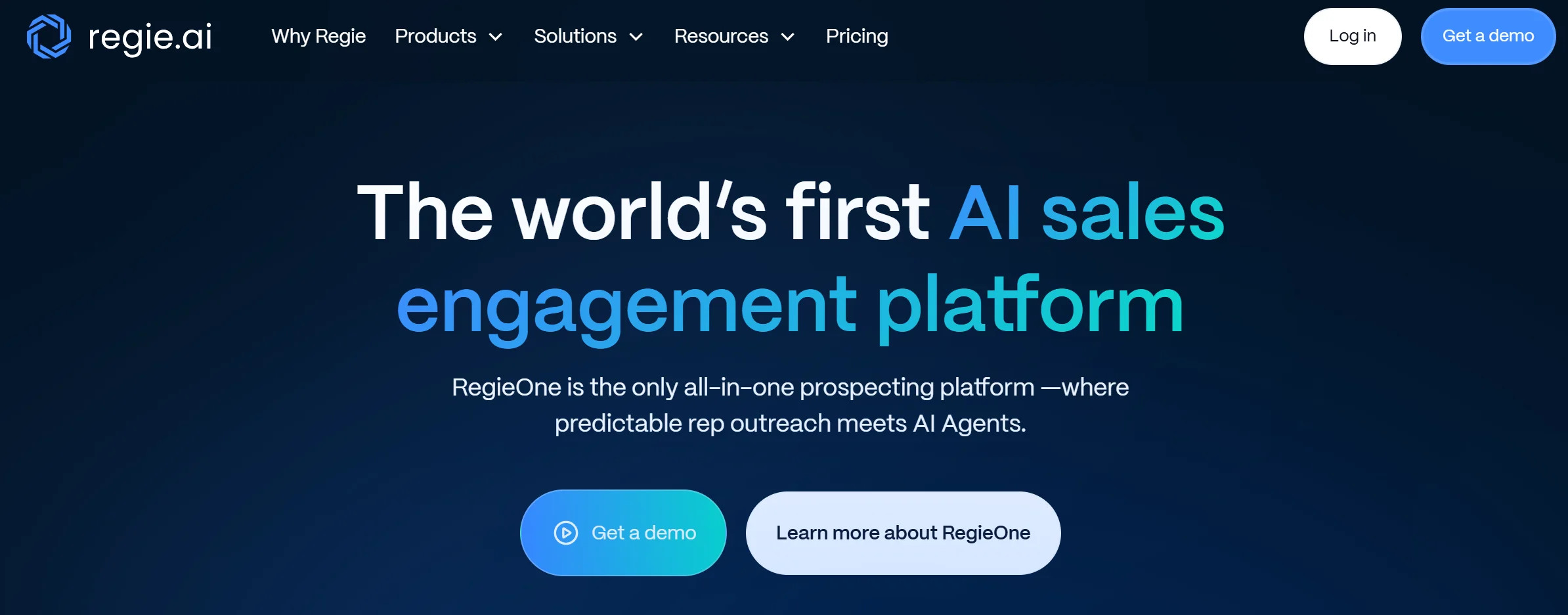
Regie.ai helps sales teams create personalized outreach content using generative AI. It crafts emails, call scripts, and sequences aligned with your brand voice, saving hours in manual content creation.
Key Features:
- AI-generated sales content and outreach
- Automated campaign creation
- Integrations with HubSpot, Salesforce, and Outreach
- Data-driven personalization
Pros:
- Excellent for scaling personalized outreach
- Saves time in content creation
Cons:
- Some templates need manual fine-tuning
Pricing: Starting around $49/month
Best For: Teams focusing on outbound sales and email automation
2. Clay
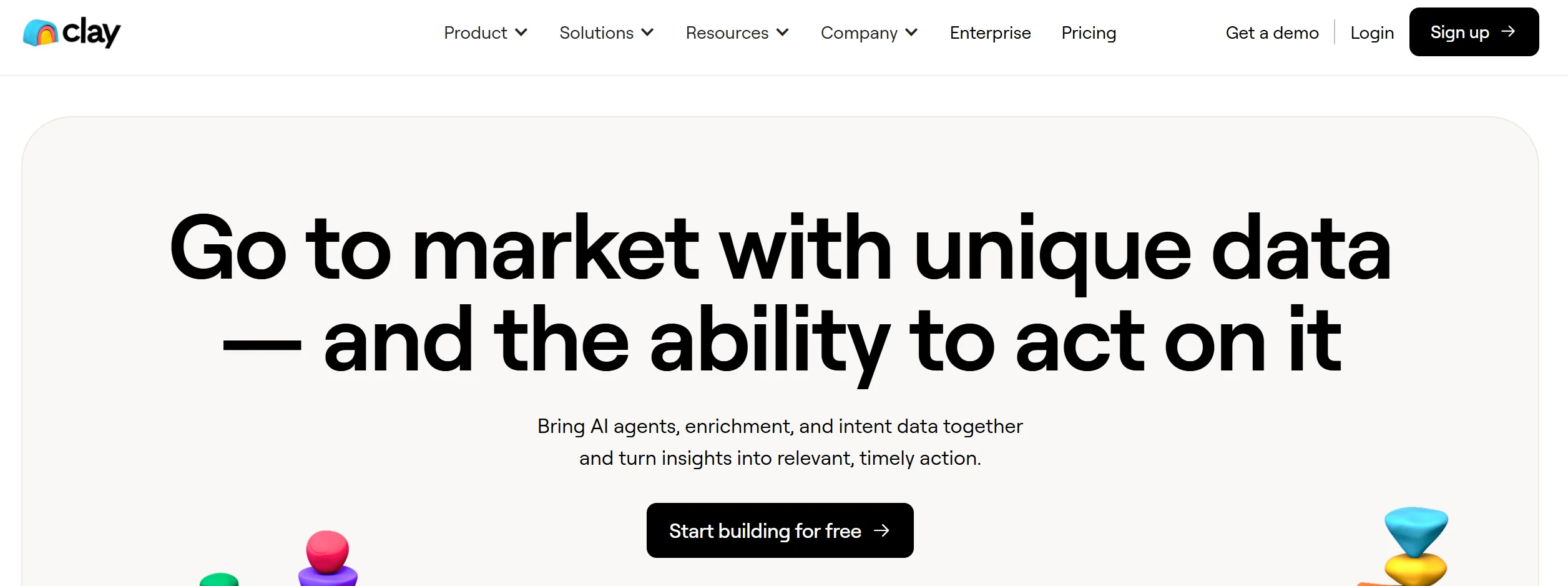
Clay combines data enrichment and prospecting automation. It scrapes the web and LinkedIn to find verified leads and enriches them with actionable insights.
Key Features:
- LinkedIn and web lead prospecting
- Real-time data enrichment
- Workflow automation
Pros:
- Saves time in lead generation
- Highly accurate data
Cons:
- Slightly complex setup for beginners
Pricing: Custom pricing available
Ideal Users: B2B sales and marketing teams
3. Avoma
Avoma uses AI to record, transcribe, and analyze meetings. It provides conversation insights and coaching tips to help teams close deals more efficiently.
Key Features:
- Meeting transcription and summaries
- AI-based conversation analytics
- Sales performance dashboards
Pros:
- Accurate transcriptions
- Valuable coaching insights
Cons:
- Higher pricing for small teams
Pricing: Starts at $24/user/month
Recommended For: Sales managers and client-facing teams
4. Pipedrive
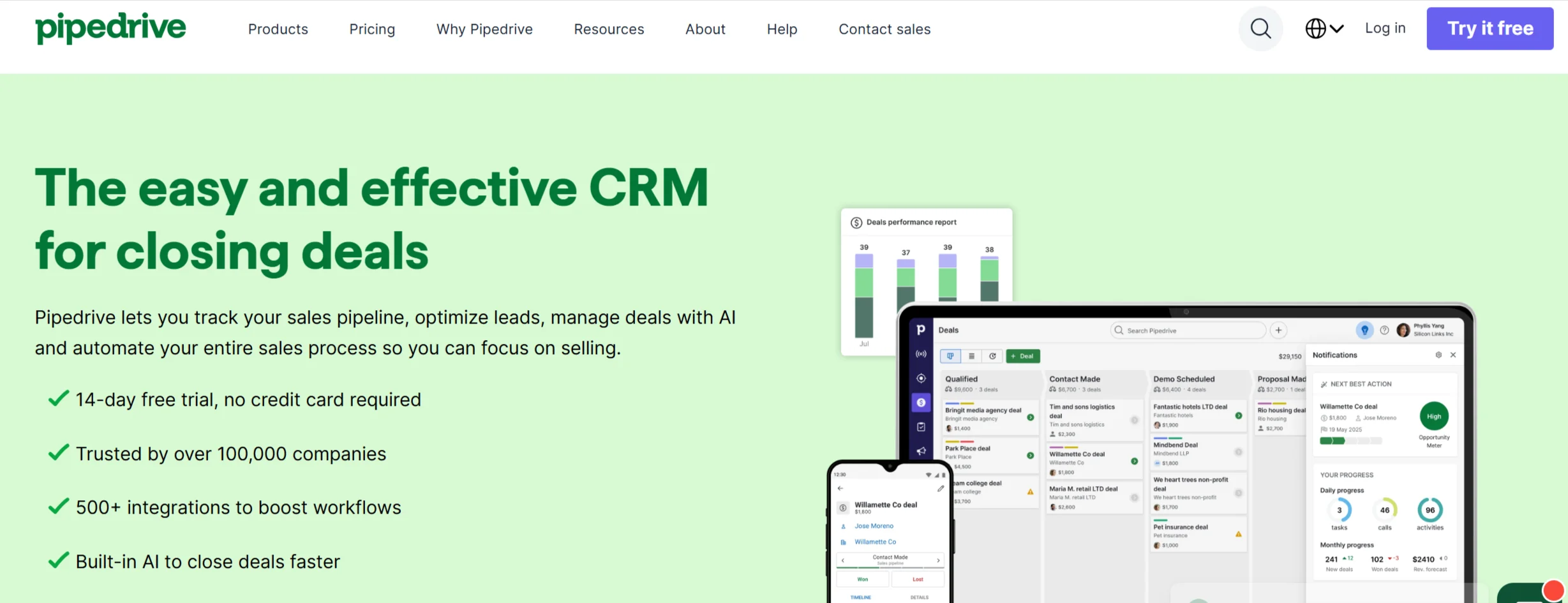
Pipedrive is a CRM that uses AI to guide sales decisions. It helps prioritize leads, predict outcomes, and automate repetitive tasks.
Key Features:
- Deal and lead prioritization with AI suggestions
- Workflow automation
- Sales forecasting
Pros:
- Easy-to-use interface
- Affordable CRM option
Cons:
- AI features are basic compared to others
Pricing: Starting from $14.90/month
Suitable For: Small to mid-sized businesses
5. Suede
Suede is an AI email writer that adapts to your brand’s tone. It helps sales reps craft engaging cold emails that sound authentic.
Key Features:
- Brand voice learning
- Personalized cold outreach
- AI-assisted subject line optimization
Pros:
- Natural, non-robotic email tone
- Saves time in email personalization
Cons:
- Focused mainly on email writing
Pricing: Suede has moved toward usage-based pricing rather than a flat monthly subscription in recent updates — worth confirming current plans directly on their site before quoting a fixed monthly figure, since “starts around $29/month” may no longer reflect how they charge.
Audience Fit: Startups and solo sales reps
6. Watsonx Assistant (IBM)
IBM has folded watsonx Assistant into its broader watsonx Orchestrate platform as of 2026—it’s no longer sold as a fully standalone product for new customers, though existing Assistant deployments can continue running. New implementations are now steered toward Watsonx Orchestrate, IBM’s agentic AI platform, which includes conversational assistant capabilities alongside broader workflow automation.
Key Features:
- Custom chatbot development
- Integration with CRM and voice channels
- NLP-powered conversation handling
Pros:
- Enterprise-grade reliability
- Highly customizable
Cons:
- Complex setup process
Pricing: Orchestrate’s Essentials plan starts at $500/month (a 30-day free trial is available); Standard and Premium tiers are custom-priced. This is a significant jump from the older Assistant-only pricing.
Use Case Scenarios: Large enterprises managing multiple customer touchpoints
7. Postaga
Postaga automates email outreach and link-building campaigns with AI support. It’s perfect for teams focused on lead generation and partnerships.
Key Features:
- Campaign automation
- Contact finding and segmentation
- Email performance analytics
Pros:
- Easy campaign setup
- Comprehensive contact management
Cons:
- Limited CRM integration
Pricing: Starts at $99/month
Best For: Agencies and marketing teams
8. Lavender
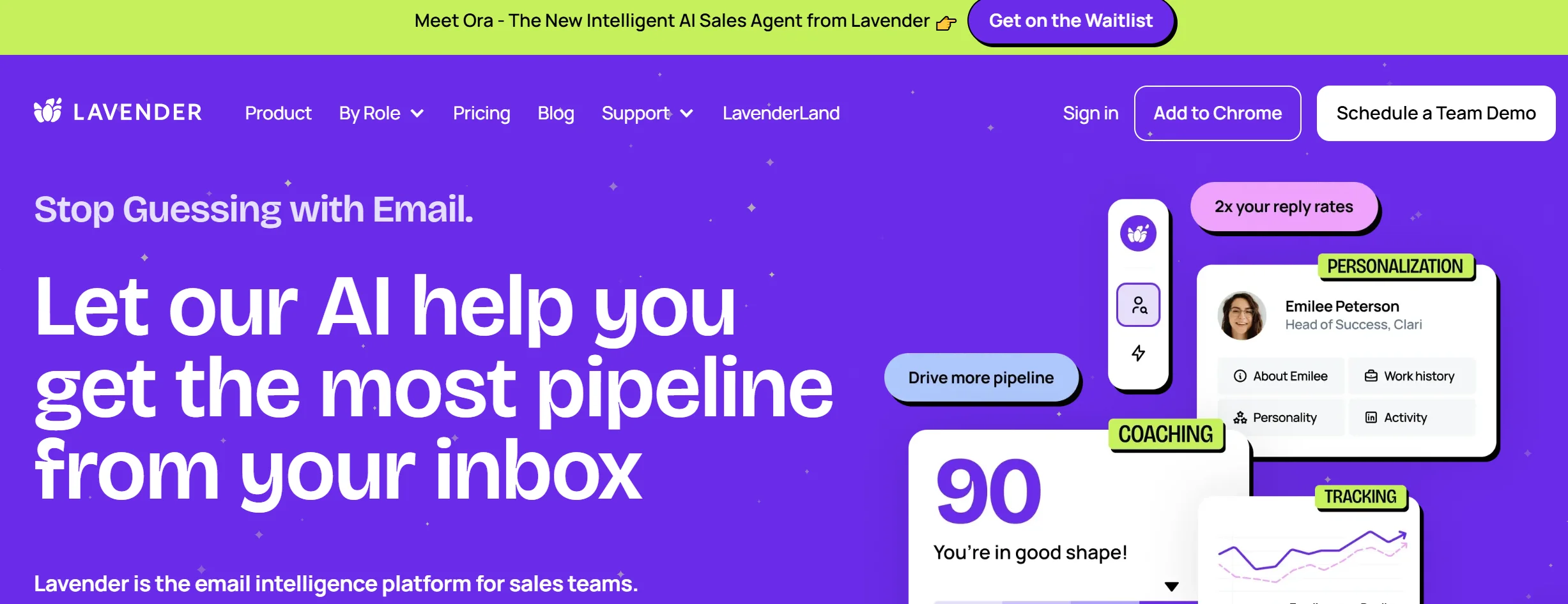
Lavender helps you write better sales emails faster using AI feedback and real-time suggestions.
Key Features:
- Grammar and tone optimization
- Real-time feedback during email drafting
- Integration with Gmail and Outlook
Pros:
- Enhances email effectiveness
- User-friendly
Cons:
- Focused only on email optimization
Pricing: Starting from $29/month
Target Users: Individual sales reps and SDRs
9. Winn.ai
Winn.ai provides real-time meeting assistance, helping sales reps focus on the conversation while AI takes notes and tracks action items.
Key Features:
- Live note-taking
- AI meeting summaries
- CRM data entry automation
Pros:
- Saves manual note-taking effort
- Accurate context capture
Cons:
- Works best in English-only environments
Pricing: Starts around $39/month
Ideal For: Remote and inside sales teams
10. My AI Front Desk
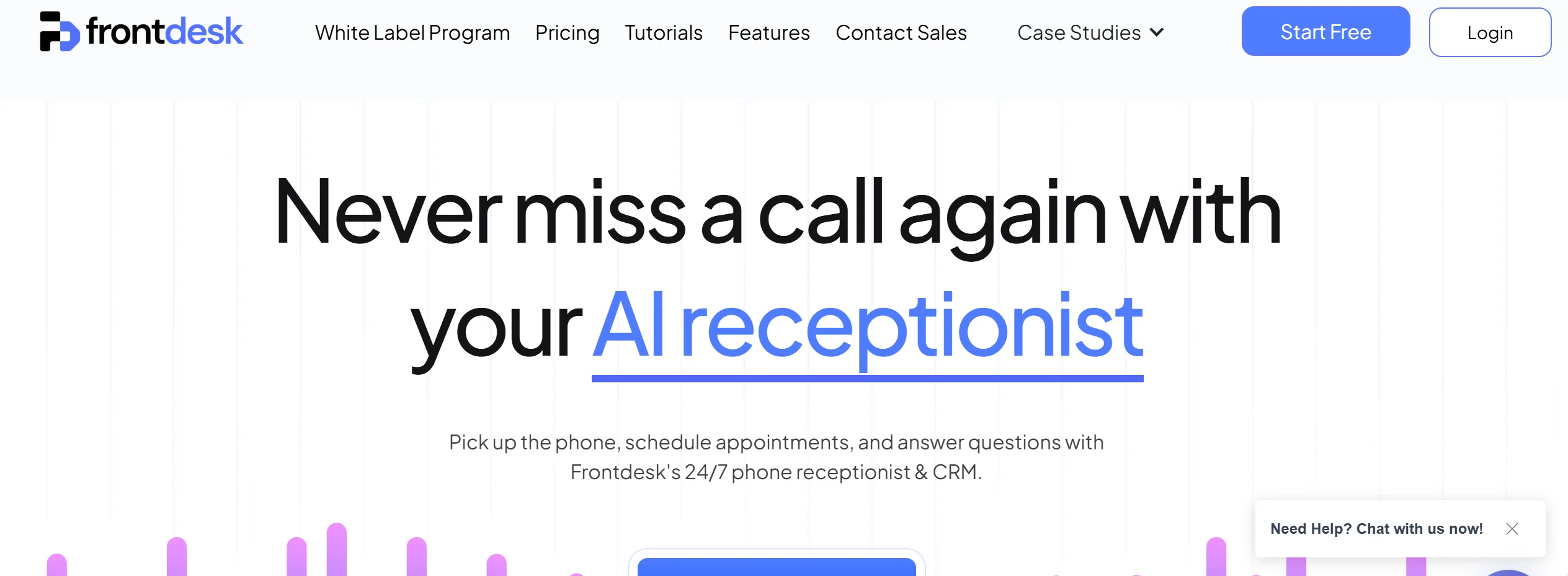
This tool replaces manual reception work with an AI-powered phone answering assistant that handles calls, books appointments, and routes inquiries.
Key Features:
- Voice-based automation
- CRM and calendar integration
- Custom call scripting
Pros:
- Great for customer engagement
- Reduces administrative load
Cons:
- Limited to phone-based workflows
Cost Overview: From $60/month
Best Suited Scenarios: Service-based businesses and SMEs
11. Dialpad
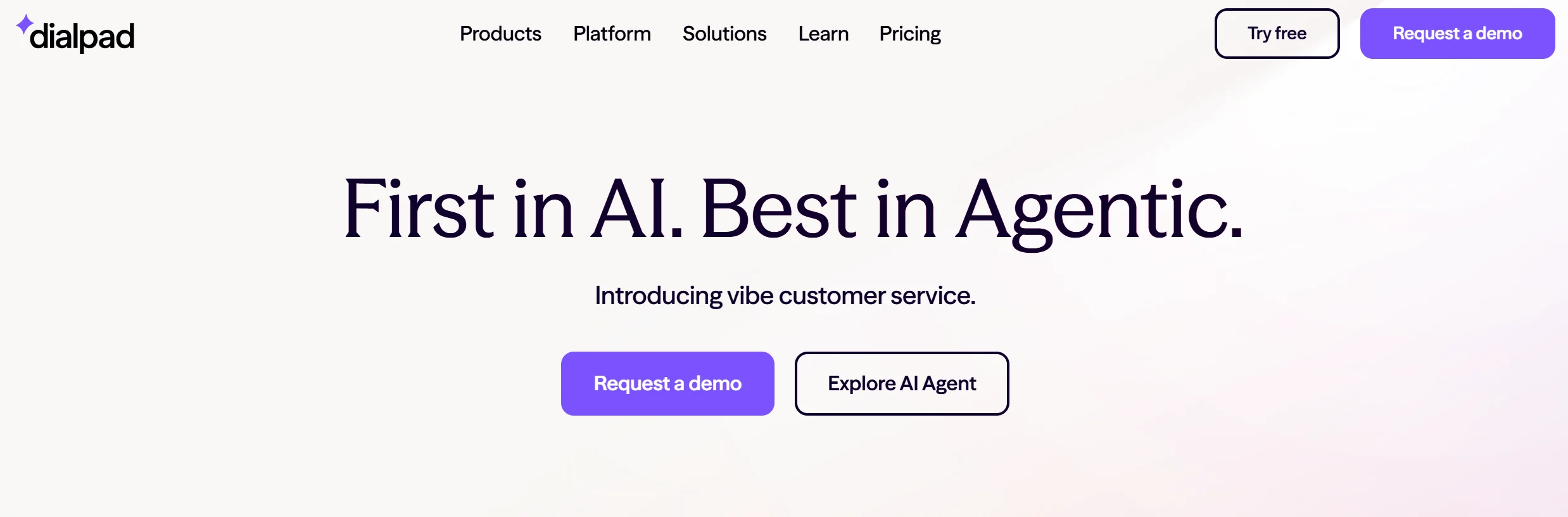
Dialpad combines voice intelligence and real-time call coaching to improve sales conversations and productivity.
Key Features:
- AI-driven call summaries
- Real-time coaching prompts
- CRM integration
Pros:
- Great voice AI performance
- Easy to implement
Cons:
- Some advanced features available only on higher plans
Pricing: Starts at $23/user/month
Recommended Use: Sales teams with high call volumes
Stop 04 of 10
1 minComparison Table
| Tool | Key Feature | Starting Price | Ideal For |
| Regie.ai | AI content generation | $49/mo | Outbound teams |
| Clay | Lead prospecting | Custom | B2B sales |
| Avoma | Meeting analysis | $24/mo | Sales managers |
| Pipedrive | CRM AI | $14.90/mo | SMBs |
| Suede | Brand voice emails | $29/mo | Startups |
| watsonx Assistant | Chatbot automation | $140/mo | Enterprises |
| Postaga | Outreach automation | $99/mo | Agencies |
| Lavender | Email optimization | $29/mo | SDRs |
| Winn.ai | Meeting notes | $39/mo | Inside sales |
| My AI Front Desk | Call automation | $60/mo | SMEs |
| Dialpad | Real-time coaching | $23/mo | Call-heavy teams |
Stop 05 of 10
1 minBenefits of Using AI Sales Assistant Software
- Boosts Productivity: Reduces time spent on manual tasks like note-taking and email writing
- Improves Accuracy: AI ensures better targeting and follow-up
- Increases Conversion Rates: Personalized, data-backed outreach drives engagement
- Enhances Team Collaboration: Shared insights help align sales goals
- Supports Scalability: Easily handle more leads and clients without extra manpower
Stop 06 of 10
1 minA Note on Fast-Moving AI Tool Pricing
AI sales tools are one of the fastest-moving categories in software right now — pricing, feature sets, and even entire product structures can shift within a single quarter as companies raise funding, get acquired, or fold standalone tools into larger platforms (as IBM did with watsonx Assistant in 2026). The pricing and features listed above reflect the most recent information available at the time of publishing, but we’d recommend confirming current plans directly on each vendor’s site before budgeting, especially for enterprise tools where pricing is often customized per deal anyway.
Stop 07 of 10
1 minChallenges and Considerations
While AI tools are powerful, they also come with challenges:
- Data Privacy: Ensure compliance with data protection laws like GDPR
- Integration Complexity: Some tools require technical setup
- Cost Evaluation: Higher-tier AI features can be pricey for small teams
Stop 08 of 10
1 minHow to Choose the Right AI Sales Assistant for Your Business
- Understand Your Sales Process: Identify pain points that need automation.
- Check Integrations: Make sure the tool works with your CRM and email systems.
- Compare Features: Focus on must-have functions like analytics, transcription, or personalization.
- Review Pricing Plans: Match the tool to your team size and budget.
- Try Before You Buy: Use free trials or demos to test real-world performance.
Stop 09 of 10
1 minConclusion
AI Sales Assistant Software is no longer a luxury — it’s a necessity for modern sales success. By automating repetitive work and offering intelligent insights, these tools empower teams to perform at their best. Explore the tools listed above to find the perfect match for your business, and let AI take your sales performance to new heights.
Stop 10 of 10
4 minFAQs
1. What is AI sales assistant software, exactly?
AI sales assistant software uses artificial intelligence to automate or support parts of the sales process — things like writing outreach emails, scoring leads, transcribing sales calls, updating CRM records, and coaching reps in real time. It’s not one single tool category; it spans email writers, meeting assistants, prospecting tools, and full conversational AI platforms, so the “best” one depends heavily on which part of your sales process actually needs help.
2. Which AI sales assistant is best for small teams or startups?
For small teams, tools with low entry costs and quick setup tend to work best — Pipedrive for CRM-level AI guidance, or Lavender and Suede for email writing specifically. Enterprise-focused tools like watsonx Orchestrate are usually overkill (and overpriced) for a small team, since their value comes from managing complex, multi-department workflows at scale.
3. Can AI sales assistants replace human sales reps?
No. These tools are built to remove repetitive manual work — note-taking, data entry, first-draft emails — so reps can spend more time actually talking to prospects and closing deals. Relationship-building, negotiation, and reading a prospect’s real intent are still fundamentally human skills that current AI tools support rather than replace.
4. How much do AI sales assistant tools typically cost?
Pricing varies widely by category. Email-writing and lead-prospecting tools often start in the $20–$50/month range per user. Meeting and call-coaching tools tend to run $20–$40/user/month. Enterprise conversational AI platforms are a different tier entirely, often starting at several hundred dollars a month with custom pricing at scale. Always check current pricing directly with the vendor, since it shifts often in this space.
5. Will an AI sales tool work with my existing CRM?
Most modern AI sales tools integrate with popular CRMs like Salesforce, HubSpot, and Pipedrive, but integration depth varies a lot. Some tools sync data one-way (just pushing notes or contacts into your CRM), while others offer deeper two-way syncing with custom fields and workflow triggers. Always confirm integration depth with your specific CRM plan before committing, since some integrations are locked behind higher-tier pricing.
6. Is my sales and customer data safe with AI sales assistant tools?
Reputable vendors publish clear data handling and privacy policies, and many offer GDPR or SOC 2 compliance documentation on request. Before signing up, check where your data is stored, whether it’s used to train the vendor’s AI models, and how call or email content is retained. This matters most for tools that record and transcribe live sales calls, since customer conversations often include sensitive information.
7. How long does it take to see results after implementing an AI sales tool?
Simpler tools like email writers or meeting transcription assistants show value almost immediately, often within the first week of use. Tools that rely on lead scoring, forecasting, or pattern recognition typically need several weeks of real usage data before their AI recommendations become genuinely accurate and useful.
8. Do I need technical skills to set up an AI sales assistant?
Most consumer-facing tools (email writers, meeting assistants, CRM AI features) are built for non-technical sales reps and take minutes to set up. Enterprise conversational AI platforms, on the other hand, often require IT involvement for integration, workflow configuration, and ongoing governance — factor this into your timeline if you’re evaluating a platform-level tool.
9. What’s the difference between an AI sales assistant and a full AI SDR (sales development rep) tool?
An AI sales assistant typically supports a human rep — drafting emails, transcribing calls, scoring leads — while a human still makes the final decisions and sends the final message. A full AI SDR tool goes further, autonomously finding prospects, sending outreach, and handling follow-ups with minimal human input. Which one fits depends on how much control you want to keep over outbound messaging versus how much you’re comfortable automating end-to-end.
10. Can AI sales assistants help with languages other than English?
It depends on the tool. Some, like meeting transcription and call coaching platforms, support multiple languages, though accuracy can vary by language pair. Others, particularly newer or more specialized tools, are built primarily for English-language sales conversations. If you sell internationally, confirm language support directly rather than assuming it’s included.
11. How do I measure ROI from an AI sales assistant tool?
Track metrics before and after adoption — time spent on manual tasks like note-taking or email drafting, response rates on outreach, average deal cycle length, and rep productivity (deals worked per rep per month). Most tools provide their own analytics dashboards, but cross-checking against your CRM’s own reporting gives a clearer, less vendor-biased picture of actual impact.
12. Should I choose one all-in-one AI sales platform or several specialized tools?
An all-in-one platform reduces the number of subscriptions and integration points to manage, which is appealing for smaller teams. Specialized tools (a dedicated email writer, a separate meeting assistant, etc.) often perform better at their specific job since that’s their sole focus. Larger sales teams with more complex workflows tend to benefit from specialization; smaller teams often prefer the simplicity of one platform doing several things reasonably well.
From insight to action
Want results like these for your brand?
Talk to a consultant about your position, your message and your next step.
Talk to our team