



You open Instagram, you see a reel that’s genuinely useful, maybe a workout clip, a recipe, a tutorial on something you’ve been trying to learn. You want to save it. Instagram’s built-in “Save” feature? Yeah, it saves the post inside the app, where it can disappear the moment the creator deletes it or goes private. You can’t transfer it, can’t watch it offline, can’t repost it on another platform. It’s basically a bookmark that expires.

So people go looking for Instagram video downloaders. Makes complete sense. The search volume for this topic is massive and has been growing steadily. Hundreds of millions of people use Instagram, and a huge chunk of them want to actually keep the content they find valuable, whether for personal use, content repurposing, brand monitoring, or creative reference. The demand is real and the use cases are legitimate.
Here’s the thing though: the space is absolutely full of garbage. Sketchy websites plastered with 18 ads before you can even paste a URL, tools that claim to support Reels but just error out, browser extensions that phone home with your data, apps that stop working every time Instagram updates its API. You waste 20 minutes trying five different tools before finding one that actually works. It’s annoying, and nobody has time for that.
This post cuts through it. These are 10 Instagram video downloaders that are actually working right now, with honest breakups of what each one does well, where it falls short, and who it makes most sense for. No fluff. Just the tools, how they work, and which one to use depending on what you need.
What to Actually Look For in Instagram Video Downloaders
Before getting into the list, worth spending a minute here because most people don’t think about this until a tool fails them. Not all Instagram video downloaders are built the same way, and the difference between a good one and a bad one isn’t just about whether the download button works.
Video Quality Output
This is the one most people overlook. You download a Reel, open it, and it looks like it was filmed through a plastic bag. Some tools compress the video during processing, so what you get is noticeably lower quality than the original. Good downloaders pass through the original file without re-encoding it. Look for tools that explicitly mention “original quality” or “HD download” and, more importantly, test with a known high-quality video to verify the claim.
Instagram stores videos at up to 1080p for most content. Reels specifically often upload at higher bitrates than regular feed videos. A solid downloader should give you the same resolution and bitrate the creator uploaded with.
Format Support: Reels, Stories, Feed Videos, IGTV
These are technically different content types and some tools only handle one or two of them. A downloader that works for Reels might completely fail on Stories or IGTV. Why? Because Instagram uses different delivery systems and URL structures for each content type. Stories in particular are tricky because they’re time-limited and often tied to account privacy settings more tightly.
If you regularly need to download multiple content types, you need a tool that explicitly supports all of them, not just one.
Private Account Handling
Most free web-based downloaders flat out cannot access private account content. They work by fetching the public URL you paste, and private content isn’t accessible without authentication. Some desktop apps can get around this by logging into your Instagram account within the app itself, but this introduces its own risks. If you need private content downloads, you’re looking at a different set of tools and a different risk profile.
No Login Required vs Account-Based Tools
Web tools that require no login are convenient and anonymous. Account-based tools (usually desktop apps) can do more, including bulk downloads and private content. The tradeoff is real: giving a third-party app access to your Instagram account credentials carries risk, especially from lesser-known developers. Stick to tools with a track record and clear privacy policies if you go that route.
The 10 Best Instagram Video Downloaders Right Now
Here’s the full list. Ordered loosely from most accessible to most feature-heavy.
1. SaveFrom.net
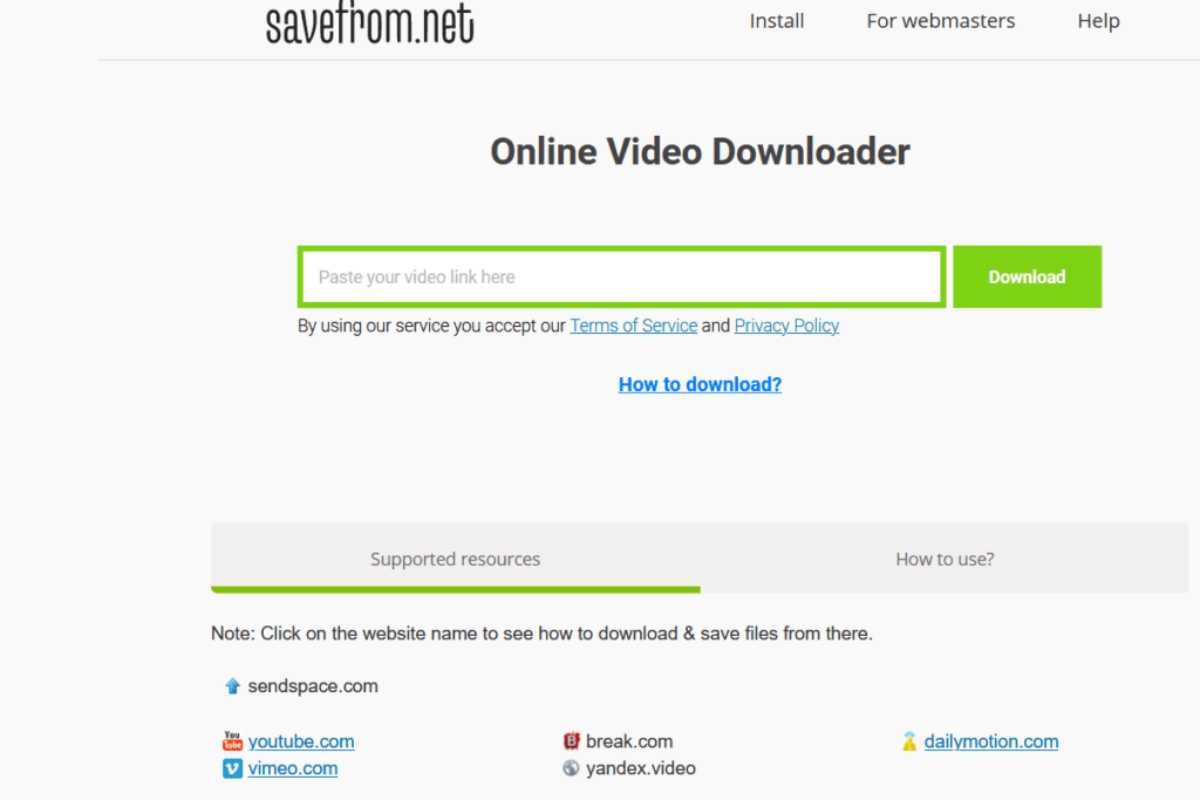
SaveFrom has been around for years and honestly, it’s one of the most reliable free web-based Instagram video downloaders out there. You paste the URL, hit download, done. It supports Reels, feed videos, and IGTV. Quality is generally good, often pulling the highest available resolution. No account required.
The downside is the ad-heavy interface. There are a lot of ads on the page, which makes it annoying to use repeatedly. Also, it can struggle with Stories since those require authentication data. But for quick, one-off Reels downloads? Hard to beat for simplicity.
Best for: Quick single downloads of public Reels and feed videos.
2. SnapInsta.app
SnapInsta is probably the cleanest UI among the free web tools. Paste URL, select quality, download. It handles Reels well, and supports carousel posts which some tools miss entirely, meaning if a post has multiple videos you can grab all of them in one go. That’s actually a useful feature that’s less common than it should be.
It’s fast. The server processing time is short compared to several competitors. It also shows you a preview before you download, so you can verify it grabbed the right clip. No account needed for public content.
Best for: Carousel posts, Reels, users who want a clean no-friction experience.
3. Inflact Downloader

Inflact offers a free Instagram video downloader as part of their broader marketing toolkit. The standalone download feature is solid: supports Stories, Reels, feed videos, and IGTV. The output quality is consistently high.
What separates Inflact slightly is that they’ve kept the tool functional through multiple rounds of Instagram’s API changes, which is where many competitors have dropped the ball. Reliability over time matters more than most people realize when evaluating these tools.
Worth noting: Inflact also has paid plans for their broader tool suite, but the downloader itself is free without any signup for public content.
Best for: People who need something that keeps working when Instagram updates things.
4. Downloader for Instagram (Chrome Extension)
This is a browser extension available on the Chrome Web Store. The key difference from web-based tools: you don’t leave Instagram to use it. You browse your feed normally, and a download button appears under each video. Click it, done.
That workflow is genuinely more convenient for regular users. You’re already on Instagram looking at content. You see something worth saving. One click. No opening a new tab, no copying URLs.
The extension has a couple of million users and has been updated consistently. It doesn’t require your Instagram login credentials, it just reads the current page you’re on. That’s an important distinction for privacy.
Best for: People who regularly browse Instagram on desktop and want a frictionless download workflow.
5. 4K Stogram
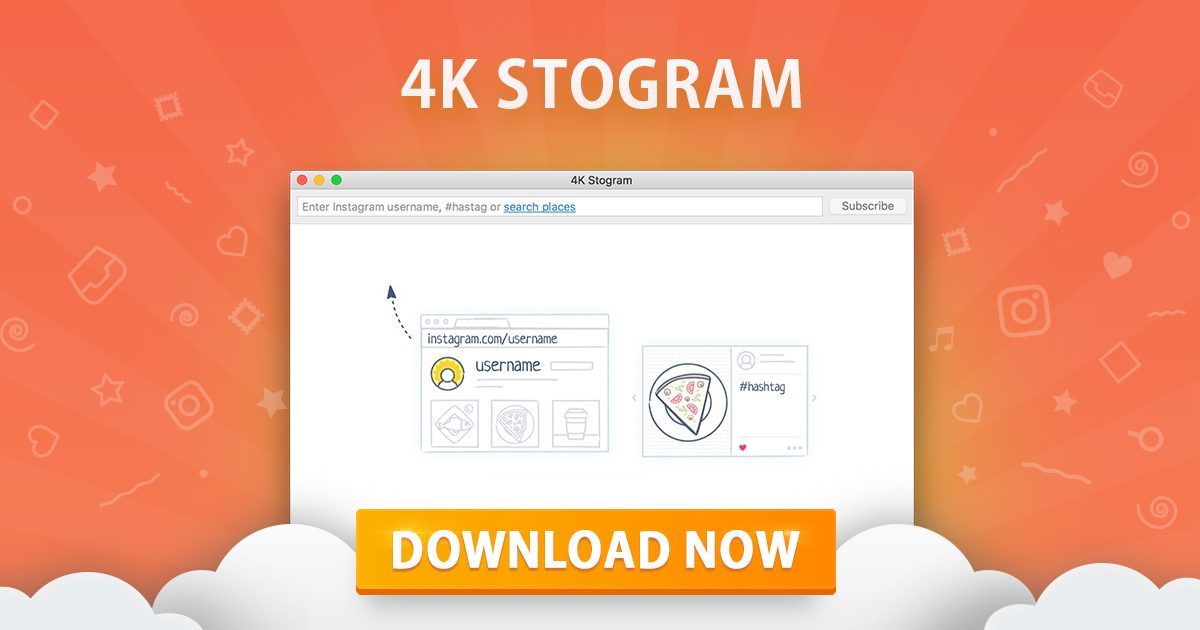
This is the one you want if you need more than one-off downloads. 4K Stogram is a desktop app (Windows, Mac, Linux) that can download entire profiles, hashtag feeds, and locations in bulk. You can subscribe to accounts and it auto-downloads new content as it’s posted.
For content marketers doing competitive research, journalists, or anyone archiving a creator’s work for legitimate reference purposes, this is in a different league from the web tools. It handles Reels, Stories (with your Instagram login), IGTV, and regular videos.
The free version limits downloads somewhat. The paid version ($9.99/year as of this writing) removes those limits. Honestly, for what it does, that’s not a painful price.
Best for: Bulk downloads, profile archiving, competitive content research.
6. FastSave (Android)

On Android, FastSave is one of the most downloaded Instagram utilities in the Play Store. It works as a companion app: you copy the Instagram post link, open FastSave, and it grabs the file. It also has a background detection feature that notices when you’ve copied an Instagram URL and prompts you automatically.
Video quality is good, and the app is reliable on Android 12 and above. Storage management is built in, so downloaded files are organized within the app. Photo and video support both included.
The one limitation: iOS users can’t use this one. Apple’s App Store policies make this type of functionality difficult to build for iPhone, which is why most iOS solutions are either web-based or use shortcuts.
Best for: Android users who download Instagram content regularly.
7. Story Saver for Instagram (iOS)
iOS is genuinely harder for this use case, but Story Saver works well within Apple’s restrictions. It’s available on the App Store and handles Reels, Stories, and feed videos. The workflow involves copying the link from Instagram, switching to the app, and downloading.
The app has a clean interface and doesn’t bombard you with ads the way many competitors do. It saves directly to your camera roll which makes it actually useful, not just technically functional.
Does it have the seamlessness of an Android solution or a Chrome extension on desktop? No. But it’s the best legitimate option for iPhone users who don’t want to mess around with web tools on a phone browser.
Best for: iPhone users.
8. iGram.io

iGram is a web-based downloader that handles a wide range of Instagram content types cleanly. What makes it worth mentioning specifically: it handles IGTV videos particularly well. Long-form IGTV content can be finicky for many tools because the files are larger and the URL structure is different from regular posts.
iGram also works on mobile browsers without issues, which is not universal among web tools. The mobile web experience on many Instagram downloaders is terrible because the sites aren’t responsive. iGram is usable on a phone screen, which matters if you’re trying to save content while you’re browsing Instagram on mobile.
No signup, no account, no install. Pure web tool.
Best for: IGTV downloads, mobile web users.
9. Regrann (Android)

Regrann is specifically built for reposting, not just downloading, which gives it a slightly different purpose from the others on this list. But it does download the video to your device as part of the reposting workflow, so it absolutely functions as a downloader.
The extra utility: it automatically pulls the original caption and username so you can repost with proper credit. For social media managers who regularly share content from other creators (with permission), this workflow is genuinely useful. Save the video, get the attribution text, post it where you need it.
It’s Android-only and the primary use case is reposting, so if you just want to save and keep content without reposting, one of the other tools is a cleaner fit. But if reposting is part of what you do, Regrann handles both steps in one.
Best for: Content repurposers, social media managers on Android.
10. DownloadGram

DownloadGram is a simple, no-frills web tool that does one thing: takes an Instagram URL and gives you a downloadable file. It’s been around for a while, it’s stable, and it works consistently for public Reels and feed videos. The interface is genuinely minimal, which some people prefer.
What it doesn’t do: no Stories, no IGTV, limited carousel support. It’s narrow in scope. But within that narrow scope it’s reliable. If you just need to grab a public feed video or Reel occasionally and want zero friction, DownloadGram delivers that.
It’s also consistently one of the faster tools in terms of processing time. Paste URL, two seconds, download link appears.
Best for: Occasional users who want the simplest possible experience.
How Instagram Video Downloaders Actually Work (and Why They Sometimes Break)
This is worth understanding because it explains why the same tool can work perfectly one week and fail the next, something that drives people crazy but makes total sense once you know what’s happening.
The Basic Mechanism
Most web-based Instagram video downloaders work by taking the public URL you give them, fetching the page on their server, parsing the HTML or the API response to find the actual video file URL (usually a CDN link ending in .mp4), and then either redirecting you to that direct file URL or proxying the download through their server.
Instagram doesn’t have an official public API for downloading content. Everything these tools do is technically working around that. They’re essentially automating what your browser does when you load an Instagram post, and then extracting the video file that’s normally hidden from the average user.
Why They Break
Instagram changes its platform. Regularly. Sometimes it’s the URL structure, sometimes it’s the way the HTML is structured, sometimes it’s new authentication requirements, sometimes it’s CDN changes that make previously grabbed file URLs expire faster.
When Instagram makes a backend change, every third-party downloader that relies on scraping or URL parsing has to update their code to match. Good tools update fast. Mediocre ones take days or weeks. Bad ones just break and never fix it.
This is why having a backup option matters. If your go-to tool stops working one day, you want to know the next one to try. That’s basically the other reason this list exists.
Private Accounts: What Actually Happens
When you paste a URL for a private account’s video, web-based tools can’t get it. Not because they’re bad tools, but because Instagram requires a logged-in authenticated session to access that content, and a web tool operating on a server somewhere doesn’t have your credentials.
The only way to download private content is through a tool that either logs into Instagram on your behalf (like 4K Stogram does with desktop authentication) or runs as a browser extension that piggybacks on your existing logged-in session (like Downloader for Instagram). Both approaches have their place, but both carry more risk than unauthenticated public content downloading.
Comparing Instagram Video Downloaders Side by Side
| Tool | Platform | Private Content | Bulk Download | Stories | iOS Support | Free |
|---|---|---|---|---|---|---|
| SaveFrom.net | Web | No | No | Limited | Yes | Yes |
| SnapInsta | Web | No | Yes (carousel) | No | Yes | Yes |
| Inflact | Web | No | No | Yes | Yes | Yes |
| Downloader for Instagram | Chrome Extension | Yes (via session) | No | Yes | No | Yes |
| 4K Stogram | Desktop App | Yes (with login) | Yes | Yes | Yes | Freemium |
| FastSave | Android App | No | No | Yes | No | Yes |
| Story Saver | iOS App | No | No | Yes | Yes | Freemium |
| iGram.io | Web | No | No | No | Yes | Yes |
| Regrann | Android App | No | No | No | No | Yes |
| DownloadGram | Web | No | No | No | Yes | Yes |
This table gives you a fast read on which tool fits your situation. The “yes” under Private Content for 4K Stogram and the Chrome extension comes with the caveat that it requires you to authenticate, which changes the risk calculation.
The Legal and Ethical Side of Instagram Video Downloaders
Look, this section needs to be here. Not to lecture anyone, but because there are genuine distinctions that matter.
Personal Offline Use
Downloading a video to watch offline for personal use is the gray zone that most people operate in. Instagram’s terms technically prohibit it, but the practical enforcement of this is zero. Nobody is getting their account banned for saving a workout video to their phone.
Redistribution and Content Theft
This is where it gets real. Taking a creator’s video and reposting it on another platform without credit or permission is a different thing. It cuts into their views, their growth, potentially their revenue if their content is monetized on that platform. Instagram itself, TikTok, YouTube, they all have mechanisms for creators to report and take down unauthorized reposts. DMCA takedowns are real and do happen.
If you’re saving content for personal reference, for mood boards, for offline watching: fine. If you’re downloading and reposting as your own content or without attribution: that’s content theft and it has real consequences for the people who made it.
Brand and Competitor Research
Totally legitimate use case. Saving competitor content for analysis, archiving campaign creative, building a reference library for your own content strategy: all of this is standard practice in marketing and nobody’s going to come after you for it. Just keep it internal.
Conclusion
The right Instagram video downloader for you comes down to one question: how often are you doing this and what kind of content are you after? Occasional public Reels? SnapInsta or SaveFrom handles it in 30 seconds. Regular bulk work or competitive research? Get 4K Stogram and stop fighting with web tools. On your phone? FastSave on Android, Story Saver on iOS. Just want it to work inside your browser without friction? The Chrome extension is the move.
Pick one, test it on the actual content type you need, have a backup from this list ready for when Instagram inevitably changes something. That’s really it.
Frequently Asked Questions
Is it legal to use Instagram video downloaders?
Downloading Instagram videos for personal offline use sits in a legal gray area. Instagram’s terms of service prohibit scraping or downloading content without permission, but the practical legal risk for individual users doing occasional personal downloads is essentially zero. Commercial redistribution of downloaded content is a genuinely different situation and can expose you to DMCA claims and copyright liability. The short version: personal use is fine, reposting without permission is not.
Do Instagram video downloaders work on private accounts?
Most web-based tools do not work on private accounts because they can’t access content that requires authentication. Some desktop apps like 4K Stogram can access private content if you log in through the app, and browser extensions like Downloader for Instagram can access it because they run within your already-authenticated browser session. Both approaches require you to be a follower of the private account you’re trying to download from.
Why did my Instagram downloader stop working?
Instagram regularly updates its platform, including the backend structure of how content is delivered. When those changes happen, tools that rely on scraping or URL parsing break until their developers update the code to match the new structure. This is the most common reason a previously working downloader suddenly fails. Try a different tool from this list and check back on your original tool after a few days; most actively maintained tools update within 24 to 72 hours of a major Instagram change.
Which Instagram video downloader gives the best quality?
Quality output depends on the tool’s processing and whether they re-encode the video. SnapInsta and 4K Stogram are consistently strong on quality, pulling the original resolution without notable compression. When testing, use a verified high-quality Reel (shot in 1080p by a professional creator) and compare what you get back. If it looks soft or pixelated, the tool is re-encoding. For maximum quality consistency, 4K Stogram on desktop has an edge over web tools because it downloads the actual original file.
Can I download Instagram Reels with audio?
Yes. Every tool on this list downloads Reels with the original audio intact, assuming the audio hasn’t been replaced by a licensed track that Instagram strips from downloads. Occasionally Reels that use copyrighted music will have the audio muted or removed during download processing because of rights restrictions. This isn’t the tool’s fault; it’s a content rights issue at the source. If audio is critical, test your specific Reel before relying on any one tool.
Do I need to create an account to use Instagram downloaders?
For the web-based tools on this list (SaveFrom, SnapInsta, Inflact, iGram, DownloadGram), no account is needed. Paste the URL, download the file, done. Account creation is only required or relevant for tools that offer saved history, bulk download subscriptions, or private account access. 4K Stogram has a free tier you can use without creating an account with them, though you’ll need to authenticate your Instagram credentials to use private account features.
Are Instagram video downloader apps safe?
Depends entirely on the specific tool. Web-based tools with no account creation and no install are generally low risk since nothing is installed on your device. Browser extensions carry moderate risk because they have access to your browsing activity; stick to extensions with large install bases (100K+ users) and recent update histories. Desktop apps that request your Instagram credentials carry the highest risk and should only come from developers with clear privacy policies and a verifiable track record. 4K Stogram is the established name in the desktop category.
Can Instagram detect that I’m using a video downloader?
For web-based tools, no. The download happens on the tool’s server, not from your Instagram account, so Instagram has no visibility into it. For browser extensions that operate on your authenticated session, there’s theoretically a signal but practically Instagram doesn’t take action against individual users for this. For desktop apps that log into Instagram, the same gray area applies, though apps that generate unusual automated behavior (like rapidly downloading thousands of posts) can trigger Instagram’s bot detection. Normal use at human scale has not been a documented issue.
What’s the best Instagram video downloader for bulk downloads?
4K Stogram is clearly the best option for bulk downloading. It can download entire profiles, follow hashtag feeds, and auto-download new content from subscribed accounts. The free version covers basic use and the paid version ($9.99/year) removes limits. No web-based tool comes close for volume work. If you’re doing content archiving, competitive monitoring, or research that involves large amounts of content, web tools will frustrate you quickly.
Do Instagram video downloaders work on mobile?
Web-based tools work on mobile browsers, though the experience varies. SnapInsta and iGram have the most mobile-friendly interfaces among the web tools. For Android, FastSave as a native app is more convenient than any web tool. For iOS, Story Saver on the App Store is the best native option. Using desktop tools on mobile isn’t possible, obviously, so if you’re primarily on a phone, the web tools and mobile apps are your universe.
What happens if an Instagram video has music: can I still download it?
The video downloads with whatever audio is embedded in the file. For original audio (creator’s own voice, ambient sound, self-recorded audio), no issue. For licensed commercial music added through Instagram’s music library, the track may or may not come through depending on regional rights restrictions and how Instagram has processed that specific file. Some Reels using popular chart music will download fine; others will have the audio stripped or replaced with a generic track. There’s no reliable way to predict this in advance without testing.

An avid blogger, dedicated to boosting brand presence, optimizing SEO, and delivering results in digital marketing. With a keen eye for trends, he’s committed to driving engagement and ROI in the ever-evolving digital landscape. Let’s connect and explore digital possibilities together.

