


The way B2B deals get done has fundamentally shifted. Before a prospect ever books a discovery call or responds to a cold email, they have already been scrolling through LinkedIn, following thought leaders in their space, and quietly forming opinions about vendors — all inside their social feeds. The sales conversation, in many cases, is already half over before it officially begins.

This is the reality that has made social selling one of the most discussed — and most misunderstood — disciplines in modern B2B go-to-market strategy. At its core, social selling means using social networks to earn trust, identify buying signals early, and convert meaningful interactions into qualified meetings. It is not about blasting connection requests or reposting company news. It is about showing up with relevance and consistency in the spaces where your buyers already spend time.
But social selling does not happen through willpower alone. The right tools determine whether a rep can realistically post three times a week while also running a full outreach sequence — or whether analytics actually tell a team which content is moving the needle versus which posts are just collecting likes from colleagues. The right stack also matters enormously for LinkedIn account safety, a topic that has become increasingly important as the platform has tightened its enforcement posture.
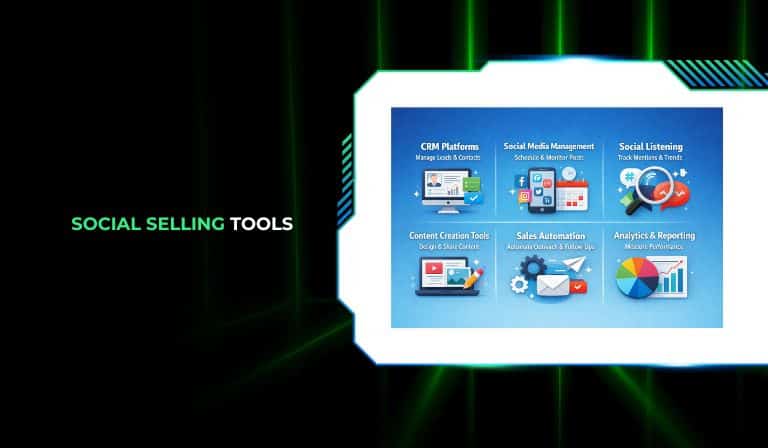
This guide covers nine essential social selling tools across four functional layers: content creation and visibility, analytics, prospecting and outreach, and full sales engagement. The right starting point depends entirely on which layer is currently broken for your team.
Top 9 Social Selling Tools at a Glance
Before diving into each review, it helps to think about these tools in three broad buckets. The first bucket covers content and visibility — tools that help you show up consistently in your buyer’s feed. The second covers analytics — understanding what is actually resonating with your target audience. The third covers prospecting and outreach — finding the right people and initiating conversations that convert. Most effective social selling stacks borrow one tool from each bucket rather than trying to find one platform that does all three adequately.
1. Dealsflow
Dealsflow sits at the intersection of intelligent prospecting and relationship intelligence, making it one of the most compelling social selling tools for teams that care about data quality as much as outreach volume. Where most prospecting platforms give you a database and a search bar, Dealsflow is built around the idea that surfacing the right deal or the right prospect at exactly the right moment is worth far more than simply having access to a large list.
The platform uses AI to monitor deal signals across company data, funding activity, hiring patterns, and social engagement — essentially building a continuous picture of which companies are entering buying windows before they raise their hands. For B2B sales teams, this means fewer wasted touches on companies that are nowhere near a purchasing decision and far more conversations with accounts that are actively evaluating solutions.
What distinguishes Dealsflow from a traditional contact database is the layer of contextual intelligence it wraps around every record. Rather than simply returning a list of companies in a given industry with a certain headcount, it surfaces why those companies are interesting right now — whether that is a funding round that just closed, a new executive hire in the relevant department, or a cluster of job postings that signal technology investment in your category. This kind of contextual signal dramatically improves the quality of an outreach opener, which is ultimately the biggest driver of reply rates in any social selling or cold outreach sequence.
For investors and business development teams, Dealsflow also functions as a deal-flow aggregator — scanning markets, tracking funding stages, and identifying emerging companies that match a defined investment or partnership thesis. This dual use case (sales prospecting plus investment intelligence) makes it unusually versatile for organizations operating at the intersection of BD and finance.
The platform integrates with major CRMs and can feed enriched contact data directly into outreach tools, making it a strong top-of-funnel layer that sits above LinkedIn Sales Navigator and outreach platforms like LaGrowthMachine or Salesloft in a mature social selling stack.
Pros
- AI-driven signal detection identifies companies entering buying windows before competitors
- Contextual deal intelligence dramatically improves outreach personalization
- Dual use for sales teams and investors or BD professionals
- CRM integration keeps enriched data flowing into existing workflows
- Reduces time wasted prospecting accounts with no near-term intent
Cons
- Custom pricing makes it harder to evaluate cost without a demo
- Works best as part of a larger stack rather than as a standalone tool
- Depth of coverage varies by region and industry vertical
Pricing
Custom pricing — contact Dealsflow directly for a tailored quote based on team size and use case.
2. Taplio
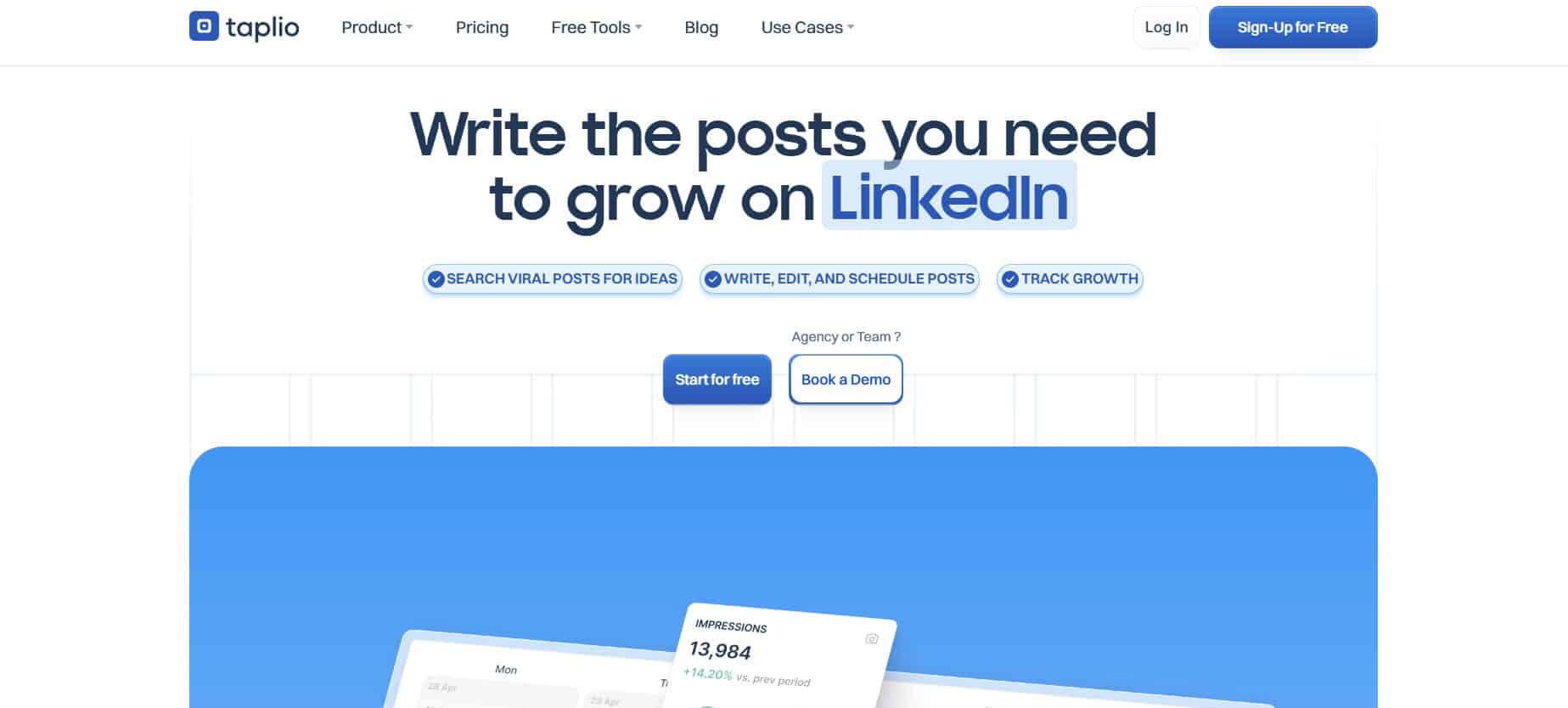
Taplio is arguably the most well-known LinkedIn-specific social selling tool in the market, and for good reason — it tries to solve three problems at once. At its core, it is a content creation and scheduling platform. Layered on top of that is a viral post discovery engine that surfaces high-performing content from your industry to help beat writer’s block. And on higher-tier plans, it adds a lead generation component that lets users build “Relationship Builder” lists from people who liked or commented on relevant posts, and send bulk direct messages to warm audiences.
The acquisition by lemlist has pushed Taplio’s roadmap further in a multichannel direction, which gives some users confidence about the product’s long-term development but also introduces a bit of complexity — the platform increasingly feels like it is trying to be too many things rather than one thing exceptionally well.
The AI writing feature is one of Taplio’s most marketed capabilities, but it is worth understanding the reality: the AI output is frequently described in reviews as generic and template-like, requiring significant editing before it sounds like the person who supposedly wrote it. For founders or executives whose LinkedIn presence depends on a distinctive voice and point of view, this limitation matters more than it might for teams producing higher volumes of less voice-dependent content.
The lead generation features — particularly the Relationship Builder lists — are genuinely useful for social sellers who want to systematically convert LinkedIn engagement into warm outreach. Someone who liked a post about a problem you solve is a far warmer prospect than a cold contact pulled from a database, and Taplio makes it easy to capture and act on that signal.
The pricing structure, however, creates friction. The $39/month Starter plan includes zero AI credits — the AI writing capability only unlocks from $65/month on the Standard plan. This means users evaluating the tool on the entry plan are essentially evaluating a stripped version of the product.
Pros
- Three capabilities in one platform: content, scheduling, and light prospecting
- Viral post discovery reduces the cognitive load of content ideation
- Relationship Builder turns post engagement into warm lead lists
- Bulk DM feature useful for low-volume, high-relevance outreach
- Acquired by lemlist, signaling a more capable multichannel roadmap
Cons
- Starter plan ($39/month) includes zero AI credits — AI requires the $65/month Standard plan
- AI-generated output frequently cited as generic in user reviews
- Interface complexity increases friction for users who only want content scheduling
- Limited carousel design flexibility
- Lemlist founder’s prior history with LinkedIn terms of service enforcement worth noting for risk-conscious teams
Pricing
| Plan | Price | Key Features |
|---|---|---|
| Starter | $39/month | Scheduling, no AI credits |
| Standard | $65/month | AI writing, lead generation |
| Pro | $199/month | Higher AI limits, AI comments |
3. Shield Analytics

Shield does one thing, and it does it substantially better than any other tool on this list: it tells you exactly what is working on LinkedIn and why. If your social selling strategy involves any kind of content — and it should — Shield is the analytics layer that transforms posting from a gut-feel activity into a data-driven discipline.
LinkedIn’s native analytics are a frustrating experience for anyone trying to make serious decisions from data. They are delayed, shallow, and provide almost no insight into who is seeing your content at the audience segment level. Shield replaces that experience with granular, real-time data: post impressions broken down by organic versus viral reach, engagement rate trends over time, follower growth velocity, content heatmaps showing which hours and days generate the highest engagement, and — critically — audience demographic breakdowns by job title, industry, seniority, and location.
That last capability is enormously valuable for social sellers. If you are a sales rep or founder whose target customer is a VP of Engineering at a Series B SaaS company, Shield lets you see whether your LinkedIn audience is actually composed of those people or whether you are building an audience of peers, competitors, and recruiters who will never buy from you. That kind of ICP alignment data is nearly impossible to get anywhere else.
For sales managers and team leads, Shield’s team dashboard is one of its most compelling features. You can compare posting frequency, engagement rates, and audience growth across multiple seller profiles — spotting which reps are building meaningful networks and which are not posting at all. In a world where social selling KPIs are increasingly part of how SDR and AE performance is measured, that visibility is genuinely useful for coaching conversations.
The most common criticism in reviews is that Shield is expensive for a tool that does not include content creation or scheduling. At $19/month per seat, it works out to a meaningful additional line item for teams that are already paying for a content tool and an outreach tool. The counter-argument is that making decisions without accurate data is far more expensive than the subscription — but that is an argument each team needs to make for itself.
Pros
- Best-in-class LinkedIn analytics for individual creators and sales teams
- Audience demographics reveal whether your content is reaching your actual ICP
- Content heatmaps optimize posting times based on when your audience is active
- Team comparison dashboard enables coaching based on LinkedIn activity data
- Significantly more detailed and timely than LinkedIn’s native analytics
Cons
- Analytics-only tool — must be paired with a content tool and an outreach tool
- Pricing is frequently cited as high relative to the analytics-only feature set
- Some UX friction around date filters and dashboard loading speed with many profiles
- Does not connect LinkedIn content performance to pipeline or revenue outcomes
Pricing
| Plan | Price |
|---|---|
| Individual | $19/month per seat |
| Team | Scales with profile count — contact for pricing |
4. folk CRM
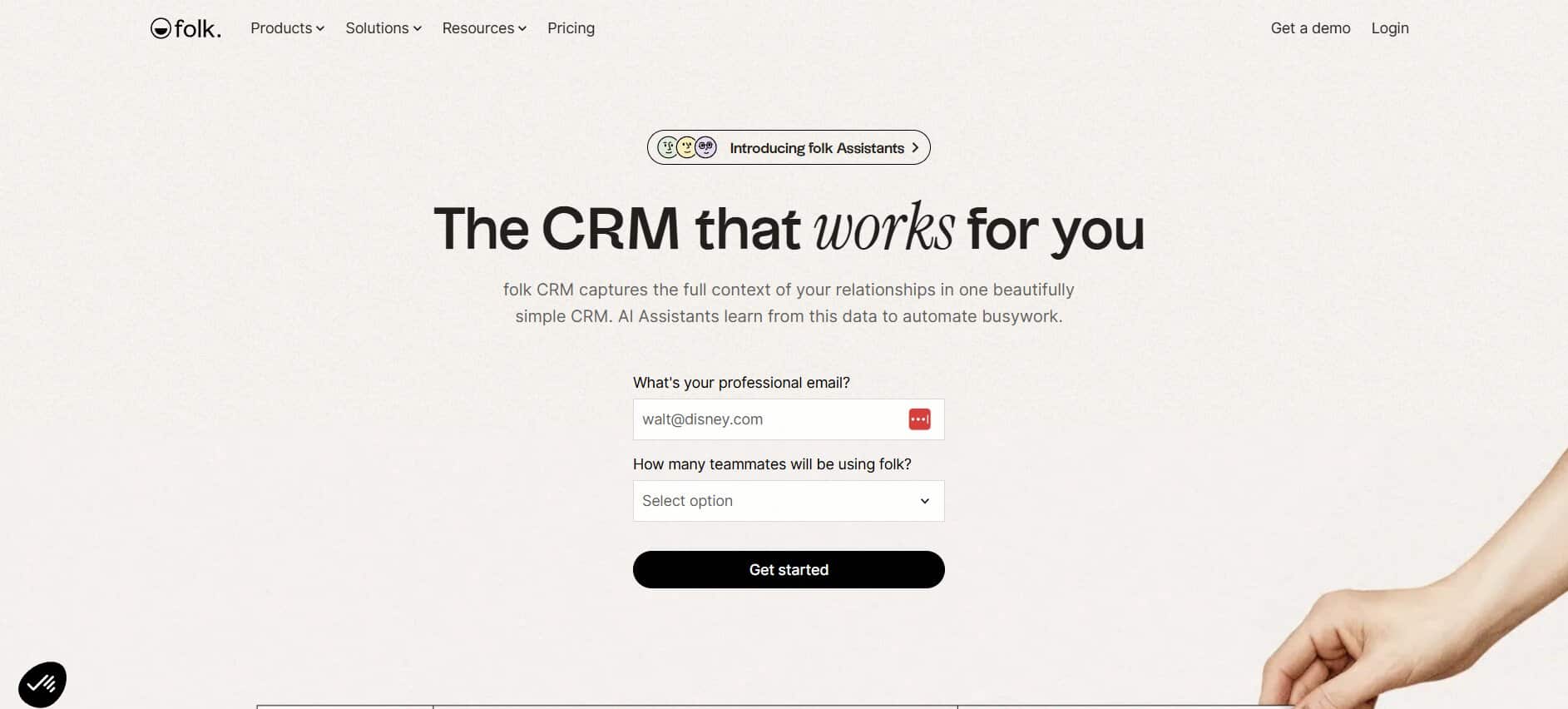
Social selling is fundamentally about relationships, and relationships need to be tracked somewhere. The challenge is that most CRMs are built for transactional sales processes — they are optimized for pipeline stages, forecasting, and activity logging, not for the kind of warm, relationship-first selling that happens on LinkedIn. folk was built specifically to fill that gap.
folk is a lightweight, modern CRM that integrates with LinkedIn through a browser extension, letting users capture contact information directly from profiles and posts without manual data entry. The interface is deliberately minimal — closer to a well-designed personal contacts app than to Salesforce — which makes it accessible to small teams, solo founders, and agencies without dedicated RevOps support.
What makes folk particularly useful for social sellers is its Magic Fields feature, which uses AI to automatically enrich contact records with summarized information, job history, and contextual notes. When you are managing dozens of warm relationships across LinkedIn, keeping track of what you last discussed with someone, what their company is focused on, and what stage of conversation you are in can become genuinely difficult without a system. folk provides that system without the overhead of a traditional CRM.
The agency use case is worth highlighting. Agencies that manage relationships across multiple client accounts — tracking which prospects belong to which client, what the conversation history looks like, and where different contacts sit in a relationship funnel — find folk’s organizational flexibility particularly valuable. The ability to create different groups and pipelines for different clients, without the rigid schema of a traditional CRM, matches how relationship-driven agencies actually work.
The main limitation is that folk is not a full sales engagement platform. It will not run automated sequences, send bulk emails, or trigger outreach workflows. It is a place to track and organize relationships, not to automate them. For teams that need both, folk works best paired with an outreach tool like LaGrowthMachine or lemlist.
Pros
- Intuitive, modern interface with minimal onboarding overhead
- LinkedIn browser extension captures contacts without manual data entry
- AI Magic Fields auto-enrich and summarize contact records
- Flexible organization suits agencies managing multiple client relationships
- Affordable entry point for small teams who need CRM without enterprise complexity
Cons
- Not a full sales engagement platform — no built-in sequences or automation
- Reporting and revenue forecasting far less robust than enterprise CRMs
- Browser extension-based LinkedIn capture carries inherent terms of service risk
- Less suitable for large sales organizations with complex pipeline and territory structures
Pricing
| Plan | Price |
|---|---|
| Standard | $24/user/month (annual billing) |
| Premium | Contact for pricing |
| Custom | Enterprise pricing available |
5. LinkedIn Sales Navigator
If there is one tool on this list that almost every serious B2B social selling team should have, it is LinkedIn Sales Navigator. No third-party prospecting database comes close to matching its search depth, its data freshness, or its native integration with the world’s largest professional network. In 2026, it remains the foundational layer of most mature social selling stacks.
The power of Sales Navigator lies primarily in its advanced search filters. While a standard LinkedIn search might let you filter by job title and location, Sales Navigator goes dramatically deeper: you can filter by company headcount growth over the past six months, by recent funding round activity, by the technology stack a company uses, by hiring patterns in specific departments, by whether a company has posted content recently, and by dozens of other signals that indicate where a company is in its growth trajectory and what it might be actively evaluating. For SDRs trying to prioritize outreach, this level of filter precision is the difference between a focused list of 50 high-fit accounts and a spray-and-pray list of 5,000.
The Smart Links feature deserves particular attention for social sellers. When you share a piece of content — a case study, a one-pager, a video — through a Sales Navigator Smart Link, you can see exactly who clicked it, how long they spent viewing it, and whether they shared it. This turns a simple piece of content into a buyer intent signal. If a prospect you messaged three weeks ago suddenly spends twelve minutes reading your case study at 11pm, that is worth knowing.
The 2025 and 2026 updates leaned further into AI-powered recommendations — surfacing leads that match your saved searches, flagging account changes like new executive hires or department restructuring, and highlighting when people in your network change jobs to roles at target accounts. These AI-generated alerts transform Sales Navigator from a search tool into something closer to a continuous monitoring system for your target account list.
The main drawback is cost. At approximately $99/month per seat at the Core tier — with Advanced and Advanced Plus plans running significantly higher — Sales Navigator is a meaningful investment, particularly for smaller teams or early-stage companies. The ROI argument is sound for teams running structured social selling processes, but the tool requires discipline and process to get value from. A rep who has access to Sales Navigator but lacks a clear prospecting workflow will not extract proportionate value from the subscription.
Pros
- Deepest prospecting filters available on any platform connected to LinkedIn’s data
- Smart Links reveal buyer intent through content engagement tracking
- Account alerts for job changes, funding news, department restructuring, and post activity
- Native CRM integration with Salesforce, HubSpot, and other major platforms
- The only tool with direct, compliant access to LinkedIn’s full member graph
Cons
- Expensive, particularly at team scale or when including Advanced Plus CRM sync
- Requires pairing with content and outreach tools to function as a complete social selling solution
- Significant learning curve for new reps unfamiliar with advanced search logic
- Demonstrating ROI requires structured processes and attribution tracking that many teams lack
Pricing
| Plan | Price |
|---|---|
| Core | ~$99/month per seat |
| Advanced | Custom pricing — includes team features |
| Advanced Plus | Custom pricing — includes full CRM integrations |
6. LaGrowthMachine
LaGrowthMachine, commonly abbreviated as LGM, is the most sophisticated multichannel outreach platform available for B2B social selling teams that need to operate across more than just LinkedIn. Where most outreach tools specialize in a single channel, LGM runs coordinated sequences across LinkedIn, email, phone calls, SMS, and Twitter/X — all from a single visual workflow builder that looks more like a marketing automation canvas than a traditional sales tool.
The canvas-based sequence builder is genuinely impressive. Rather than configuring sequences through a linear list of steps, LGM lets you drag and connect actions into a visual workflow — with conditional branches that can route a prospect differently depending on whether they accepted your connection request, opened your email, or clicked a link. This level of conditional logic is rare in outreach tools at this price point, and it allows experienced practitioners to build genuinely sophisticated sequences rather than one-size-fits-all cadences.
One of LGM’s most technically differentiated capabilities is its waterfall email enrichment system. Rather than querying a single data provider to find a prospect’s email address, LGM pings up to ten different providers sequentially, accepting the first verified result. This approach produces significantly higher enrichment rates than single-provider tools, which matters enormously for outreach volume. A team that can find verified emails for 80% of its LinkedIn leads rather than 50% is effectively running 60% more reachable outreach without adding any headcount.
From an account safety perspective, LGM is cloud-based with dedicated 5G mobile proxies — meaning it does not rely on a Chrome extension running inside your browser window. This architecture is meaningfully safer for LinkedIn accounts than extension-based tools, which the platform is happy to explain during the sales process. Teams that have burned LinkedIn accounts using aggressive extension-based automation tools find LGM’s architecture particularly reassuring.
The reported 3.5x higher response rate versus email-only outreach reflects what most experienced social sellers already know intuitively: meeting a prospect on LinkedIn, then following up via email, then circling back with a LinkedIn message creates a more natural and memorable impression than a single-channel drip sequence. LGM makes that multichannel choreography operationally manageable for non-technical sales teams.
Pros
- True multichannel: LinkedIn, email, phone, SMS, and Twitter/X in a single sequence
- Cloud-based with dedicated mobile proxies — meaningfully safer for LinkedIn accounts than Chrome extensions
- Waterfall enrichment from up to ten email providers produces industry-leading enrichment rates
- Canvas-style workflow builder with conditional logic supports sophisticated sequence design
- Significant response rate improvements versus single-channel outreach
Cons
- Overkill and expensive for teams whose outreach needs are LinkedIn-only
- Sequence design learning curve is steeper than simpler tools like Waalaxy
- Not a CRM — needs HubSpot, Pipedrive, or Salesforce alongside it
- Pricing has increased and is no longer the most affordable option for small teams
Pricing
| Plan | Price | Key Features |
|---|---|---|
| Basic | ~€60/month per identity | LinkedIn + email |
| Pro | ~€100/month per identity | Full multichannel |
| Ultimate | Custom | Twitter/X, voice messages, full channel suite |
7. Waalaxy

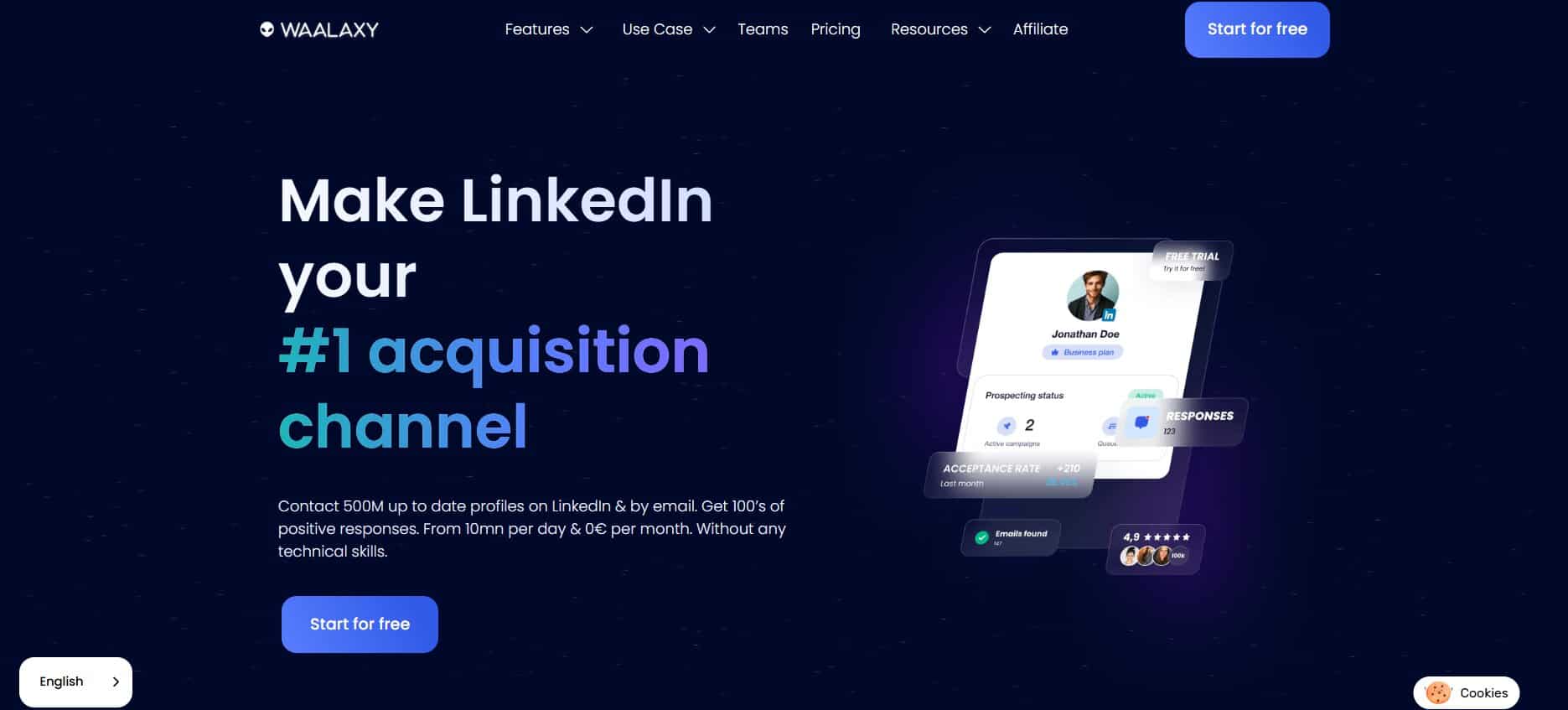
Waalaxy sits in an interesting market position: it offers the accessibility and simplicity of a beginner-friendly LinkedIn automation tool while also providing enough campaign sophistication for small-to-medium outbound teams. For SDRs or solo operators who want to run structured LinkedIn prospecting campaigns without building sequences from scratch, Waalaxy delivers genuine value — particularly through its library of over 99 pre-built campaign templates.
The freemium tier, which allows up to 80 connection requests per month, is genuinely useful for testing whether LinkedIn automation fits a team’s workflow before committing to a paid plan. This is a meaningful differentiator — most comparable tools require an upfront subscription before you can assess whether the product works for your use case.
The email finder integration is a smart addition to what started as a LinkedIn-only tool. When a LinkedIn lead is identified through a Waalaxy campaign, the platform can automatically attempt to find and verify a corresponding business email address, enabling teams to shift from LinkedIn-only to a lightweight email-plus-LinkedIn multichannel approach without switching tools. For teams not ready to invest in a full multichannel platform like LaGrowthMachine, this combination covers a significant portion of the outreach surface area at a fraction of the cost.
The CRM sync with HubSpot, Pipedrive, and Salesforce keeps outreach data flowing into the systems of record that sales managers actually live in — which is increasingly non-negotiable for any outreach tool that wants to be taken seriously in organized sales environments.
The main limitations are structural. Unlike LGM, Waalaxy does not let users build fully custom sequences — you are limited to choosing and configuring from the pre-built template library. For teams with specific and unusual prospecting workflows, this constraint is frustrating. The email outreach capabilities, which only unlock on the Business plan at approximately €69/month, are also less mature than dedicated email outreach tools. And recent price increases have narrowed the cost gap between Waalaxy and more capable alternatives.
Pros
- 99+ pre-built campaign templates dramatically reduce setup time for new users
- Integrated email finder bridges LinkedIn prospecting and email outreach
- CRM sync with HubSpot, Pipedrive, and Salesforce
- Free tier allows meaningful testing before committing to a paid plan
- Designed to respect LinkedIn daily limits, reducing account suspension risk
Cons
- Cannot build fully custom sequences — limited to pre-built template configurations
- Recent price increases make it less competitive at scale versus LaGrowthMachine
- Email outreach only available from the €69/month Business plan, and is less sophisticated than dedicated tools
- Chrome extension component carries inherent LinkedIn account risk
Pricing
| Plan | Price | Invitations/Month |
|---|---|---|
| Freemium | €0/month | 80 |
| Pro | ~€19/month | 300 |
| Advanced | ~€49/month | 800 |
| Business | ~€69/month | LinkedIn + email |
| Elite | ~€245/month | Includes Sales Navigator |
8. lemlist

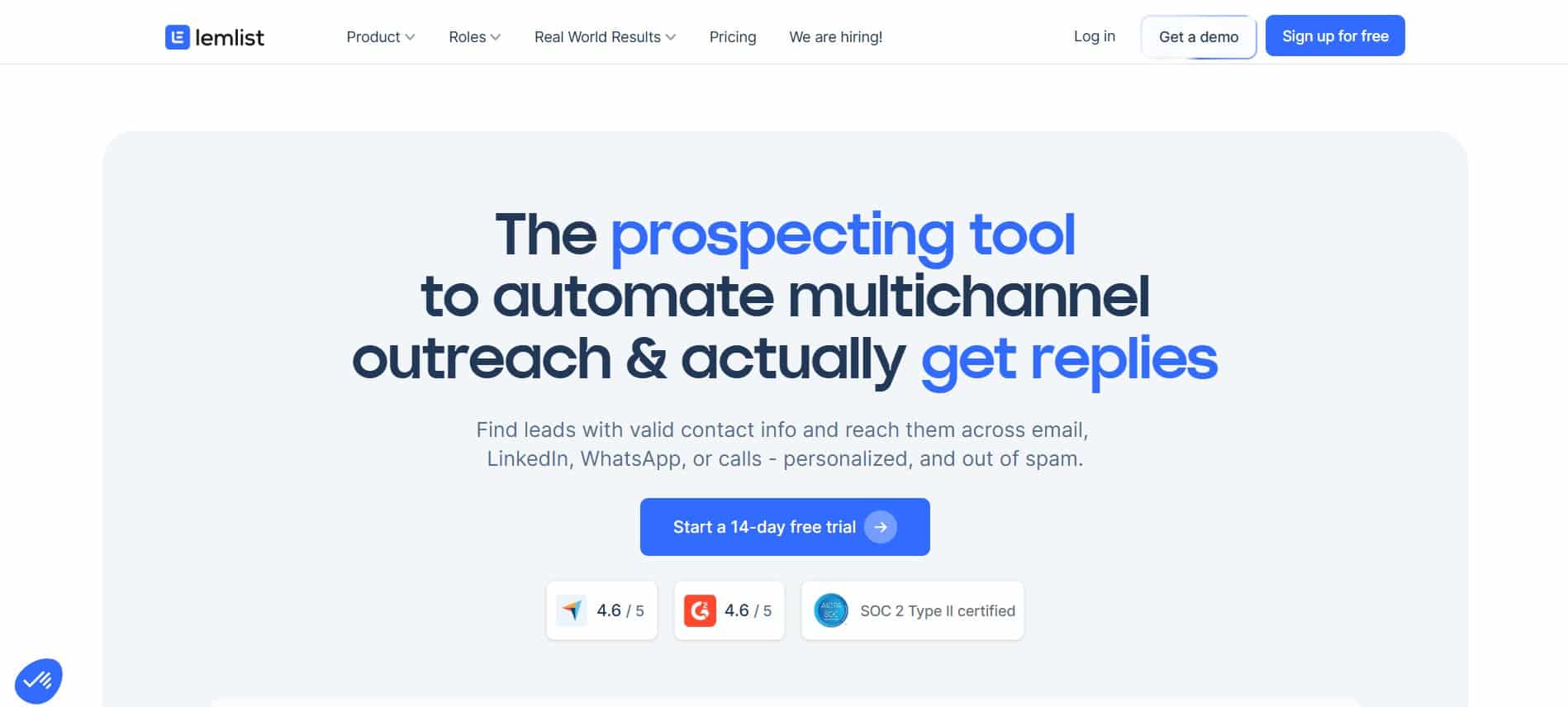
lemlist built its reputation on a specific and genuinely clever insight: personalization at scale is normally impossible because creating truly custom content for each prospect requires human time that does not scale. lemlist’s answer was image personalization — the ability to dynamically insert a prospect’s company logo, name, website screenshot, or other custom elements into a pre-designed image template inside an email. The result is an email where each recipient sees something that could only have been made for them, even though it was generated automatically.
That capability is still the core differentiator, and it genuinely moves reply rate numbers. A cold email that contains a screenshot of a prospect’s own website, annotated with a note about something specific you observed, lands very differently than a text-heavy template — even if the underlying message is similar. For outreach-heavy teams competing for attention in crowded inboxes, that differentiation matters.
Since expanding into LinkedIn sequences, lemlist has become a more complete social selling tool for teams that want to coordinate email and LinkedIn touchpoints in a single campaign. A typical multichannel sequence might start with a LinkedIn connection request, follow up with a personalized email containing a custom image, then circle back with a LinkedIn voice message or direct message if the email goes unanswered. lemlist manages this coordination from a single campaign view.
The Lemwarm email warm-up tool is a meaningful supporting feature for high-volume senders. Deliverability — the likelihood that a cold email actually reaches the inbox rather than the spam folder — degrades quickly when sending volume ramps up from a new domain or address. Lemwarm manages this by simulating organic email activity, gradually building sender reputation before the full outreach campaign goes live.
The A/B testing functionality allows teams to test multiple message variants simultaneously and let performance data determine the winner — which, over time, compounds into significantly better overall reply rates than sending the same message to everyone.
The main caveat with lemlist is that its LinkedIn automation capabilities are an add-on to an email-first platform, not a native core feature. Teams whose primary channel is LinkedIn and whose email outreach is secondary may find that LGM or Waalaxy serve the LinkedIn portion of their workflow better. lemlist is at its best for email-heavy outreach teams that want to add LinkedIn touchpoints into existing sequences rather than for teams building LinkedIn-first workflows.
Pros
- Visual image personalization (custom images per prospect) meaningfully increases reply rates versus text-only emails
- Strong email deliverability tooling including built-in Lemwarm warm-up
- A/B testing on message variants drives continuous performance improvement
- LinkedIn and email combined sequences cover the most common multichannel combination
- Active community, template library, and strong onboarding resources
Cons
- LinkedIn automation is an add-on rather than a core feature — less sophisticated than LGM for LinkedIn-heavy workflows
- Can become expensive for full multichannel at scale
- UI complexity reported as a friction point for new users despite recent improvements
- Relationship to Taplio through lemlist’s parent company means some users question where LinkedIn TOS boundaries are respected
Pricing
| Plan | Price | Key Features |
|---|---|---|
| Email Starter | ~$39/month | Email outreach, basic personalization |
| Email Pro | ~$69/month | Full email features, Lemwarm included |
| Multichannel Expert | ~$99/month | LinkedIn + email combined sequences |
| Agency | Custom | Multi-client management |
9. Salesloft
Salesloft occupies a different category from most tools on this list. It is not primarily a LinkedIn tool, a content platform, or a prospecting database. It is an enterprise Sales Engagement Platform — the system of record for how large, organized sales teams execute every touchpoint across the full sales cycle, from first outreach to closed deal.
In that context, LinkedIn is one channel within a broader, structured sales workflow managed by teams of SDRs and Account Executives operating against defined cadences, playbooks, and activity metrics. Salesloft’s value is in standardizing and scaling that entire motion — not in making any individual LinkedIn post perform better or any single outreach sequence more personalized.
The platform’s strength is in operational standardization. When a 200-person sales team needs to execute outreach consistently — with every rep following the same cadence timing, using approved messaging frameworks, logging activities automatically, and having their calls recorded and reviewed — Salesloft provides the infrastructure to make that happen reliably. The alternative is a patchwork of individual tools and spreadsheets that produces inconsistent execution and unreliable data.
Conversation intelligence is one of Salesloft’s most valuable features for sales leaders. Every sales call is recorded, transcribed, and analyzed — surfacing talk time ratios, competitor mentions, objection patterns, and whether reps are following coaching guidance. This turns sales management from an opinion-based exercise into a data-driven one. Combined with rep scorecards, playbook compliance tracking, and revenue intelligence dashboards, Salesloft gives sales leaders the visibility to coach effectively and forecast with confidence.
The LinkedIn integration in Salesloft is worth understanding clearly. Unlike tools like LGM or Waalaxy that automate LinkedIn actions, Salesloft’s LinkedIn step is task-based — it prompts a rep to take a LinkedIn action (send a connection request, comment on a post, send a DM) and logs when it is completed, but the rep performs the action manually. This is actually a deliberate design choice that keeps the platform compliant with LinkedIn’s terms of service, but it means Salesloft does not replace a LinkedIn automation tool for teams that want automated sequences.
Pros
- Enterprise-grade cadence management and workflow automation across all channels
- Conversation intelligence provides coaching data from every recorded sales call
- Revenue intelligence and pipeline forecasting integrated with CRM data
- Deep CRM integration — particularly strong with Salesforce
- Standardizes execution across large, distributed sales teams
Cons
- Very expensive for small teams at approximately $135/user/month
- LinkedIn integration is task-based (manual actions prompted by the platform) rather than true automation
- Requires significant onboarding, RevOps support, and change management to deploy at full value
- Overkill for any organization outside a structured enterprise SDR and AE motion
Pricing
| Tier | Price |
|---|---|
| Essentials | ~$135/user/month (reported) |
| Advanced | Custom enterprise pricing |
| Premier | Custom enterprise pricing |
Choosing the Right Social Selling Tools: A Decision Framework
With nine distinct platforms reviewed, the most useful thing this guide can offer is not a single winner — it is a way of thinking about which problem to solve first.
The most common mistake teams make when building a social selling stack is purchasing a tool that does everything adequately rather than the tool that solves their actual bottleneck exceptionally well. A comprehensive platform that handles content, analytics, and outreach at a mediocre level will consistently underperform a focused stack of best-in-class tools used intentionally.
Most effective social selling stacks in 2026 combine three layers: a prospecting intelligence tool (Dealsflow or Sales Navigator) that identifies the right accounts at the right time, a content or outreach tool that creates touchpoints at scale (Taplio, LGM, lemlist, or Waalaxy depending on channel mix), and an analytics or CRM layer (Shield or folk) that tells you whether the activity is working and where relationships stand. LinkedIn account safety is increasingly worth factoring into tool selection — cloud-based platforms consistently carry lower risk than Chrome extension-based tools, particularly as LinkedIn’s enforcement posture has hardened over the past two years.
Conclusion
Social selling in 2026 is not a single tool — it is a coordinated workflow supported by a purpose-built stack. The B2B buyers making major purchasing decisions are spending significant time on LinkedIn, on industry content, and in their inboxes before they ever engage with a vendor-initiated conversation. The teams winning those deals are the ones who have built credibility and familiarity through consistent content, identified buying signals through intelligent prospecting, and executed outreach that feels timely and personal rather than generic and automated.
The nine tools covered in this guide represent the best options across each functional layer of that workflow. Dealsflow stands out for teams that want AI-powered signal intelligence at the top of funnel. Sales Navigator remains the gold standard for LinkedIn-native prospecting depth. Shield Analytics is the only tool purpose-built to tell you whether your LinkedIn content is actually reaching the buyers you care about. LaGrowthMachine and lemlist lead the multichannel outreach category for teams with different channel weightings. folk CRM and Salesloft serve relationship tracking at SMB and enterprise scale respectively.
The right starting point is always the layer that is most broken. If you are not showing up consistently in your buyers’ feeds, solve that first. If you cannot find the right accounts, prioritize prospecting intelligence. If your outreach is not converting, look at personalization and channel mix. Fix one layer at a time, measure the results, then add the next tool. That discipline compounds into a social selling motion that genuinely moves pipeline — which is, ultimately, the only metric that matters.
Frequently Asked Questions
What exactly is social selling, and how is it different from regular selling?
Social selling is the practice of using social networks — primarily LinkedIn for B2B — to identify prospects, build credibility through content and engagement, and initiate conversations that lead to qualified meetings. The key difference from traditional selling is the sequence: social selling creates familiarity and trust before a sales conversation begins, rather than leading with an unsolicited pitch. Buyers who have seen your content, engaged with your ideas, or had a meaningful comment exchange are dramatically warmer than cold contacts reached through a database search.
How many social selling tools does a typical B2B sales team actually need?
Most effective teams operate with two to three tools covering different layers: one for prospecting and identifying the right accounts, one for content creation or outreach execution, and optionally one for analytics or CRM. Adding more tools than this typically creates integration overhead and data fragmentation that cancels out the benefits. Start with one tool per bottleneck rather than buying an entire stack at once.
Is LinkedIn Sales Navigator worth the cost for a small team?
For teams with fewer than five or six reps running structured social selling processes, Sales Navigator’s cost can be difficult to justify purely on ROI. The tool delivers its best returns when paired with disciplined prospecting workflows, consistent outreach, and measurement systems that tie LinkedIn activity to pipeline outcomes. If those conditions are not in place, a smaller team may be better served starting with a freemium prospecting tool and investing in Sales Navigator once the process is validated.
What is the difference between social selling tools and sales engagement platforms?
Social selling tools — like the content, analytics, and outreach platforms in this list — focus specifically on LinkedIn and related social channels as a primary go-to-market surface. Sales engagement platforms like Salesloft are broader systems that manage the full sales workflow across all channels (email, phone, LinkedIn, SMS) at an enterprise level. The distinction matters for tool selection: social selling tools are appropriate for teams building LinkedIn as a channel, while sales engagement platforms are appropriate for organizations that need to standardize and scale a complete multi-rep sales motion.
Are LinkedIn automation tools safe to use?
Safety varies significantly by tool architecture. Cloud-based tools that use dedicated proxies and operate without a Chrome extension running inside your browser — like LaGrowthMachine and Dealsflow — carry meaningfully lower risk of LinkedIn account restriction than extension-based tools. Extension-based tools that simulate browser activity can trigger LinkedIn’s anti-automation detection more easily. For any team using automation, staying within LinkedIn’s published daily limits and avoiding aggressive connection request volumes is essential regardless of which tool is used.
What is the most important metric to track for social selling performance?
The most important upstream metric is content reach within your ICP — specifically, whether the people seeing your LinkedIn posts match the job titles, industries, and seniority levels of your actual target buyers. Tools like Shield Analytics can surface this data through audience demographic breakdowns. Vanity metrics like total impressions or follower count are far less useful than knowing whether your content is building an audience of potential buyers rather than peers, competitors, and recruiters. Downstream, the metric that matters most is qualified meetings sourced from social selling activity, which requires some form of attribution tracking between LinkedIn engagement and pipeline creation.
How long does it typically take to see results from social selling?
Social selling has a longer feedback loop than paid advertising or cold email at volume, because it operates through trust-building rather than immediate response rates. Most practitioners report meaningful results — increased inbound connection requests, higher response rates to outreach, and first meetings sourced directly from LinkedIn engagement — within 60 to 90 days of consistent posting and prospecting activity. The teams that see the fastest results are those who combine content visibility (posting three or more times per week) with targeted outreach to warm prospects who have already engaged with their content.

