



Redirects are an essential part of maintaining a healthy and optimized website. Whether you’re moving pages, changing URLs, or restructuring your site, using the correct type of redirect can make or break your SEO performance.

In this ultimate 2026 guide, we’ll explore the difference between 301 and 302 redirects, when to use each, and how they affect your SEO in today’s search landscape.
What Is a Redirect?
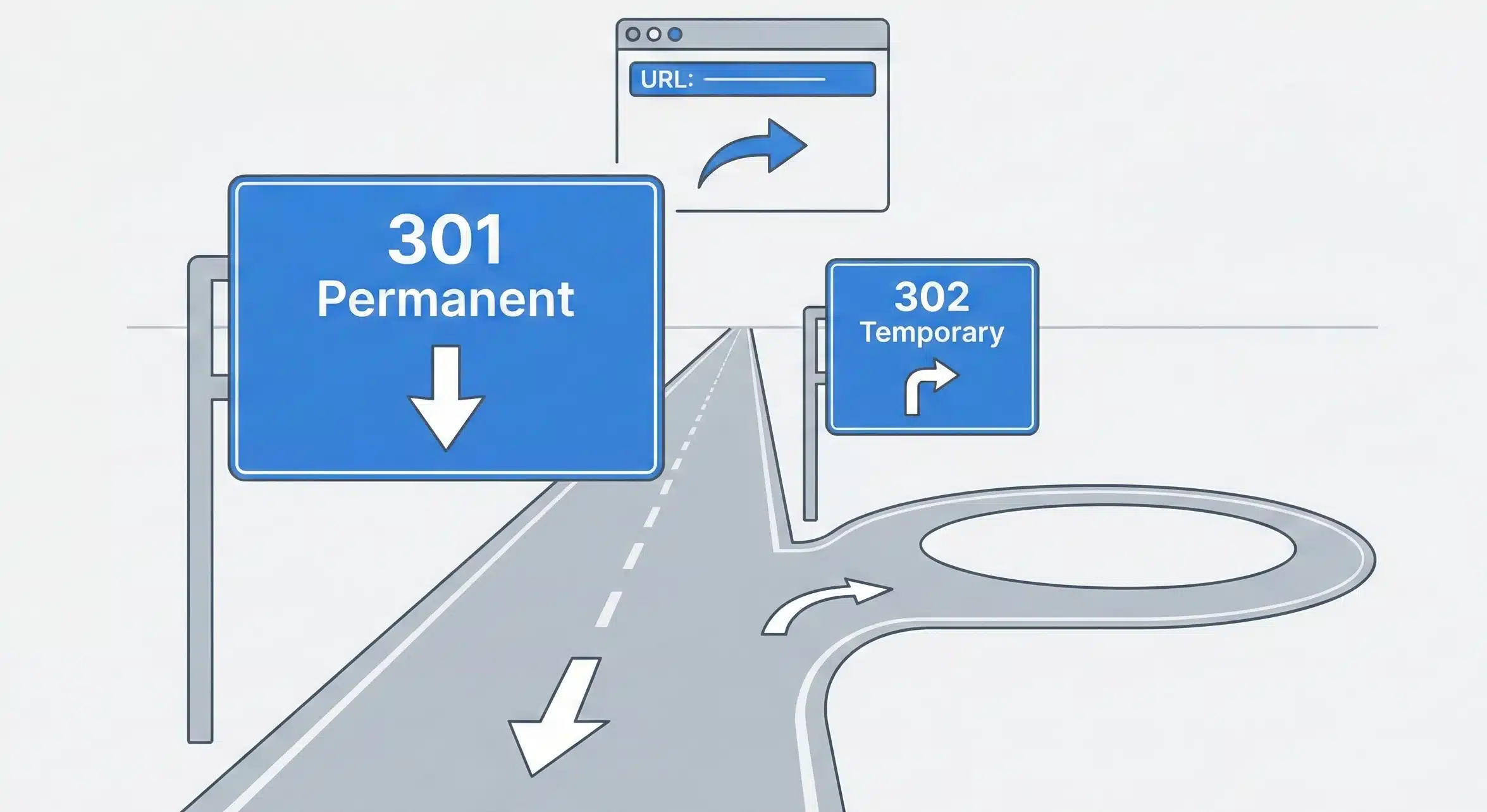
A redirect is a way to send both users and search engines from one URL to another. When a page moves, either temporarily or permanently, a redirect ensures that users still land on the right page and search engines can properly index your content.
Redirects are critical when:
- You delete or move a webpage
- You change your site’s domain name
- You restructure your site’s URL hierarchy
- You run time-based promotions or tests
What Is a 301 Redirect?
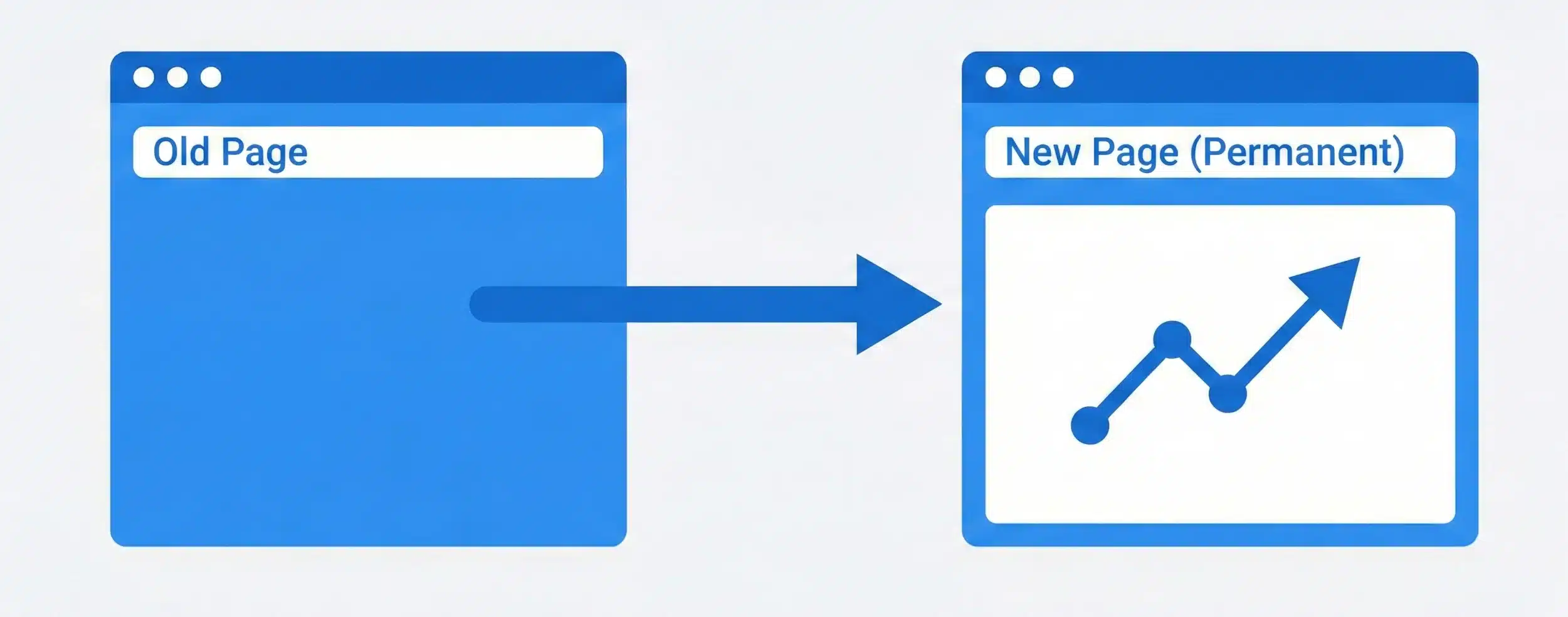
A 301 redirect is a permanent redirect. It tells browsers and search engines that a page has permanently moved to a new URL.
When to Use 301 Redirects:
- Moving your website to a new domain
- Merging two websites into one
- Deleting outdated content permanently
- Changing your permalink structure
SEO Impact of 301 Redirects:
- Passes nearly 100% of link equity (PageRank)
- Helps maintain search rankings
- Google updates its index to reflect the new URL
- Signals to search engines that the old URL is no longer valid
What Is a 302 Redirect?
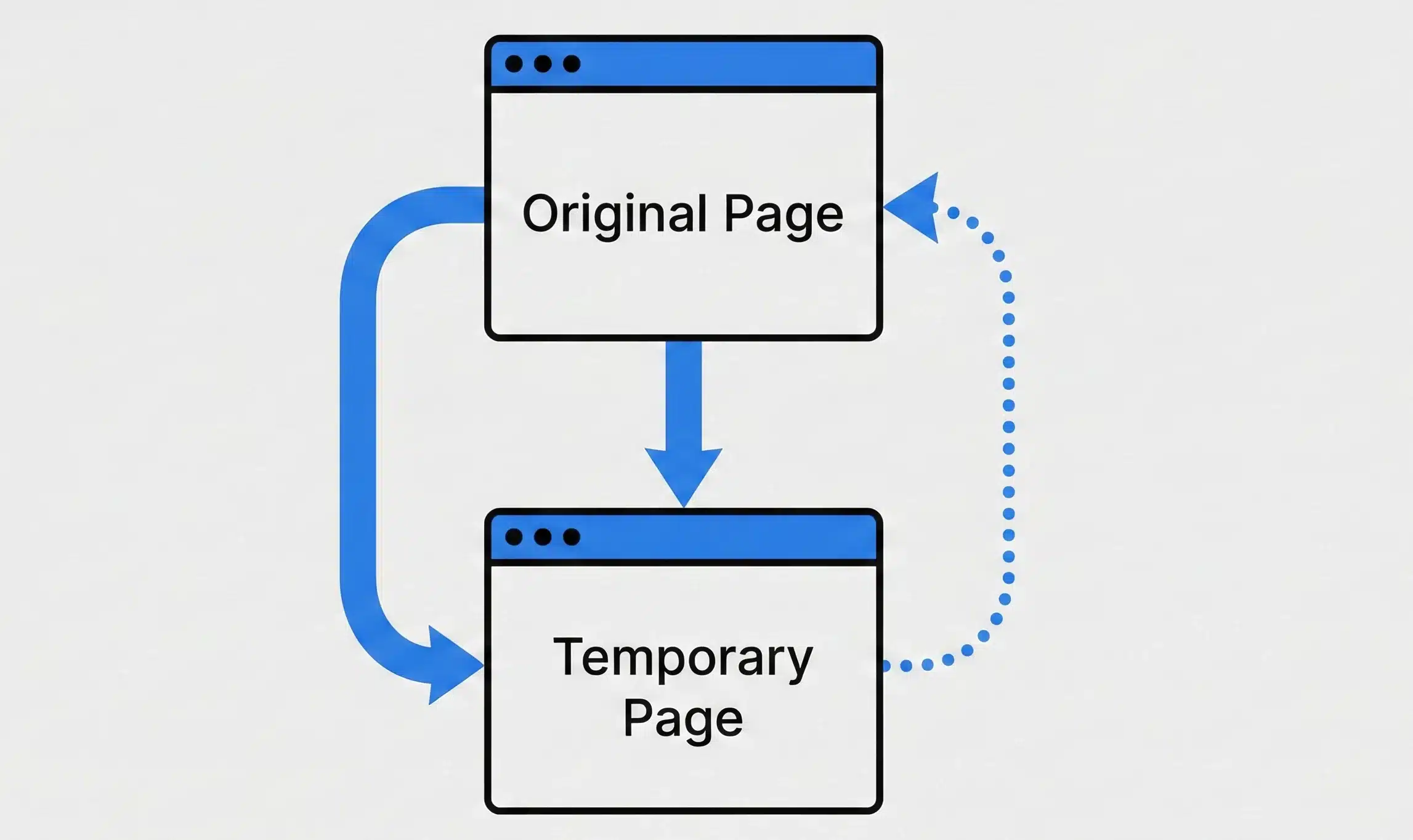
A 302 redirect is a temporary redirect. It tells search engines and browsers that a page has temporarily moved, and the original URL will be back.
When to Use 302 Redirects:
- Running A/B tests for landing pages
- Temporarily taking a page down for maintenance
- Hosting a seasonal promotion or event
- Testing new content without affecting rankings
SEO Impact of 302 Redirects:
- Does not pass full link equity (Google may not transfer PageRank)
- Search engines may continue to index the original URL
- Keeps original URL in search results
- Ideal for short-term changes only
Key Differences Between 301 and 302 Redirects
| Feature | 301 Redirect | 302 Redirect |
| Status Code | 301 (Permanent) | 302 (Temporary) |
| SEO Value | Passes link equity | Might not pass link equity |
| Indexing | New URL indexed | Original URL remains indexed |
| Use Case | Permanent changes | Temporary changes |
| Effect on Rankings | Preserves SEO value | May dilute SEO if misused |
SEO Implications of Choosing the Wrong Redirect
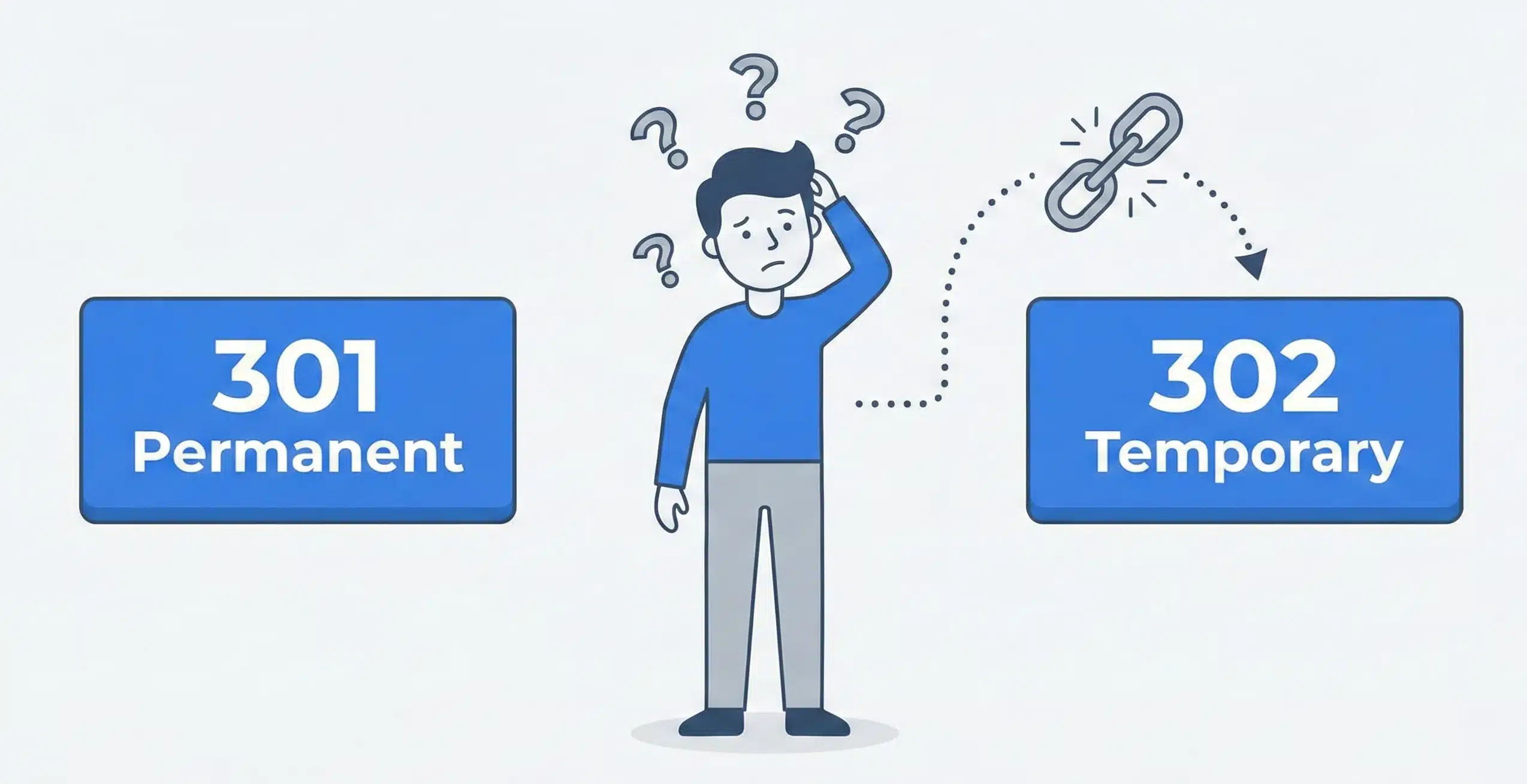
Using the wrong type of redirect can confuse search engines and hurt your rankings.
If you use a 302 when you need a 301:
- Google may continue to show the old URL
- Link equity might not transfer
- You may lose search traffic
If you use a 301 when you need a 302:
- You may unintentionally deindex a valuable page
- Google might stop crawling the original URL
In 2026, search engines are smarter than ever, but correct implementation still matters for performance and rankings.
How to Implement Redirects Properly
1. Server-Side Redirects
- Apache (.htaccess):
Redirect 301 /old-page https://example.com/new-page
- NGINX:
rewrite ^/old-page$ https://example.com/new-page permanent;
2. CMS-Specific Redirects
- WordPress: Use plugins like Redirection, Rank Math, or Yoast
- Shopify: Built-in URL redirect tool
- Wix/Squarespace: Simple redirect settings in dashboard
Best Practices:
- Use absolute URLs in redirects
- Keep redirect chains to a minimum
- Always test your redirects after implementation
Redirect Chains and Loops: What to Avoid
A redirect chain occurs when one redirect leads to another, then another, and so on. A redirect loop is when redirects point back to each other endlessly.
Why They’re Bad:
- Slower page load times
- Poor user experience
- Loss of link equity
- Crawl errors in Google Search Console
How to Fix:
- Use tools like Screaming Frog or Ahrefs Site Audit
- Map redirects correctly and remove unnecessary hops
- Ensure each redirect goes straight to the final destination
Redirects and Mobile SEO
With mobile-first indexing, Google predominantly uses the mobile version of a site for indexing and ranking.
Mobile Redirect Best Practices:
- Avoid redirecting mobile users to desktop URLs (and vice versa)
- Ensure all redirects work seamlessly across devices
- AMP pages should use appropriate redirect headers
Tools to Test and Monitor Redirects
Here are some helpful tools to check if your redirects are working correctly:
- Google Search Console: Check coverage and index status
- Screaming Frog SEO Spider: Crawl and visualize redirect paths
- Ahrefs: Analyze lost links and redirection impact
- HTTP Status Code Checker: Verify the status code of any URL
Common Redirect Mistakes to Avoid
Avoid these common errors when managing redirects:
- Using 302 instead of 301 for permanent moves
- Redirecting all old pages to homepage (bad for UX & SEO)
- Creating long redirect chains
- Forgetting to update internal links after redirection
- Not setting canonical tags properly
301 vs. 302 Redirects in 2026: What’s Changed?
Google has made progress in interpreting 302 redirects more accurately. But that doesn’t mean you can ignore best practices.
What’s New in 2026:
- Googlebot now follows JavaScript-based redirects more reliably
- Core Web Vitals consider redirect time in page speed scores
- Mobile-first indexing requires careful attention to redirect behavior
- AI-generated content increases the need for canonicalization and redirect hygiene
Using the correct redirect remains crucial for long-term SEO performance.
Conclusion
Redirects are a powerful tool in your SEO strategy, but only if you use them correctly.
- Use 301 for permanent moves to preserve rankings.
- Use 302 for temporary situations where the original page will return.
- Always monitor your redirects and fix chains or loops quickly.
- Stay updated with Google’s latest recommendations.
By mastering redirects in 2026, you can ensure your website remains fast, user-friendly, and SEO-optimized.
FAQs
1. Do 301 redirects still pass full SEO value in 2026?
Yes. Google has confirmed that 301 redirects pass nearly all link equity when implemented properly.
2. Can I use 302 redirects permanently without SEO harm?
It’s not recommended. While Google may treat them similarly to 301s, they are meant for temporary use.
3. How many redirects are too many in a chain?
Ideally, no more than 1. Google will follow up to 5 hops, but fewer is better for performance.
4. Will Google index a 302 redirected page?
Yes, but it may continue indexing the original URL instead of the destination, depending on the context.
5. How do I check if my redirect is working correctly?
Use tools like Screaming Frog, HTTP Status Code Checker, or Google Search Console for accurate results.