


Social media is an essential part of any brand’s marketing strategy. Managing multiple platforms, analyzing performance, and engaging with your audience can be time-consuming. The right social media tools can help businesses streamline their workflow, improve content quality, and boost engagement. In this guide, we will explore 21 powerful social media tools that can help your brand succeed in 2026.
Key Features to Look for in a Social Media Tool
Before selecting a tool, it’s important to know what features matter most:
- Scheduling and Automation: Plan posts weeks in advance across platforms, set recurring content, and free up hours every week that would otherwise go into manual posting.
- Analytics and Reporting: Track what’s actually working, not just likes and follows. Look for engagement rate, reach, and conversion data tied to your goals.
- Engagement and Monitoring: A unified inbox that pulls comments, DMs, and mentions from every platform into one place saves you from switching tabs all day.
- Content Creation and Curation: Templates and brand kits matter more than raw design power for most teams. Speed usually beats flexibility here.
- Integration with Other Platforms: Check whether the tool connects to your CRM, ad accounts, or e-commerce store. A tool that works in isolation creates more manual work, not less.
Best Social Media Tools for 2026
Social Media Management Tools
1. Hootsuite
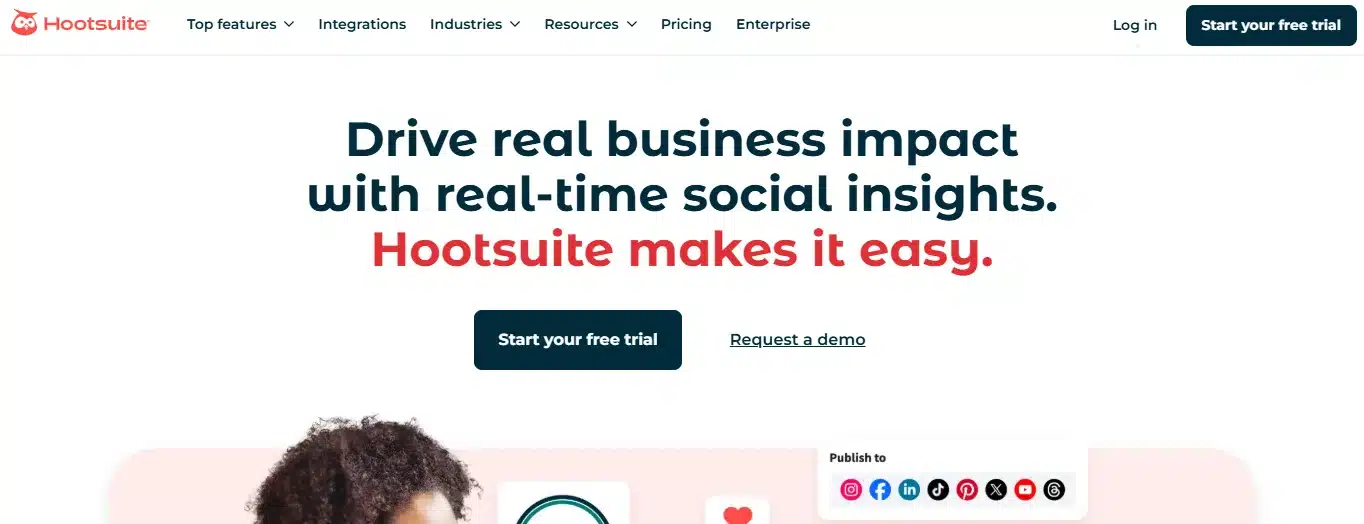
Hootsuite is a powerful tool that helps businesses schedule content, monitor social conversations, and track performance.
Features:
- Schedule posts across multiple platforms.
- Monitor brand mentions and conversations.
- Generate detailed analytics reports.
- Collaborate with team members.
Pros:
- Supports various social media networks.
- Includes a free plan with basic features.
- Offers strong reporting and analytics.
Cons:
- Paid plans are expensive.
- The interface can be complex for beginners.
Best for: [one line—e.g., “Mid-size teams managing 5+ social accounts”]
Pricing: [Starting price/mo, or “Free plan available”—needs current pricing pulled per tool before publishing]
2. Buffer
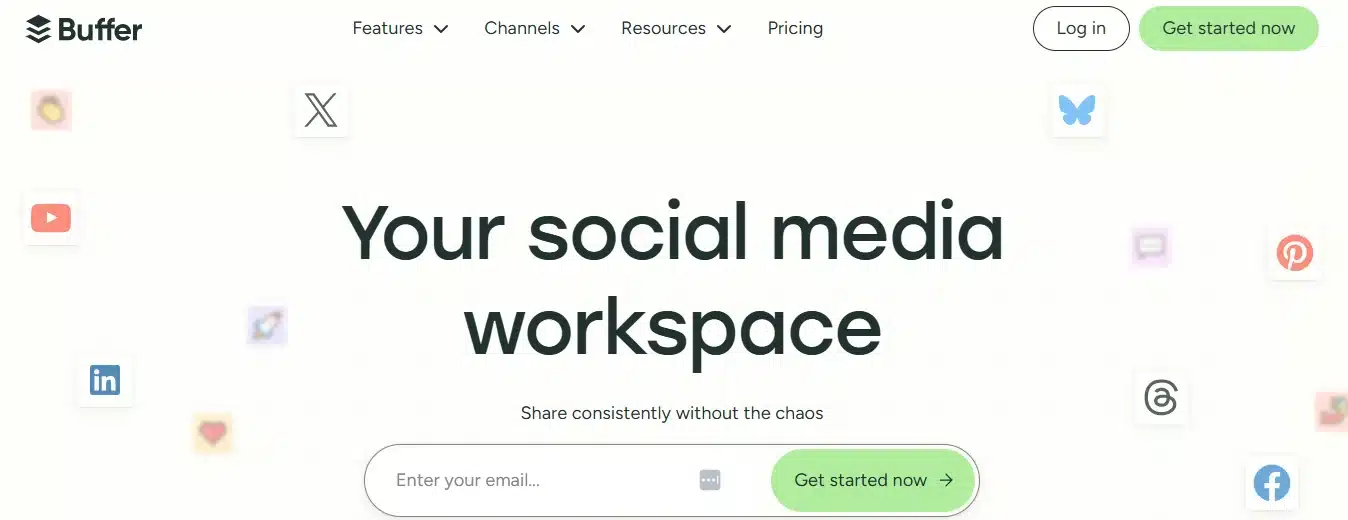
Buffer is a simple and efficient tool for scheduling social media posts and analyzing engagement.
Features:
- Easy post scheduling and publishing.
- Social media analytics dashboard.
- Team collaboration and approval workflow.
- AI-powered caption suggestions.
Pros:
- User-friendly and affordable.
- Great for small businesses.
- Strong customer support.
Cons:
- Limited features in the free version.
- No advanced social listening tools.
3. Sprout Social
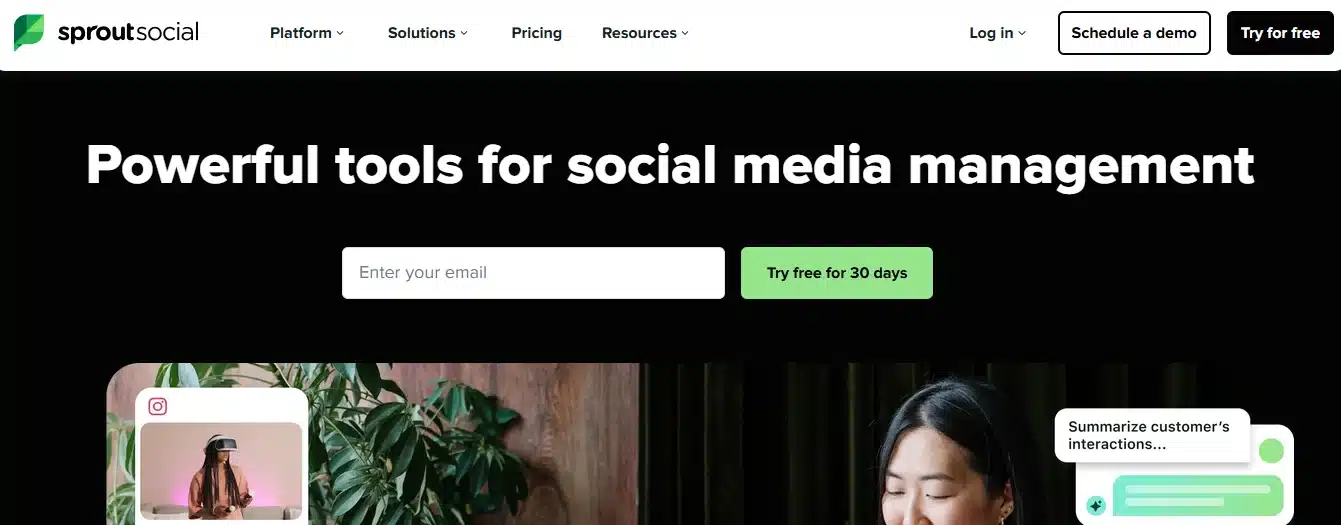
Sprout Social offers advanced scheduling, engagement tracking, and analytics for businesses.
Features:
- Smart inbox for managing messages.
- AI-powered social listening and trend analysis.
- Scheduling and publishing tools.
- CRM integration for audience insights.
Pros:
- Excellent reporting and analytics.
- Strong customer engagement features.
- Supports multiple users and workflows.
Cons:
- Expensive for small brands.
- Steep learning curve for beginners.
4. SocialBee
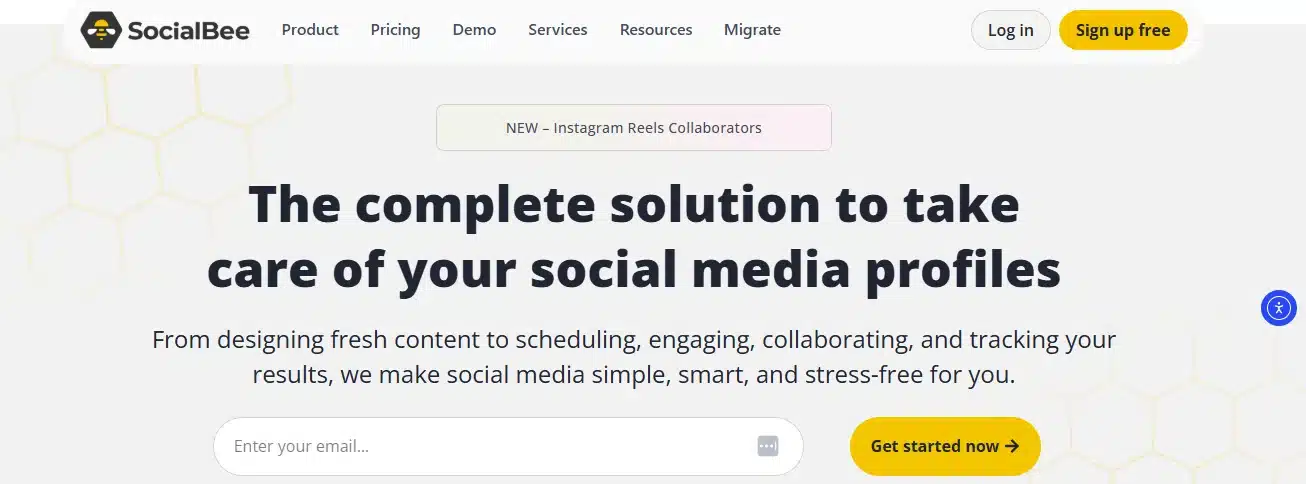
SocialBee focuses on content automation, helping businesses schedule and recycle posts.
Features:
- Content categorization for better organization.
- Automated post recycling.
- Integration with major social media platforms.
- AI-generated content suggestions.
Pros:
- Saves time with automation.
- Affordable compared to competitors.
- Simple and intuitive interface.
Cons:
- Limited analytics and reporting.
- Fewer integrations than other tools.
Analytics and Reporting Tools
5. Google Analytics (for social tracking)
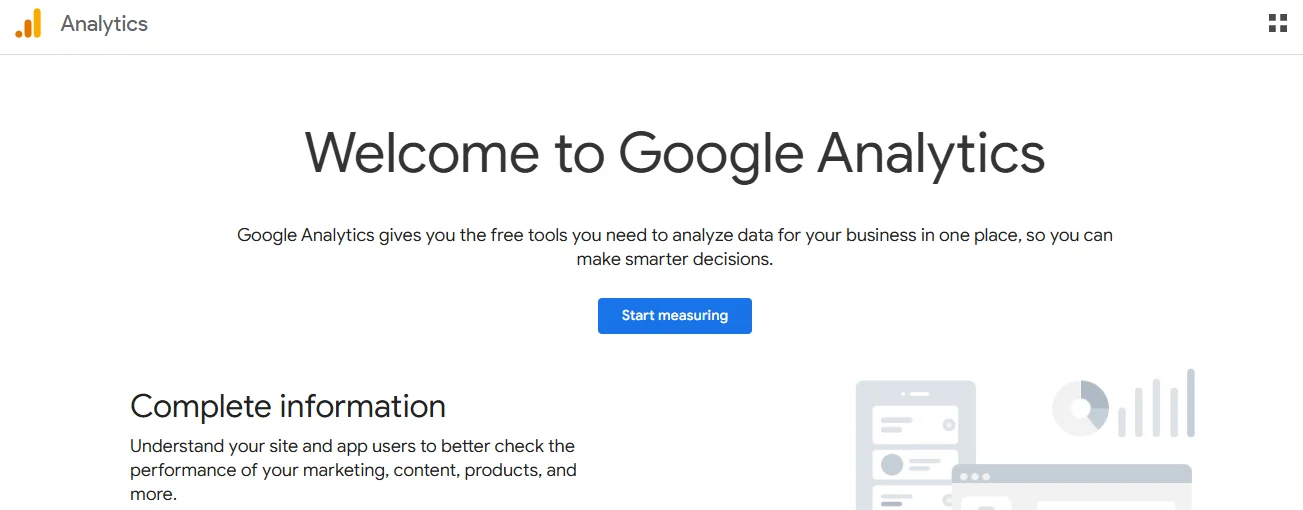
Google Analytics helps track social media traffic to websites and analyze audience behavior.
Features:
- Tracks social media referrals.
- Measures conversion rates from social traffic.
- Provides audience demographic insights.
- Customizable reports and dashboards.
Pros:
- Free to use.
- Integrates with various marketing tools.
Cons:
- Requires setup and configuration.
- Not specifically built for social media.
6. Brandwatch
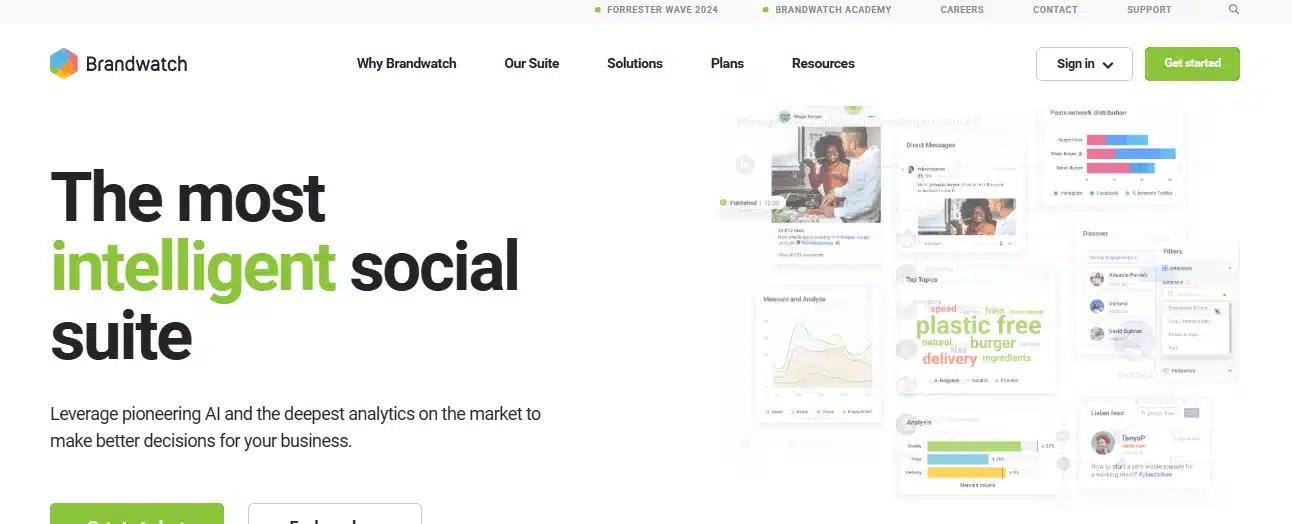
Brandwatch is an advanced social listening tool that tracks online conversations and brand sentiment.
Features:
- AI-powered sentiment analysis.
- Real-time brand monitoring.
- Competitor benchmarking.
- Data visualization and trend tracking.
Pros:
- Provides deep insights into brand perception.
- Tracks emerging trends.
Cons:
- Expensive for small businesses.
- Requires training to use effectively.
7. Sprinklr
Sprinklr is an enterprise-level tool offering social media management, customer engagement, and analytics.
Features:
- AI-driven social listening.
- Engagement and publishing automation.
- Customer experience management.
- Unified analytics across multiple platforms.
Pros:
- Scalable for large brands.
- Powerful data analytics.
Cons:
- Expensive pricing.
- Steep learning curve.
8. Iconosquare

Iconosquare specializes in Instagram and Facebook analytics, helping brands optimize their social strategy.
Features:
- In-depth Instagram and Facebook insights.
- Post scheduling and performance tracking.
- Competitive benchmarking.
- Customizable reports.
Pros:
- Detailed insights for visual content.
- Simple and easy to use.
Cons:
- Limited support for non-visual platforms.
- No free version.
Content Creation and Design Tools
9. Canva
Canva is a beginner-friendly design tool for creating social media graphics, presentations, and videos.
Features:
- Thousands of pre-made templates.
- Drag-and-drop editing.
- Brand kits for consistent design.
- Free and premium stock assets.
Pros:
- Easy to use, even for non-designers.
- Free plan includes many features.
Cons:
- Limited advanced design tools.
- Premium assets require a subscription.
10. Adobe Express
Adobe Express (formerly Adobe Spark) is a lightweight graphic design tool for quick content creation.
Features:
- Ready-made social media templates.
- AI-assisted design suggestions.
- Basic video editing tools.
- Cloud storage integration.
Pros:
- Great for beginners.
- Works well on mobile devices.
Cons:
- Limited compared to Adobe Photoshop.
- Some features require a paid plan.
11. VistaCreate
VistaCreate is an online graphic design tool that helps businesses create engaging visuals for social media.
Features:
- Over 50,000 pre-designed templates.
- Animation tools for creating motion graphics.
- Access to a vast library of free images, icons, and illustrations.
- Custom branding tools for consistent design.
Pros:
- Affordable and easy to use.
- Includes a wide range of free design assets.
Cons:
- Limited customization compared to professional design tools.
- Advanced features require a subscription.
12. Kapwing
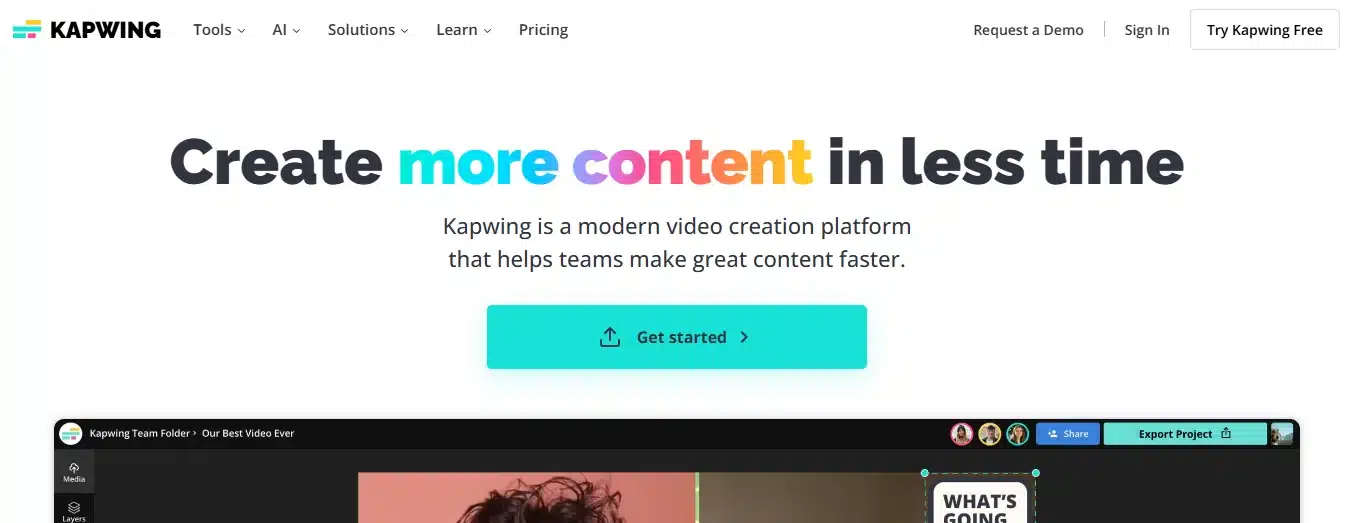
Kapwing is an online content creation tool for editing videos, images, and GIFs for social media.
Features:
- Online video editor with trimming, cropping, and resizing tools.
- AI-powered subtitle generator for captions.
- Meme maker for viral content.
- Collaborative editing for team projects.
Pros:
- No software installation required.
- Free version available with basic editing tools.
Cons:
- Free plan has watermarked exports.
- Advanced editing tools require a paid plan.
Social Listening and Engagement Tools
13. Mention
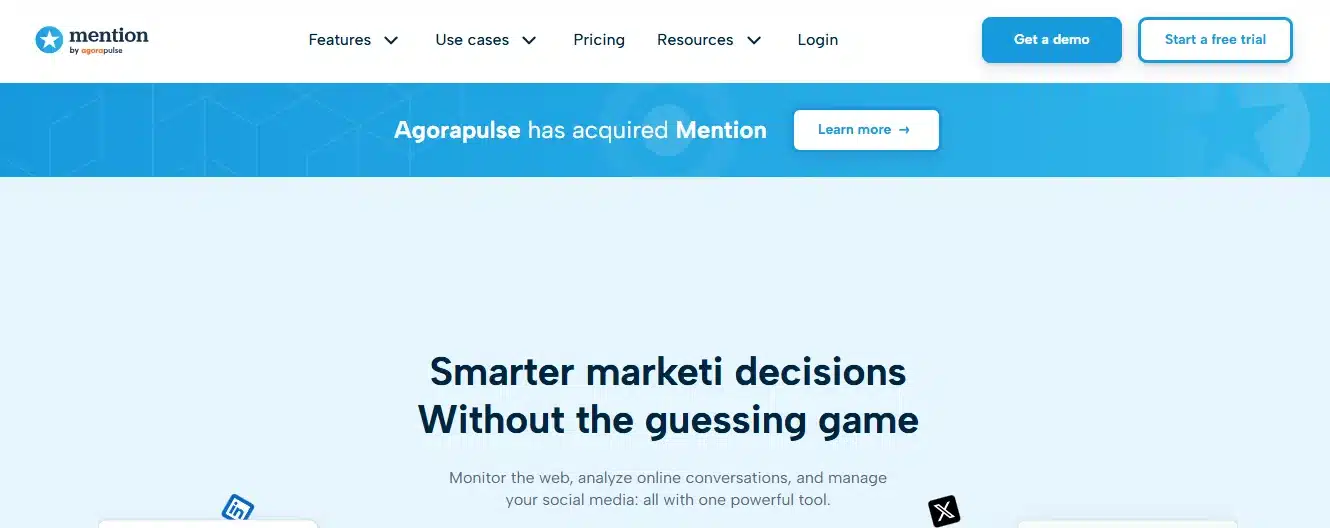
Mention is a social media monitoring tool that tracks brand mentions across the web and social platforms.
Features:
- Real-time monitoring of brand mentions.
- Sentiment analysis to track positive or negative feedback.
- Competitive analysis for benchmarking against rivals.
- Automated reports with insights on social presence.
Pros:
- Helps brands stay updated on conversations about them.
- Easy to set up and use.
Cons:
- Free plan has limited tracking capabilities.
- Advanced features require a paid subscription.
14. Brand24
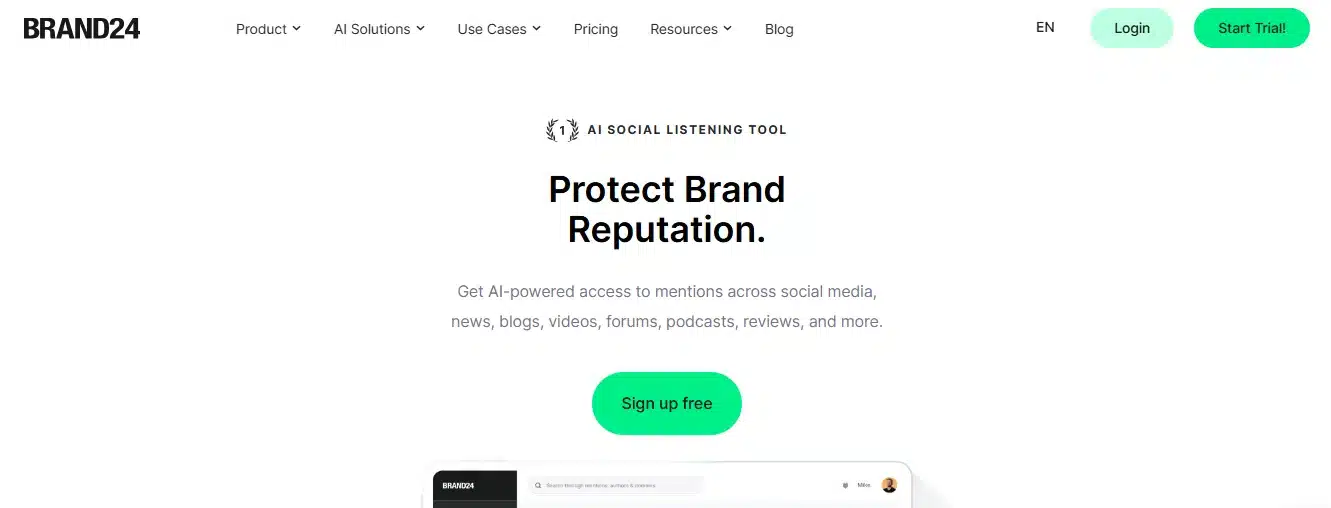
Brand24 is an AI-powered media monitoring tool that helps businesses track online conversations about their brand.
Features:
- AI-driven sentiment analysis to assess brand reputation.
- Real-time alerts for brand mentions.
- Competitive analysis tools.
- Customizable reports for data insights.
Pros:
- Affordable pricing for small businesses.
- Simple and user-friendly dashboard.
Cons:
- Limited historical data storage.
- The free version lacks advanced features.
15. Awario
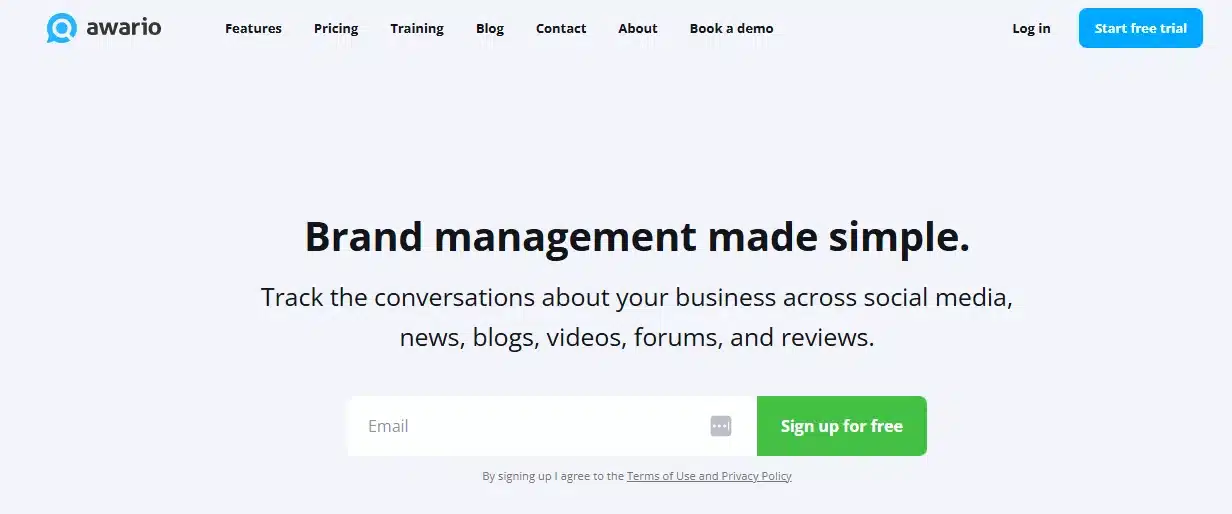
Awario is a social listening tool that provides real-time brand monitoring and competitor insights.
Features:
- Tracks brand mentions on social media, news sites, and blogs.
- Advanced sentiment analysis.
- Lead generation through social listening.
- Real-time alerts and reports.
Pros:
- Affordable compared to competitors.
- Strong competitor analysis features.
Cons:
- Can be overwhelming for beginners.
- Some features require manual setup.
16. Keyhole
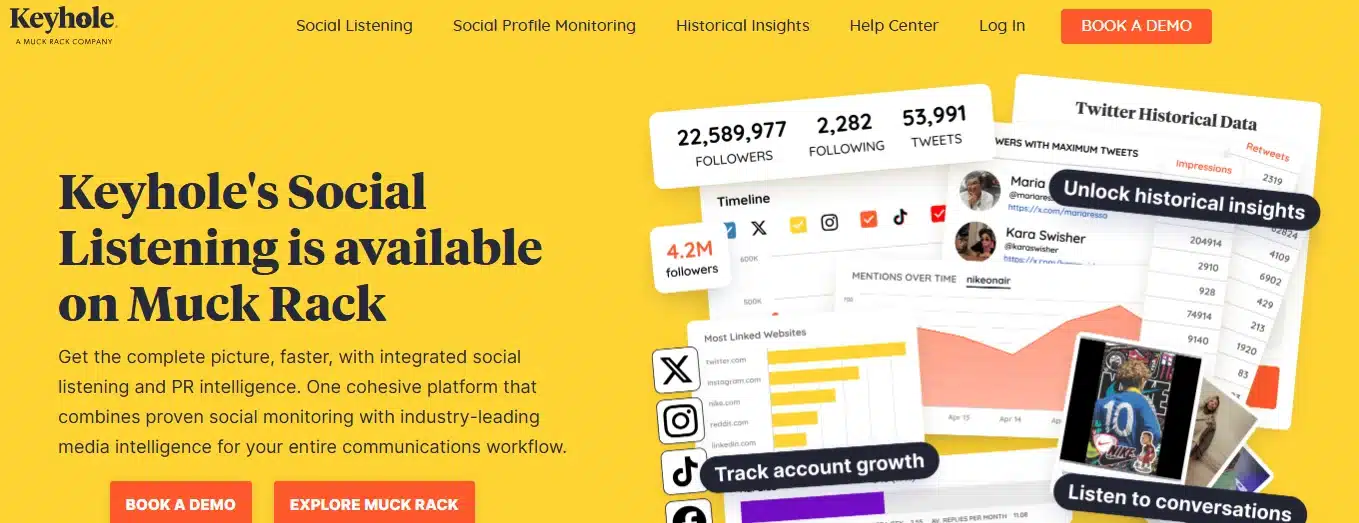
Keyhole is a social listening and analytics tool for tracking hashtags, keywords, and influencers.
Features:
- Hashtag tracking for social campaigns.
- Influencer analytics and engagement tracking.
- Real-time social media analytics.
- AI-powered recommendations for strategy improvement.
Pros:
- Great for tracking campaign performance.
- Easy-to-use dashboard with real-time insights.
Cons:
- Expensive for small businesses.
- Limited integrations with other tools.
Influencer Marketing and Collaboration Tools
17. Upfluence
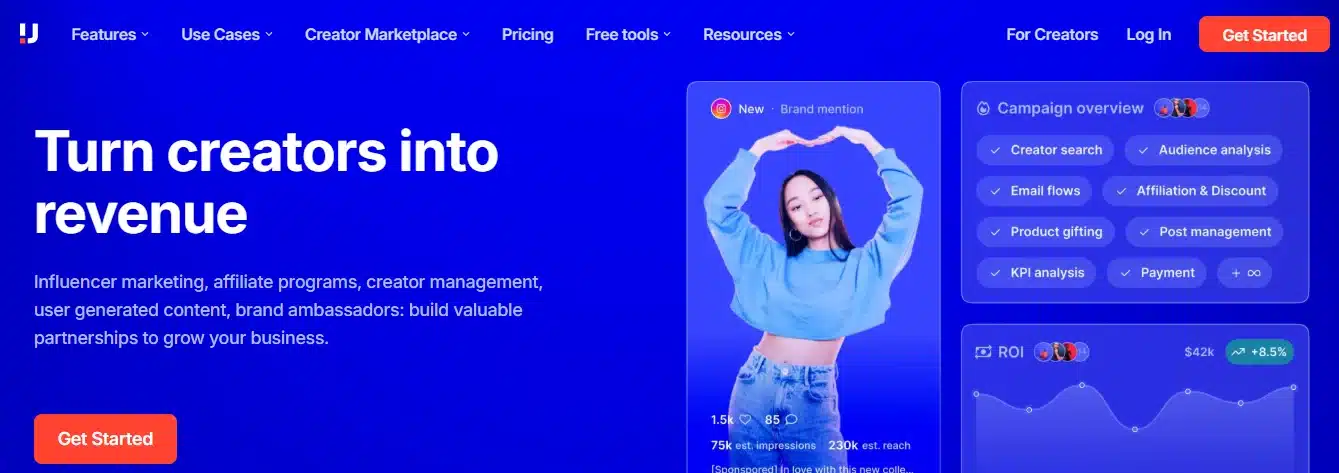
Upfluence is an influencer marketing platform that helps brands discover and manage influencers for their campaigns.
Features:
- AI-driven influencer discovery.
- Performance tracking and analytics.
- Direct outreach and collaboration tools.
- Integration with eCommerce platforms like Shopify.
Pros:
- Helps brands find influencers that fit their niche.
- Detailed campaign tracking for performance insights.
Cons:
- Expensive for small businesses.
- Requires a learning curve for first-time users.
18. Aspire
Aspire (formerly AspireIQ) is an influencer marketing platform built for e-commerce and DTC brands managing large-scale creator communities rather than one-off campaigns.
Features:
- Influencer discovery with detailed analytics.
- Campaign management and collaboration tools.
- ROI tracking and performance reports.
- Automated influencer payments.
Pros:
- Great for managing long-term influencer relationships.
- Helps track influencer campaign performance.
Cons:
- Pricing can be high for smaller brands.
- Limited support for micro-influencers.
19. Heepsy
Heepsy is an influencer discovery tool that helps brands find and vet influencers for marketing campaigns.
Features:
- Search influencers by niche, location, and engagement rate.
- Audience analytics to ensure influencer authenticity.
- Fake follower detection.
- Exportable reports for campaign planning.
Pros:
- Affordable compared to other influencer platforms.
- Strong filtering options for finding niche influencers.
Cons:
- Limited integrations with other marketing tools.
- Some detailed analytics require a premium subscription.
AI-Powered Social Media Tools
20. ChatGPT
ChatGPT helps brands create engaging social media captions, respond to messages, and generate content ideas.
Features:
- AI-generated captions and content ideas.
- Chatbot integration for automated replies.
- Supports multiple languages.
- Analyzes trends for content strategy.
Pros:
- Saves time on content creation.
- Helps improve engagement.
Cons:
- AI-generated content still needs a human editing pass to match brand voice.
- Doesn’t natively publish or schedule content — you’ll need to pair it with a scheduling tool.
21. Predis.ai
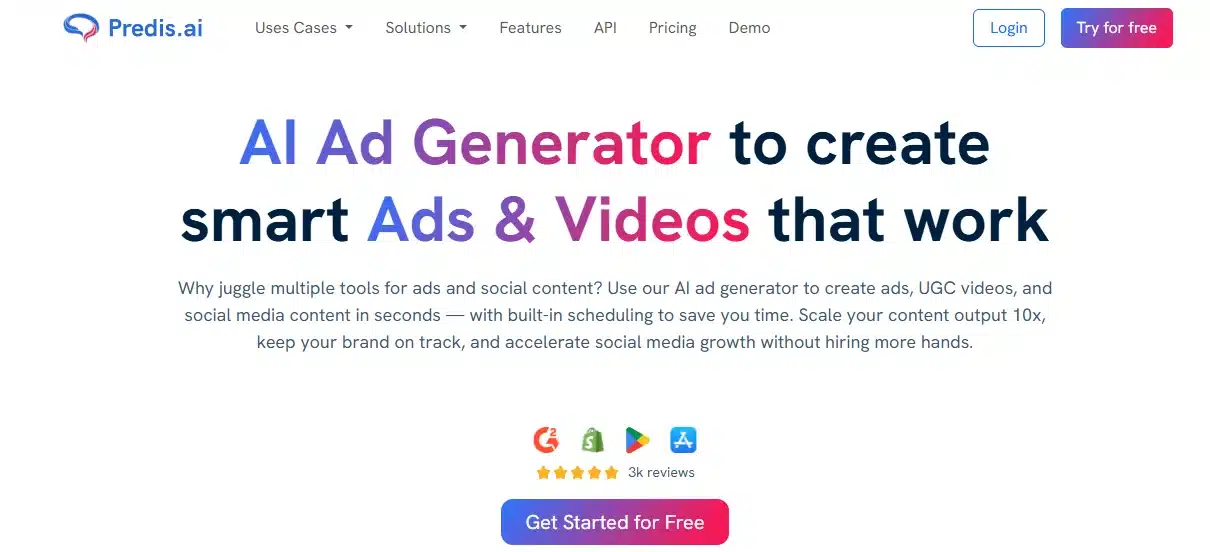
Predis.ai is an AI-powered tool that generates captions, hashtags, and social media graphics.
Features:
- AI-powered post and caption generation.
- Automated hashtag recommendations.
- Social media post scheduling.
- Custom branding options.
Pros:
- Speeds up content creation.
- Helps optimize hashtag strategy.
Cons:
- AI-generated content may need tweaking.
- Limited customization compared to design tools.
How to Choose the Right Social Media Tool
With so many options, selecting the best tool for your brand depends on a few practical factors:
- Business Needs: A solo founder posting three times a week needs a scheduler, not an enterprise listening suite. Map your actual workflow before comparing features.
- Budget Considerations: Free plans work fine until you’re managing more than 2-3 accounts or need team approval workflows. Factor in what you’ll actually need in six months, not just today.
- Ease of Use and Support: A powerful tool nobody on your team wants to open is worse than a simple one everyone actually uses. Trial the interface before committing to an annual plan.
- Team Size and Collaboration: If more than one person touches your social calendar, look for approval workflows and role permissions. Solo operators can skip this and prioritize speed instead.
Quick Comparison: Which Social Media Tool Fits Your Brand
| Tool | Category | Best For | Free Plan |
|---|---|---|---|
| Hootsuite | Management | Teams managing multiple platforms | Yes (limited) |
| Buffer | Management | Small businesses, solo marketers | Yes (limited) |
| Sprout Social | Management | Mid-size to enterprise teams | No |
| SocialBee | Management | Content recycling on a budget | No |
| Google Analytics | Analytics | Tracking social traffic to your site | Yes |
| Brandwatch | Analytics | Deep sentiment and brand perception tracking | No |
| Sprinklr | Analytics | Large enterprise brands | No |
| Iconosquare | Analytics | Instagram/Facebook-heavy brands | No |
| Canva | Design | Non-designers, quick turnaround | Yes |
| Adobe Express | Design | Mobile-first content creation | Yes (limited) |
| VistaCreate | Design | High-volume template use | Yes (limited) |
| Kapwing | Design | Video and subtitle editing | Yes (watermarked) |
| Mention | Listening | Real-time brand mention tracking | Yes (limited) |
| Brand24 | Listening | Small business budgets | Yes (limited) |
| Awario | Listening | Competitor benchmarking | No |
| Keyhole | Listening | Hashtag and campaign tracking | No |
| Upfluence | Influencer | E-commerce influencer discovery | No |
| Aspire | Influencer | Long-term creator communities | No |
| Heepsy | Influencer | Budget-conscious influencer vetting | Yes (limited) |
| ChatGPT | AI | Caption and content ideation | Yes |
| Predis.ai | AI | AI-generated posts and graphics | Yes (limited) |
Conclusion
Using the right social media tools can save time, improve content quality, and increase engagement. Whether you need scheduling, analytics, content creation, or AI-powered assistance, this list provides the best options for 2026. Try different tools, see what works best for your brand, and stay ahead of the competition.
FAQs
1. What’s the best free social media management tool for small businesses?
Buffer and Hootsuite both offer free plans, but Buffer’s free tier is friendlier for solo marketers and small teams since it doesn’t cap out as fast on basic scheduling. Canva is also free-plan-friendly if design is the bigger priority than scheduling.
2. Do I need a separate social listening tool if I already use a management tool like Hootsuite?
Depends on scale. Hootsuite and Sprout Social include basic mention tracking, but dedicated listening tools like Mention or Brand24 dig deeper into sentiment analysis and competitor benchmarking. Small brands can usually skip a separate tool early on; once you’re tracking brand reputation across multiple markets, a dedicated listening tool becomes worth the cost.
3. Which social media tool is best for a team, not a solo marketer?
Sprout Social and Sprinklr are built around team workflows, approval chains, and role permissions. Buffer and SocialBee work fine for solo operators but get limiting once more than two or three people need to touch the same content calendar.
4. Are AI tools like ChatGPT actually useful for social media, or just hype?
Genuinely useful for speeding up caption drafts, brainstorming content angles, and adapting one post into multiple formats. The catch is AI output still needs a human pass for brand voice and accuracy before it goes live. Treat it as a first draft generator, not a publishing tool.
5. What’s the difference between analytics tools and social listening tools?
Analytics tools like Google Analytics and Iconosquare measure how your own content performs (reach, engagement, conversions). Listening tools like Awario and Keyhole track what people are saying about your brand across the web, even in posts you didn’t create. Most brands need both, just for different questions.
6. Which tool is best specifically for Instagram growth?
Iconosquare specializes in Instagram and Facebook analytics and gives more granular insight than general-purpose tools. For content creation specifically for Instagram, Canva and VistaCreate both have strong template libraries built around Instagram’s formats.
7. Can influencer marketing platforms like Upfluence or Aspire work for small brands, or are they only for large companies?
Most influencer platforms, including Upfluence and Aspire, are priced and built for brands running ongoing influencer programs, which usually means a bigger budget. Smaller brands or those just starting influencer outreach often get more value from Heepsy, which is priced lower and works well for discovering niche or micro-influencers manually.
8. How many social media tools does a brand actually need?
Most brands don’t need more than two or three: one for scheduling and publishing, one for analytics or listening, and one for content design. Stacking five or six overlapping tools usually creates more admin work than it saves.
9. Are free plans on these tools actually usable, or do they push you to upgrade immediately?
Free plans on tools like Buffer, Canva, and Mention are genuinely usable for early-stage brands, though most cap the number of accounts, posts, or reports you can run. Expect to hit the ceiling once you’re managing more than two or three platforms actively.
10. What should a brand look for before switching social media tools?
Check whether the new tool supports all the platforms you’re active on, whether it integrates with your existing workflow (CRM, ad accounts, etc.), and whether your team can migrate scheduled content without starting from scratch. Switching tools mid-campaign is disruptive, so it’s worth trialing before committing to an annual plan.
11. Is ChatGPT a replacement for a proper social media management tool?
No. ChatGPT helps with the writing side, captions, ideas, hashtag suggestions, but it doesn’t schedule, publish, or track performance. It works best paired with a scheduling tool like Buffer or SocialBee, not instead of one.
12. Which social media tools are best suited for agencies managing multiple client accounts?
Sprout Social and Sprinklr both support multi-client workspaces and team permissions, which matters when you’re managing several brand accounts at once. Hootsuite also scales reasonably well for agencies, though it can get pricier as client accounts increase.